User Interface Design Templates: 10 Picks for Mobile Apps
Compare 10 user interface design templates for mobile apps, from Figma kits to marketplace packs, with selection criteria and React Native tips.
 Parth
Parth
You have a weekend, a Figma file, and a product that still lives only in your head. You restyle a few screens, swap the type, and the mock looks like an app. Monday comes, and nothing runs on a phone. That gap is where most user interface design templates stop being useful.
A design file helps you explore structure. A design system helps a team reuse decisions. A starter that carries into Expo and React Native is the only format that becomes a running build. Sorting kits by visual style hides that difference. I sort them by the point where they stop: exploration, a shared system, or code you can ship.
Pretty frames are a research tool. They are not a build.
Before the first screen, decide what the file has to do this month. If you're testing a concept, a free mobile kit is enough. If you're handing screens to engineering, you need tokens, states, and a written handoff. If you need auth, navigation, and state on day one, a design file won't get you there. Design files do not ship code.
The ten picks below follow that split. Official platform kits, premium systems, and marketplaces each fail in a different place. None of them is a full app by itself. Treat the list as a workflow test, not a beauty contest, and match the file to the build you have to run.
Table of Contents
- 1. Figma Mobile UI Kit
- 2. Apple Design Resources
- 3. Google Material 3 Design Kit
- 4. Untitled UI
- 5. Frames X
- 6. Flowbite Figma Design System
- 7. Saas UI Figma Design System
- 8. UI8
- 9. ThemeForest UI Templates
- 10. Creative Market UI Kits
- How the 10 user interface design templates differ by format, pricing model, best use, and mobile focus
- Choose for the App You Will Ship, Not the One You Admire
1. Figma Mobile UI Kit
 Figma Mobile UI Kit
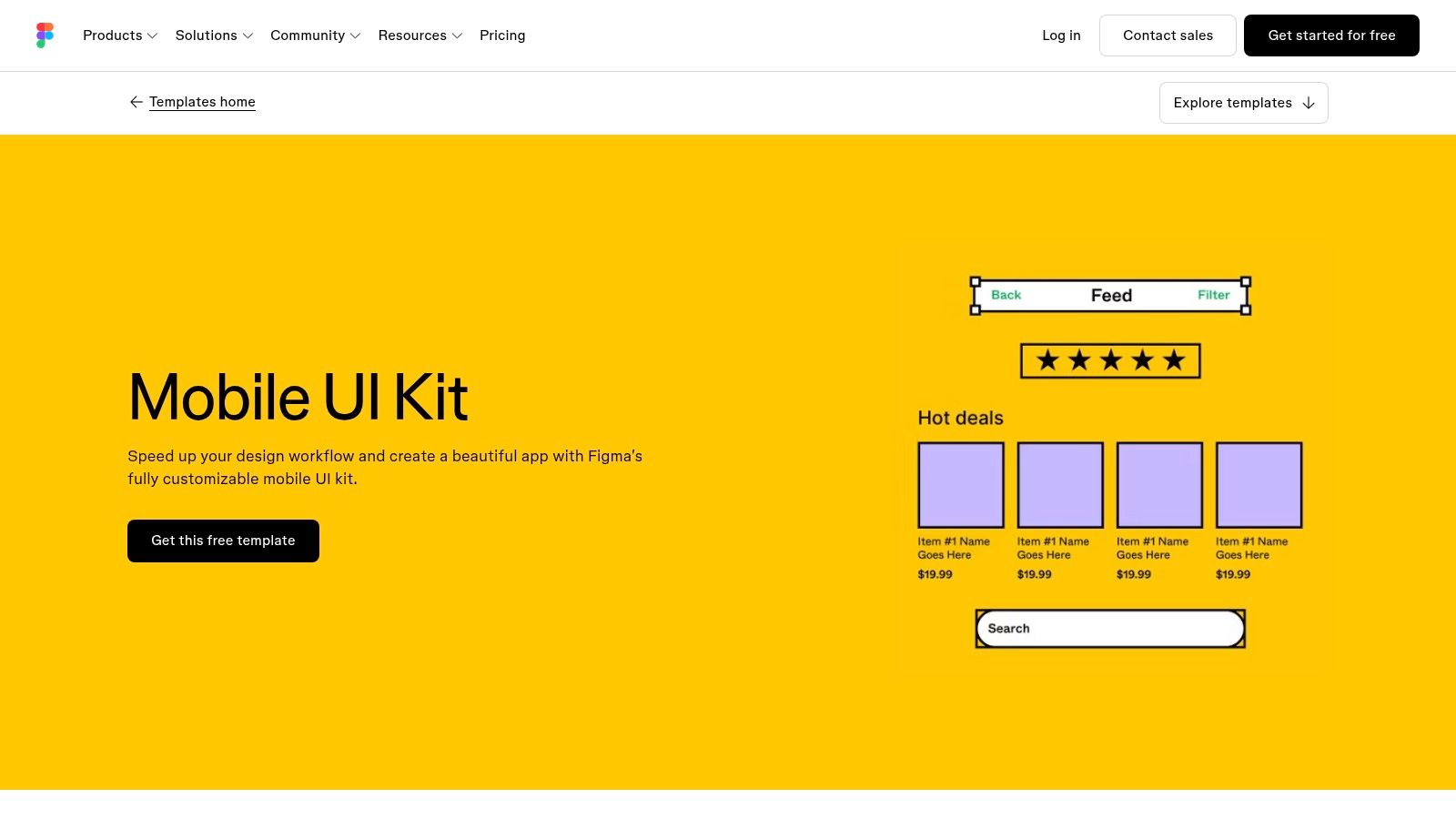
The Figma Mobile UI Kit is a free, editable file for general mobile concepts. Chat, social, and calendar examples sit in one document, so you can test structure before you invent a visual language.
It stops at the canvas. Components, styles, text, colors, and sizes are editable, and layers are grouped so a second designer can follow the file in the browser. There is no production app under those frames.
What you get:
- Editable building blocks: Reuse common mobile layouts instead of starting from a blank frame.
- Browser collaboration: Comments and versions stay in Figma, which is enough for an early prototype.
- No running app: You still write navigation, data, and platform behavior yourself.
I would use it for a weekend concept, then stop. A polished product needs a second pass on hierarchy, empty states, and error copy. For how those screens should behave once they leave the file, read this guide to UI design for a mobile app.
2. Apple Design Resources
Apple Design Resources are the official kits for iOS, iPadOS, macOS, watchOS, and visionOS, plus templates for App Clips, Live Activities, Wallet, and Sign in with Apple. Supported kits download in Figma or Sketch.
This is a reference, not a cross-platform system. The patterns match Apple's conventions, which matters when the app should feel native instead of like a shrunk website. Nielsen Norman Group's mobile-usability research found an average task-success rate of 76% for mobile apps, compared with 64% for mobile-specific websites. That gap is a reason to keep platform navigation, touch-sized controls, and visible feedback, rather than forcing one layout onto every OS.
Practical rule: Accept the license, open the iOS kit, and compare your nav and controls against it before you invent a custom bar.
Sketch-only files need Sketch. Nothing here compiles for Android or the web, and some kits require Apple's end-user license before the download starts.
3. Google Material 3 Design Kit
 Google Material 3 Design Kit
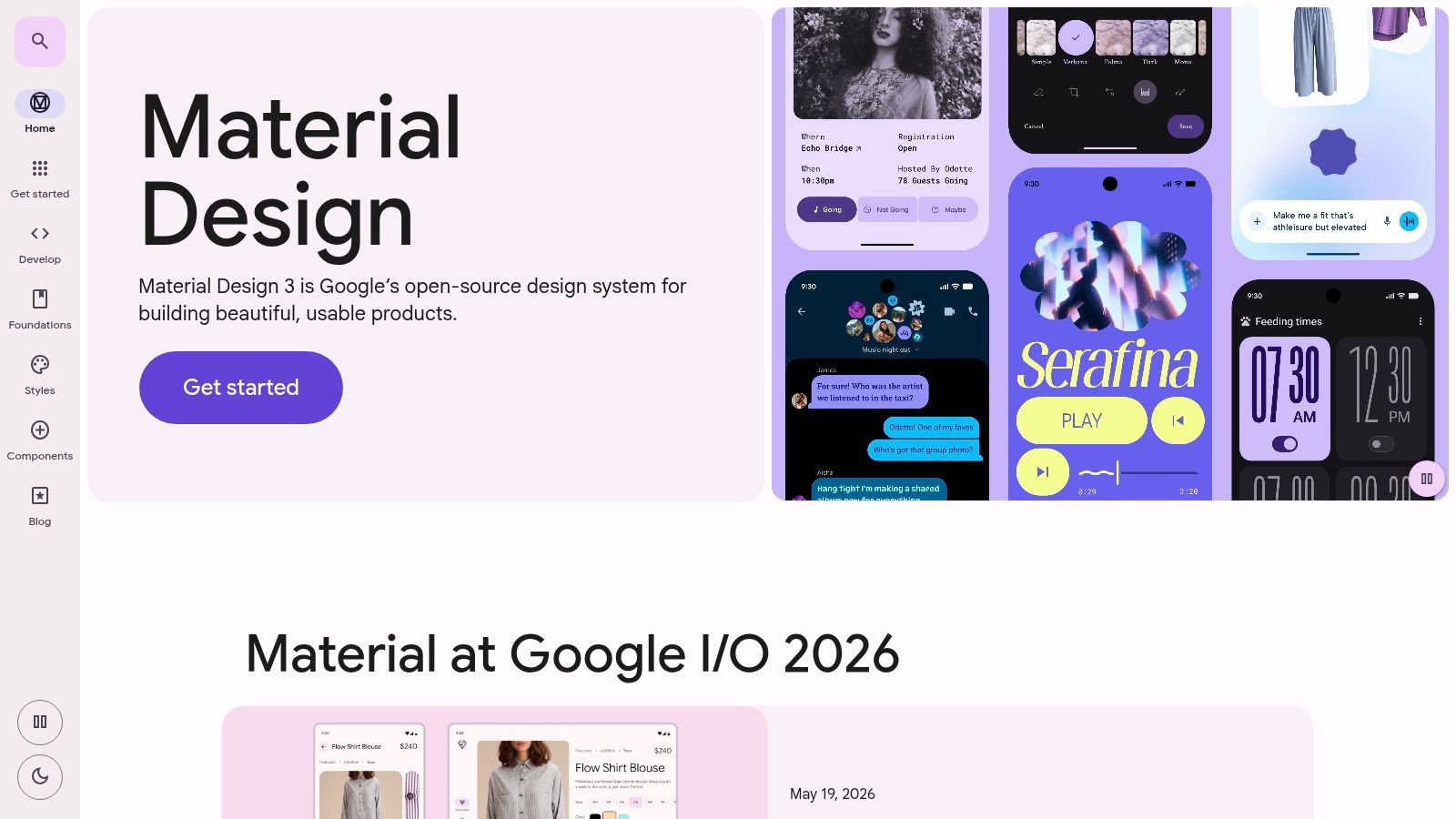
An Android product that already follows Material patterns gets the most from the Material 3 design kit. It gives teams Figma components, styles, and structured patterns for keeping screens consistent. The files are available on any Figma plan, subject to file access.
Google's Material Design library records the public launch on June 25, 2014, and reports that within one year more than 1 million products in the Android store used elements of Material Design. Material You, also called Material Design 3, came later with more room for color, geometry, type, and personalization.
Where Material 3 stops
Material 3 is a design kit, not a React Native implementation. It can help an MVP settle Android patterns and hand off cleaner specs, but production still needs separate Expo code, auth, navigation, and state management. Confirm the current kit version and platform notes before locking spacing. Material's geometry will fight a brand that wants a softer, less systematic look. I treat it as the Android reference, then restyle only the tokens a product really owns.
4. Untitled UI
Untitled UI is a premium Figma system for product and SaaS work. You get a large library of components, variants, page examples, global styles, and icons, plus variables and dark mode in the versions that include them. Separate files match different design-system workflows. A free version lets you judge the file, and purchases include lifetime updates.
Breadth is the trade-off. A small consumer app doesn't need a full SaaS library, and team licenses get expensive. There is still no matching native implementation.
The 2025 Design Systems Report reported that only 22% of systems reached at least 80% coverage, while adoption was the second-largest challenge for 28% of respondents. A huge kit doesn't fix that. Track which routes use shared buttons, inputs, cards, and dialogs, and write down every exception.
A component forced into the wrong screen is worse than a duplicate you meant to keep.
5. Frames X
Frames X sells separate Figma kits rather than one giant system. Mono is the minimalist UI kit. Root covers wireframes and illustration. The offer also includes design tokens, free icons and logos, lifetime updates, and community support. Listed kits are one-time purchases, and the FAQ addresses commercial project use.
Split exploration from polish
Use Root while the flow is still unstable. Move to Mono once labels and hierarchy settle. Mixing wireframe strokes into a near-final file creates a cleanup pass nobody budgeted.
What it won't cover:
- Every app category: Preview the exact kit before you assume banking, chat, or onboarding is inside.
- A codebase: The work stays in Figma and never becomes an Expo project on its own.
- A license you haven't read: Commercial terms live in the FAQ, not in the thumbnail.
I like the split between wireframe and visual kits. I wouldn't buy a stack of them for a single MVP.
6. Flowbite Figma Design System
 Flowbite Figma Design System
Flowbite's Figma design system sits next to a Tailwind CSS component set. Variants and style guidance live in the file, and Flowbite Pro adds code, including React sections and page templates. That pairing helps a web app, an admin dashboard, or a browser companion beside the phone product.
Commercial use is allowed under the stated license, with limits. You can't repackage the kit and resell it as a competing UI kit or template. Check the current Pro terms before a client project.
Native mobile is the miss. Tailwind spacing and web components don't map cleanly onto iOS and Android controls. If the product is mostly a dashboard in the browser, start here, and read typography guidance for design and engineering teams before you freeze type scales. For a wider pass on browser kits, see these web UI options that pair with a product build.
7. Saas UI Figma Design System
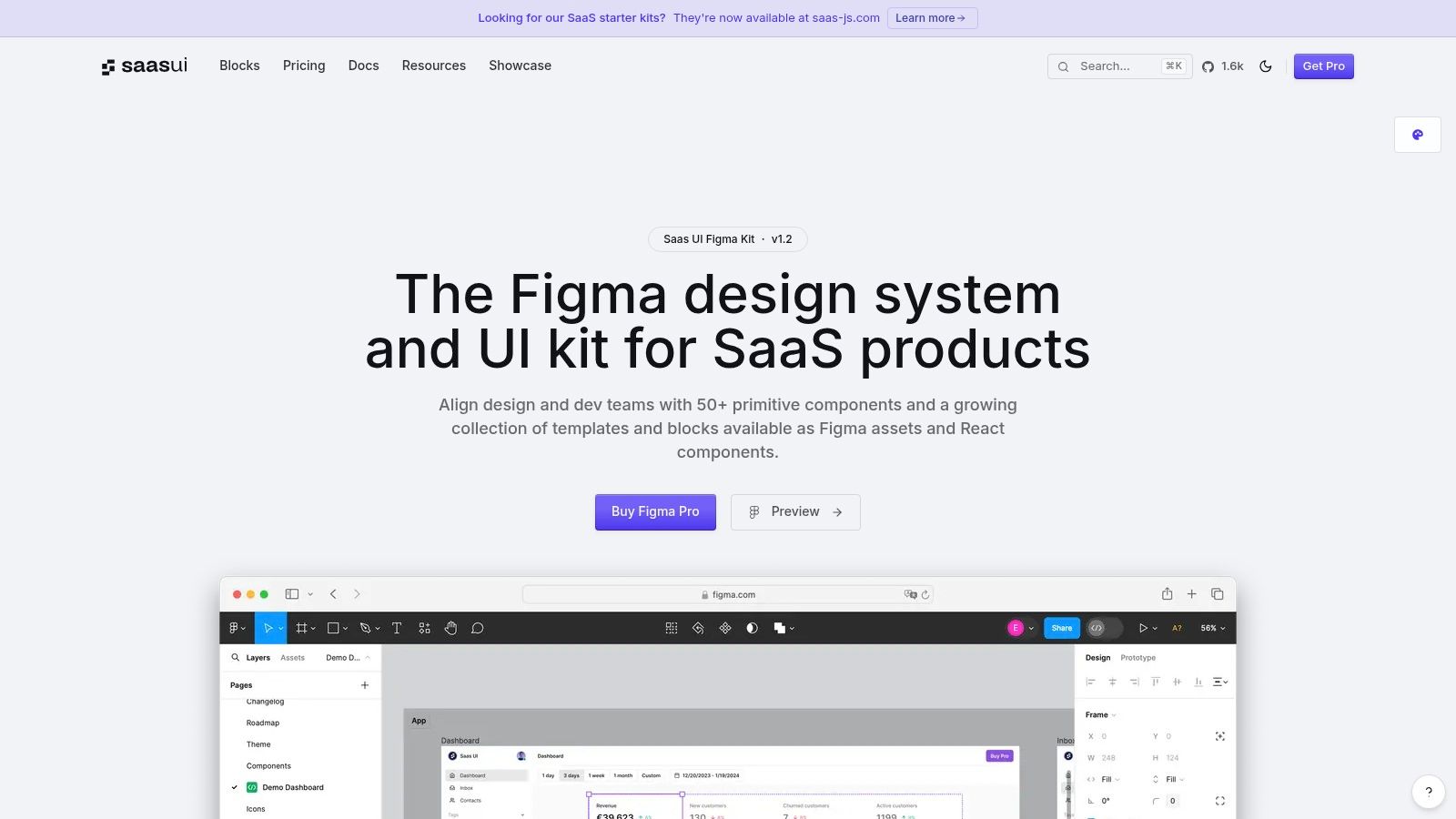 Saas UI Figma Design System
Account settings, billing, and dense dashboards are a different problem from a consumer feed. The Saas UI Figma design system is built for that narrower job, as a reusable base for SaaS screens rather than a general mobile pack.
Fit check before you buy:
- Logged-in software: Stronger when the first ten screens are tables, settings, and account areas.
- Early exploration: Faster than a blank consumer kit if the product is dashboard-heavy.
- Confirm the bundle: Pricing and included assets live on the product page, and they change.
A Figma kit still doesn't give you production app code. Stories, maps, and camera flows are thin or absent. If the MVP is a phone-first social app, pick a mobile kit and keep this one for a later web console.
8. UI8
UI8 is a marketplace. Independent creators sell UI kits, themes, and templates, as single purchases or through subscription access. All Access plans include a defined daily download limit. Source files vary by product and may be Figma or Sketch. Previews are good for a first look and bad as a quality guarantee.
That variety is why people shop here, and why a production team gets burned. A listing can nail a niche look and still skip labels, contrast, and error recovery.
A March 2025 survey of 28 people with disabilities found complicated layouts or navigation were the largest reported obstacle (46.4%), followed by missing captions or transcripts (42.9%). Vet any UI8 file for semantic labels, scalable type, and a non-drag path before you call it a base. Style is the easy part. Navigation architecture is where these files usually fail.
9. ThemeForest UI Templates
Banking, commerce, and mobile-app listings crowd ThemeForest's UI templates. You buy one item. The page shows format, price, author, and what you receive. Some items are cheap enough for a niche concept you'll discard after a user test.
Quality and support follow the author, not the marketplace. Update dates go stale. Some products are web apps or PWAs rather than native screens, and a UI template may include no source code at all.
Check the last update, the license, and whether the deliverable is Figma, a web theme, or both.
If the next step is a React Native codebase, compare React Native templates built to run instead of hoping a design ZIP includes navigation. The same caution shows up when you avoid WordPress theme lock-in: a pretty theme you can't leave is an expensive shortcut.
10. Creative Market UI Kits
Creative Market's UI kits are individual purchases across Figma and other creative tools. You don't need a catalog subscription. That makes it a fair place to hunt a specific look, a poster-like onboarding set, or a style official kits will never ship.
Catalog-wide consistency isn't part of the deal. Maintenance, file format, and commercial terms change per listing. These kits are also less specialized for mobile product UI than Apple's or Google's official files.
Before you download:
- Open the preview: Confirm real screens, not a style tile with three buttons.
- Match the tool: A Sketch file is useless if the team lives in Figma.
- Read the license: Client work and template resale are not the same grant.
Use it for art direction. Don't use it as the system a second developer is expected to extend next quarter.
How the 10 user interface design templates differ by format, pricing model, best use, and mobile focus
| Item | Primary Format | Pricing Model | Best For | Mobile Focus |
|---|---|---|---|---|
| Figma Mobile UI Kit | Editable Figma template | Free | Early mobile app concepts and prototypes | General-purpose mobile layouts |
| Apple Design Resources | Apple platform UI kits and templates | Free | Designing with Apple interface conventions | iOS, iPadOS, watchOS, and visionOS |
| Google Material 3 Design Kit | Figma UI kit and design resources | Free access; file access may vary | Consistent interfaces using Material 3 | Android-focused |
| Untitled UI | Figma UI kit and design system | Free version and paid licenses | Reusable product and SaaS interfaces | Not specifically mobile-focused |
| Frames X | Figma UI kits, templates, and tokens | One-time kit purchases | Reusable visual components and wireframes | Not specifically mobile-focused |
| Flowbite Figma Design System | Figma design system with related web code resources | Free and paid offerings; check product terms | SaaS, admin, and web app interfaces | Limited; emphasizes web and Tailwind CSS |
| Saas UI Figma Design System | Figma UI kit and design system | Check product page | SaaS dashboards and business software | Less focused on consumer mobile |
| UI8 | Marketplace of UI kits and templates | Individual purchases or subscription | Finding niche styles and product concepts | Varies by listing |
| ThemeForest UI Templates | Marketplace of UI templates and design files | Individual item purchases | Finding targeted app and interface templates | Includes mobile app kits; varies by listing |
| Creative Market UI Kits | Marketplace of UI kits and design assets | Individual asset purchases | Finding distinctive visual styles | Varies by listing; less mobile-specialized |
Choose for the App You Will Ship, Not the One You Admire
Pick the template by the stage it has to carry. Exploration, a shared design system, or a codebase that runs on day one are different purchases. A file you admire in a screenshot often dies at the first real flow, when someone asks how the settings screen behaves with no saved data.
For an MVP, a free or low-cost mobile kit plus a written handoff is often enough. Name the screens, the empty states, and who redraws them when the flow changes. For a production app, budget time to adapt components, read licenses, and wire real data and authentication. The categories from the list above matter here. Official kits such as Apple and Material 3 are references. Premium systems such as Untitled UI, Flowbite, and Saas UI scale a visual language. Marketplaces, Frames X, and the free Figma mobile kit are starting points with uneven coverage.
A simple selection test:
- Exploring this week: Take the free mobile kit or one marketplace file, and stop when the flow is clear.
- Scaling a product team: Pay for a system with tokens, variants, and docs, then measure reuse instead of collecting more screens.
- Shipping on Expo: Start from code. Design files won't authenticate a user or hold navigation state.
Speed and form length belong in that choice, not in a later polish pass. Baymard Institute states that its research program represents more than 200,000 hours of real-world testing involving over 18,000 users. That testing commonly finds room to cut default form-field counts by 20% to 60%. A template that only standardizes colors won't encode shorter auth, checkout, or profile flows, so check whether a kit ships thin flows or just thin visuals.
AI doesn't close the gap by itself. A 2025 study of AI-generated interfaces evaluated output against measurable WCAG checks such as contrast, text spacing, and target size. Prompts aren't a review process. Keep tokens, component contracts, and a human pass, whether the screens started in Figma or in generated code.
I wouldn't start a production Expo app from a design-only kit and hope the translation stays cheap. AppLighter is one starter that already includes working Expo and React Native code, with authentication, navigation, and state management wired, plus screens you can restyle. It's still a starter. You replace sample data, confirm licenses for anything you mix in, and test on iOS, Android, and web. Pair that build with a business-first mobile app design guide when stakeholders need the product case, not another component tour.
AppLighter is a premium Expo and React Native starter with pre-wired authentication, navigation, state management, and customizable interface screens, so you're not redrawing the same flows in a file that never runs. If your next user interface design templates decision has to survive a real iOS, Android, and web build, start from code instead of another static kit. Visit AppLighter and see whether that starter matches the app you intend to ship.