10 React Native Login Template Free Options for 2026
Browse 10 React Native Login Template Free options for Expo, Firebase, and Supabase, with licenses, pros, cons, and integration tips.
 Damini
Most free React Native login templates look nearly identical in a screenshot. The important differences sit behind the form. Some provide only screens. Others assume Firebase or Supabase. At least one is archived. The true cost is the authentication wiring, navigation logic, session handling, and maintenance work you inherit.
This list groups 10 free React Native login template options by the backend they assume and the maintenance risk they carry. Each entry covers the concrete features, compatibility details where the source provides them, license information, strengths, limitations, and the integration work still left for you. A login screen can also become the starting point for email delivery and recovery flows, including infrastructure such as a Gmail SMTP relay, but the template itself rarely solves that whole system.
Match the template to your backend before copying code. A polished UI-only scaffold may be the right choice when your API already exists. A Firebase or Supabase starter can save more time when identity, sessions, and protected routes still need to be wired.
Table of Contents
- 1. Callstack React Native Paper Login Template
- 2. React Native Market Simple Login Template
- 3. Dopebase React Native Login Screen
- 4. kovymun React Native Auth UI
- 5. expo-community Expo Firebase Starter
- 6. mstf66x Expo Firebase Starter
- 7. kiyohken2000 React Native Expo Firebase Boilerplate v2
- 8. DiegoBernalDev Expo Supabase Starter
- 9. robertguss Expo Supabase Starter Kit
- 10. justinnewbold React Expo Auth Template
- Top 10 Free React Native Login Templates Comparison
- Choose the Starter You Can Still Maintain Next Year
1. Callstack React Native Paper Login Template
Callstack's React Native Paper Login Template is the cleanest fit for a UI-first project that already has an authentication service. It provides five screens and 16 components, uses React Native Paper for components and theming, and keeps the dependency surface small. The repository also includes Prettier configuration, which makes it easier to bring the code into an existing team workflow.
The template's main strength is readability. Callstack is a core React Native ecosystem contributor, and the small surface area makes the code easier to inspect than a large starter with analytics, database access, and unrelated screens. You can adapt the form controls, theme, loading states, and onboarding structure without first removing an entire application shell.
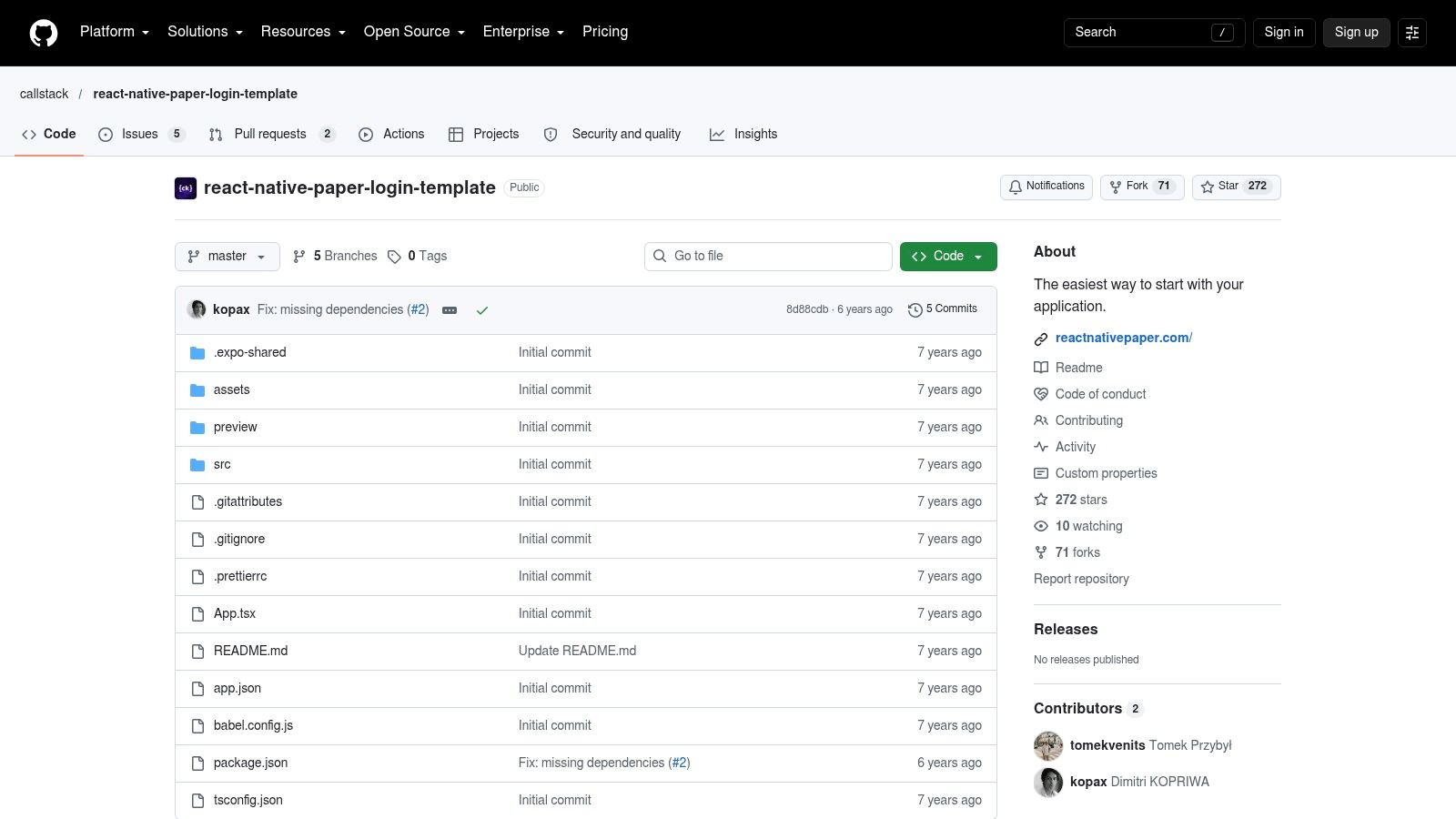 Callstack React Native Paper Login Template
What you still need to wire
This is a UI and login-flow scaffold, not a backend integration. You'll need to connect the submit handler to your API or identity provider, define the session model, persist credentials securely, and decide how the app responds to expired or revoked sessions. Navigation guards, password reset, account recovery, MFA, and logout behavior also remain your responsibility.
React Native Paper is both an advantage and a constraint. Its theming gives the screens a consistent foundation, but switching later to another component system means replacing the component layer rather than just changing colors.
Practical rule: Choose this repository when you want a readable starting point and already know where authentication will live. Don't choose it expecting provider configuration or production session security.
2. React Native Market Simple Login Template
React Native Market's Simple Login Template takes a narrower approach. It supplies the common login, registration, and forgot-password screens, with a live demo and GitHub access. The result is useful when the immediate need is a styled authentication entry point rather than a complete project architecture.
The template is based on React Native Paper, so developers already using that library can reuse its visual language and form components. Its download-and-go format can be useful for a prototype where the app shell, API client, and navigation already exist.
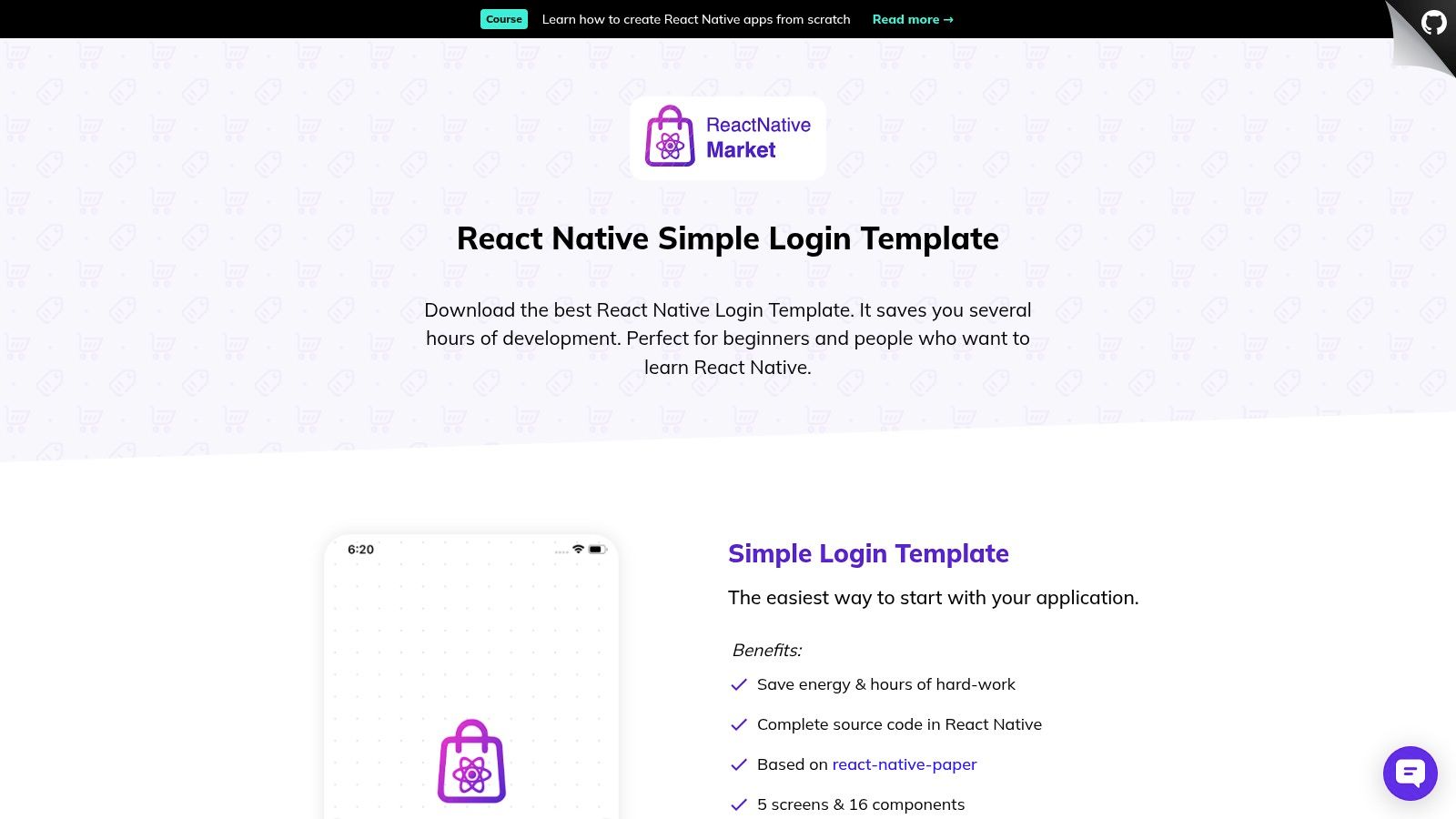 React Native Market Simple Login Template
The missing application structure
The limitation is scope. The screens don't provide a real backend integration, and they aren't a complete application structure with authentication state or route guards. You'll need to add navigation, connect each form to your provider, display provider-specific errors, and prevent authenticated users from returning to the login stack.
The forgot-password screen also needs more than a button. Your backend must issue a recovery message, your email provider must deliver it, and the app must handle the return link or reset code safely. The template gives you the visual surface, not that recovery system.
- Best fit: An existing React Native app that needs standard authentication screens.
- Useful handoff: Replace demo handlers with typed API functions before adding business logic to components.
- Maintenance risk: Low code complexity, but the repository doesn't remove the work of checking dependency compatibility with your current React Native or Expo setup.
If you want a quick visual baseline, this option is practical. If you need protected navigation and session restoration immediately, you'll be building those pieces yourself.
3. Dopebase React Native Login Screen
Dopebase's React Native Login Screen Template is designed for a single-screen handoff. It provides a ready-made sign-in interface with a polished visual treatment, and the code is available after creating a free Dopebase account. That access requirement isn't a technical problem, but it adds a step before you can inspect the implementation.
The narrow scope makes this template easier to place inside an existing app. You don't need to adopt a new navigation architecture or remove unrelated features. Copy the screen, adapt the inputs to your design system, and connect the submit action to the authentication service already used by the application.
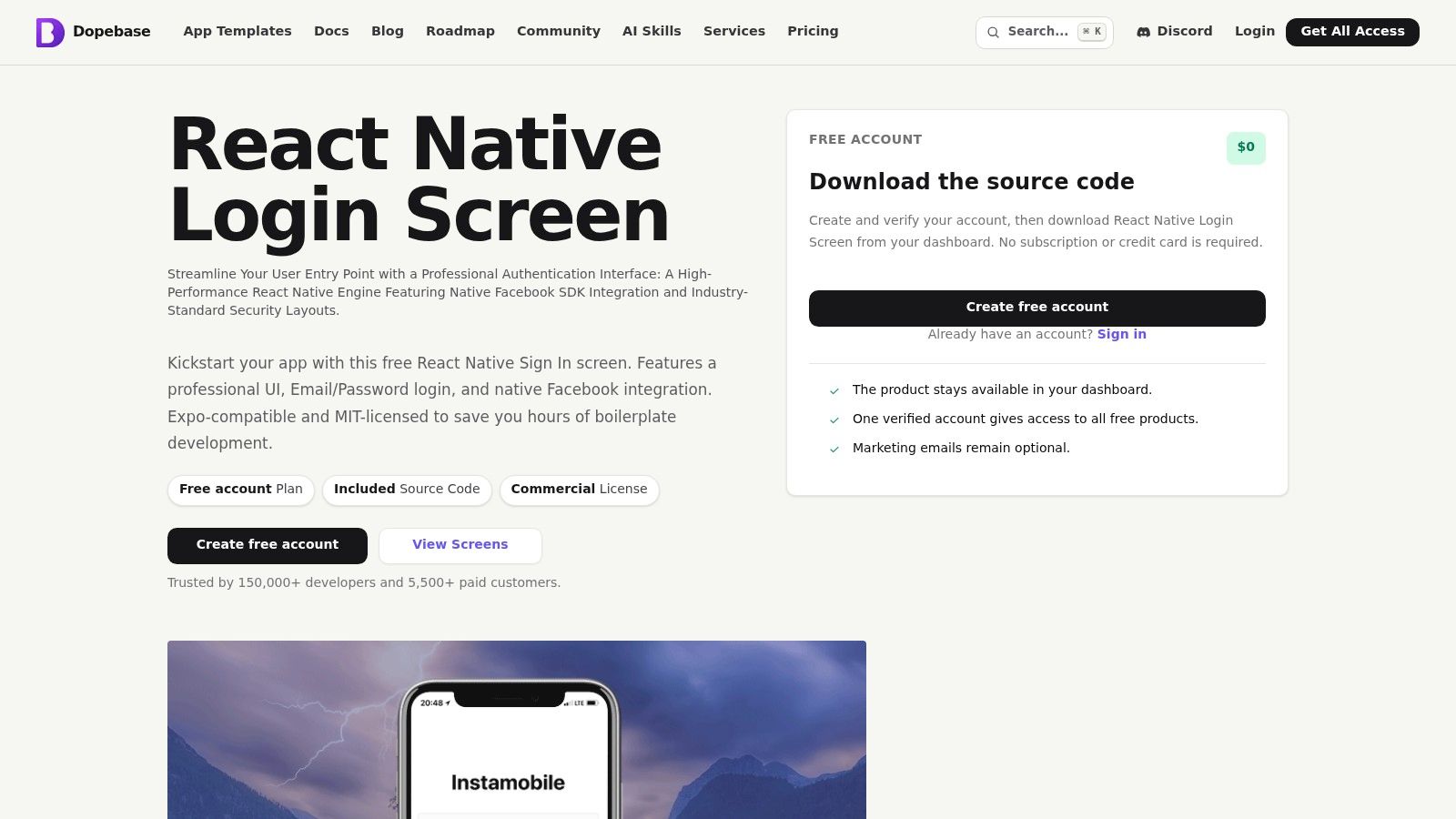 Dopebase React Native Login Screen
What a single screen doesn't solve
A standalone sign-in screen leaves almost every lifecycle decision open. You must add registration and password recovery if the product needs them. You must also implement loading and error states that match your provider, store sessions in an appropriate location, restore the session on cold start, and route users according to authentication state.
Before importing it, check how its inputs expose values and whether its styling fits your existing component system. A screen that looks good in isolation can create extra work if your app uses different typography, spacing, validation, or form-state conventions.
For a broader view of the implementation decisions around screens, styling, provider integration, accessibility, and testing, compare this template with the React Native login screen template guidance. The screen itself is only one layer of the feature.
Use Dopebase when you need a fast sign-in surface. Don't treat it as an auth architecture. Its value is speed of visual integration, not a complete session system.
4. kovymun React Native Auth UI
kovymun's React Native Auth UI is a small TypeScript project built around Expo Router. It includes Login and Create Account screens and presents a clean structure for adding your own authentication logic. The repository is explicitly UI-only, with no backend and no validation included.
That makes it more adaptable than a provider-specific starter. You can connect it to a custom API, Firebase, Supabase, or another identity service without first removing provider assumptions. TypeScript and the Expo Router file structure also give you a useful base if the rest of your project already follows that stack.
 kovymun React Native Auth UI
The work belongs to your application layer
The repository doesn't include real authentication, form validation, or state management. You'll need to define the form schema, submit actions, API client, session context, persistence strategy, and redirect behavior. You must also decide whether the Create Account screen supports email verification, invitation codes, social identity, or only a basic credential flow.
Expo Router's file structure can make screens easy to locate, but a redirect is not the same as authorization. Runtime route protection and server-side access control must work together. An API should still reject requests made with expired or invalid credentials, even if the client sends the user back to the login screen.
This option is best for developers who want a small, provider-neutral base. It won't save time on backend integration. It saves time on screen composition and gives you a cleaner place to add your own auth boundaries.
5. expo-community Expo Firebase Starter
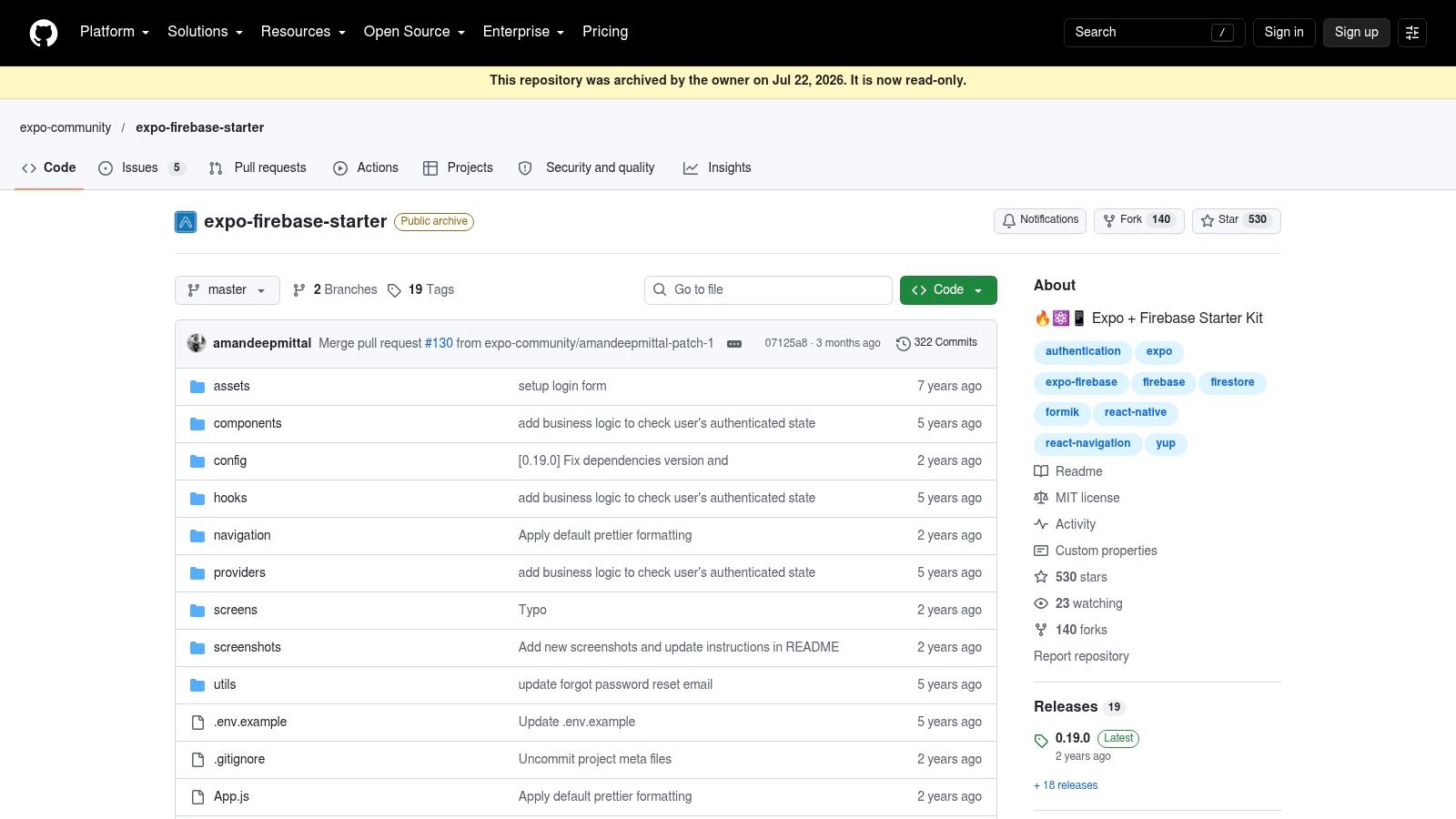
If you sort free login templates by maintenance risk instead of screen polish, expo-community's Expo Firebase Starter lands in the archived reference bucket. That distinction matters. It shows a complete Firebase email and password flow with signup, login, and password reset through the Firebase Web SDK v9, plus Formik, Yup, an example environment file, and a project structure you can inspect.
For a developer who has not wired Firebase auth in Expo before, that still has value. You can study how the forms are shaped, how validation errors are surfaced, and how provider calls are organized, then lift only the parts that fit your app.
 expo-community Expo Firebase Starter
The catch is maintenance. The repository is archived and the project notes point to Expo SDK 50, so you should expect upgrade work before trusting it in a current codebase. In practice, old auth examples often drift at the edges first. Session persistence, Expo package compatibility, navigation setup, and Firebase initialization can all need changes even if the core screens still render.
I would treat this starter as a reference implementation for one narrow job: understanding a documented Firebase credential flow. I would not use it as the foundation for a new production app.
What it leaves for you is the part that usually determines whether auth holds up under real use. You still need to choose secure session storage, define logout behavior, verify how web and native sessions differ, protect routes at runtime, and enforce authorization on the API side. A working example can show the happy path. It does not settle your security model.
The MIT license makes reuse straightforward, but maintenance stays with you. For teams comparing free options by backend assumptions, this one is useful as a Firebase pattern library and risky as a long-term starter.
6. mstf66x Expo Firebase Starter
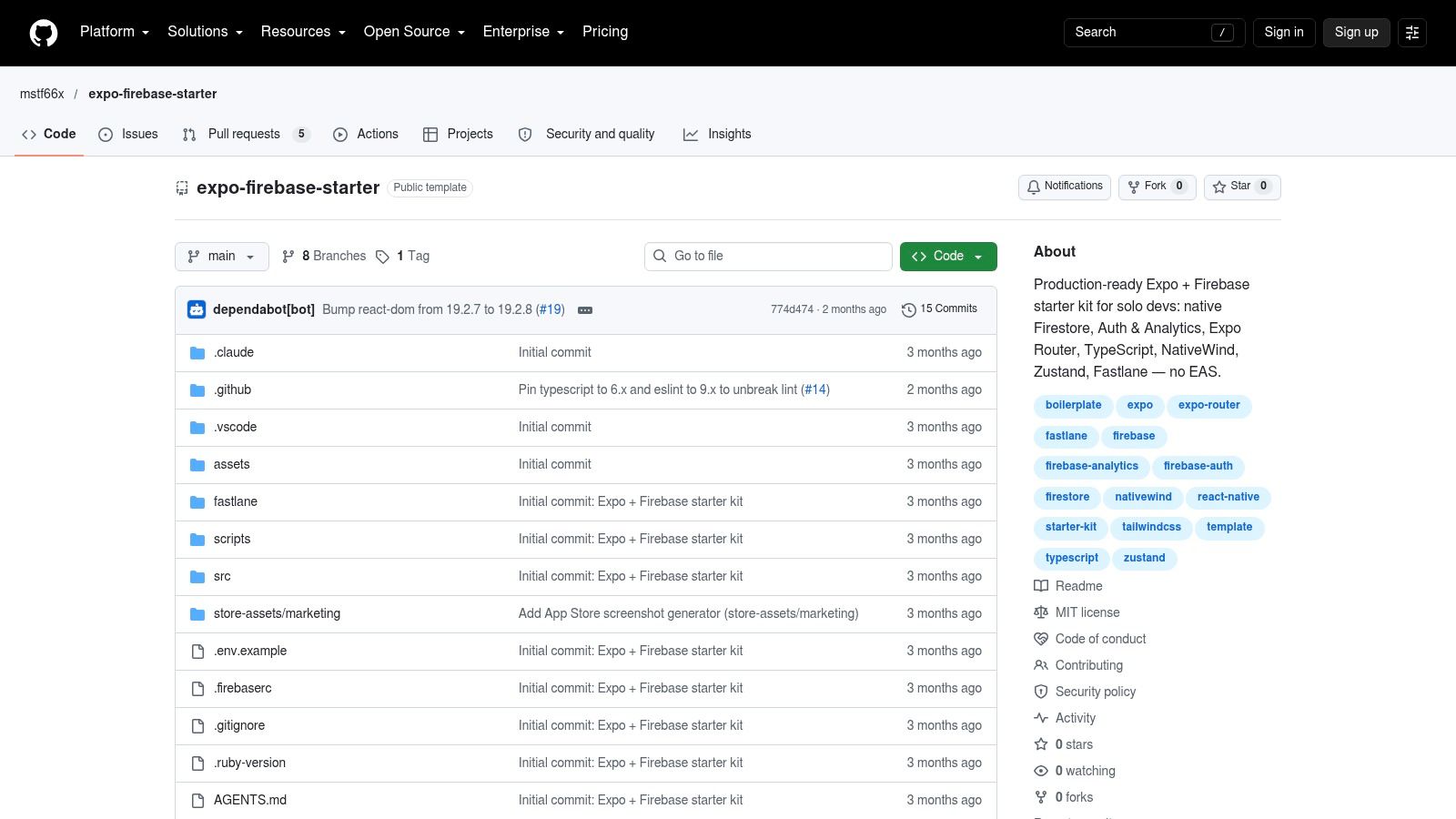
mstf66x's Expo Firebase Starter takes a broader, more current-looking approach than the archived Firebase reference. It combines Firebase Auth, Firestore, and Analytics with protected routes through Expo Router. Its stack also includes NativeWind, Zustand, and Fastlane, so it behaves more like an application starter than a login-screen package.
The project notes target Expo SDK 57, React Native 0.86, and React 19. Those versions are useful compatibility signals for evaluation, but they aren't a guarantee that the repository will match your project. Confirm the actual package graph and build behavior before merging code.
 mstf66x Expo Firebase Starter
Dev builds change the setup
The starter uses native Firebase modules, so it requires a development build and isn't compatible with Expo Go. That distinction matters for teams that expect to test the template immediately in Expo Go. You'll need native configuration, Firebase project settings, environment handling, and a repeatable development-build process.
The extra application layers can help if you need Firestore and analytics from the beginning. They can also create pruning work for a small MVP. Remove unused stores, screens, analytics hooks, and build automation only after you understand how the starter connects them.
Choose the integration path before the UI path. If your team wants a managed Expo Go workflow, this Firebase starter isn't the right fit without changing its native assumptions.
The MIT license and quick-start documentation make the project easier to evaluate. The main risk is not the presence of Firebase. It's adopting a larger stack than your product needs, then carrying those dependencies through every upgrade.
7. kiyohken2000 React Native Expo Firebase Boilerplate v2
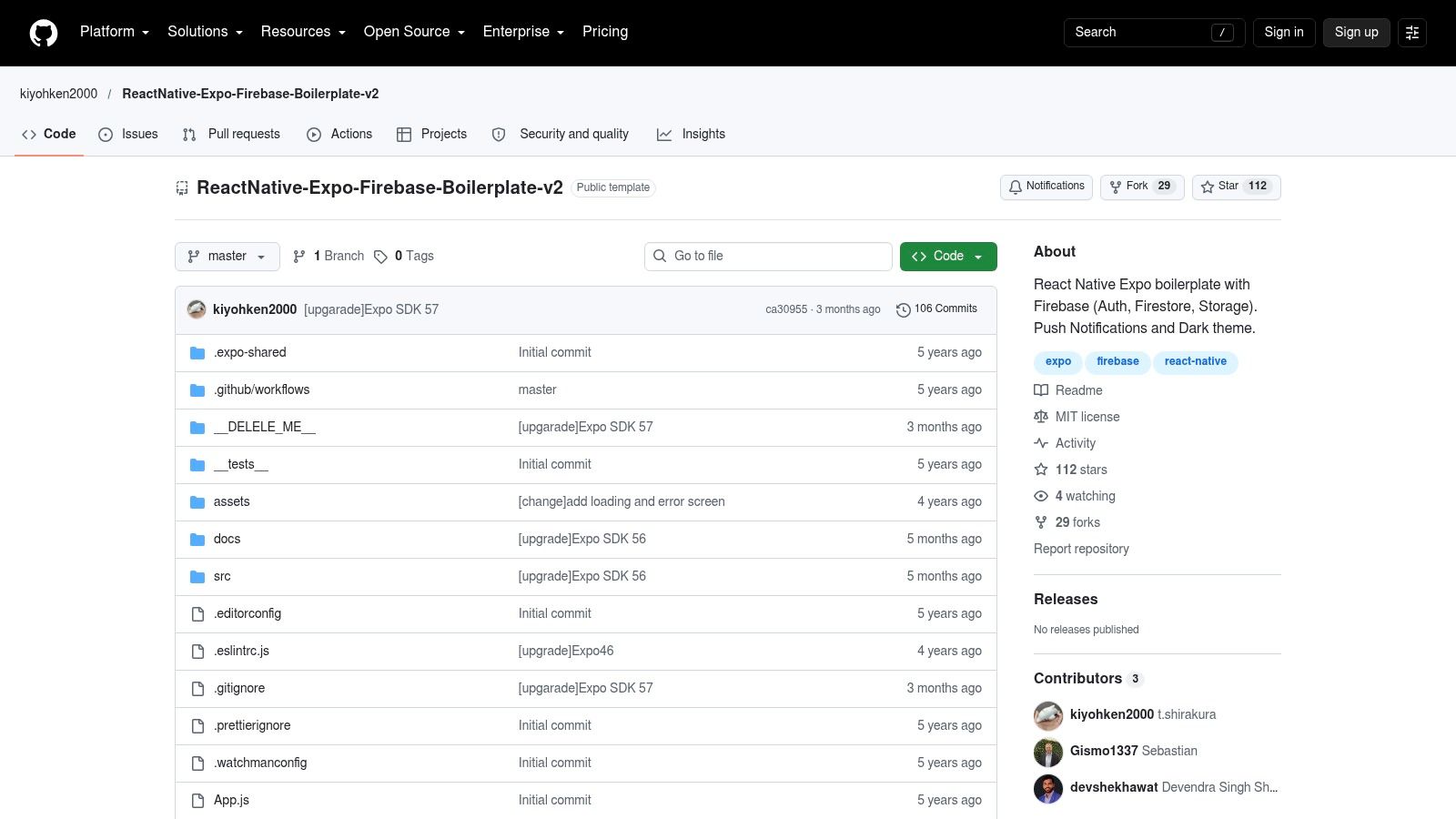
Free login templates often stop at screens. kiyohken2000's React Native Expo Firebase Boilerplate v2 goes further into the Firebase side, with email and password auth, persisted sessions, password changes, account deletion, Firestore, Storage, dark theme support, and push-token handling. That makes it less useful as a UI-only scaffold and more useful as a Firebase starter for teams that already expect those services.
What stands out is the amount of account lifecycle code already present. You can inspect how sign-up, login, session persistence, profile-level actions, and app data fit together instead of wiring each path from scratch. For a real app, that is often the hard part.
 kiyohken2000 React Native Expo Firebase Boilerplate v2
More features mean more code to audit
I would not drop this into a small MVP without trimming it first. If you only need sign-in and sign-out, the extra account management flows, Firestore access, Storage usage, and push-token logic create review work before they save time.
The unfinished work is clear. You still need Firebase project setup, environment values, Firestore rules, Storage rules, and a pass through every persistence decision. Persisted sessions are not a finished security choice by themselves. You still have to verify logout behavior, token refresh, native or web storage handling, and what should happen after device-level security changes.
The trade-off is maintenance risk, not visual polish. A larger starter gives you more working examples, but it also gives you more upgrade surface and more code paths to own. The MIT license helps with evaluation, and the repository can shorten setup for a Firebase app with account management and data services. It still leaves the architecture decisions with you.
8. DiegoBernalDev Expo Supabase Starter
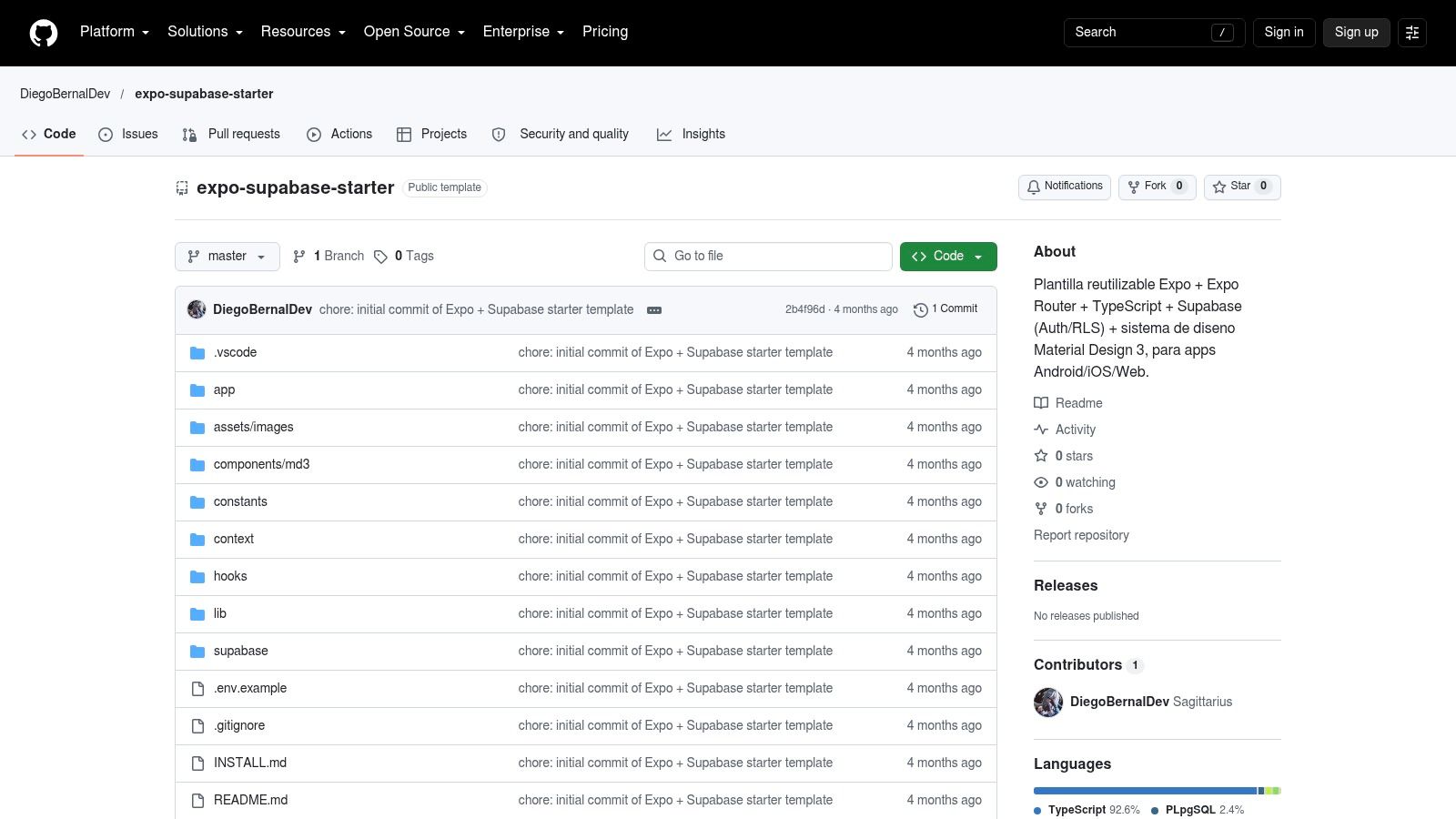
DiegoBernalDev's Expo Supabase Starter is the first Supabase-focused option in the list. It combines Supabase Auth with row-level security, an Expo Router structure, and Material Design 3 styling. The project also documents EAS build commands and web export guidance, which makes it relevant to teams targeting mobile and web from one codebase.
Row-level security changes the integration conversation. The client can authenticate a user, but the database still needs policies that restrict which rows that user may access. The template gives you a Supabase-first direction. You must verify the policies against your own schema and threat model.
 DiegoBernalDev Expo Supabase Starter
Cross-platform setup is still platform-specific
The repository's guidance covers Android, iOS, and web build or export paths. That doesn't make the authentication lifecycle identical across those targets. Cookies, deep links, browser history, native secure storage, and app restart behavior still require separate testing.
The README is primarily in Spanish, which may slow adoption for teams that need English documentation. The repository is also very new, so expect its structure and dependencies to evolve. Check commits, open issues, package versions, and build instructions before treating it as a stable foundation.
For teams comparing provider choices, the implementation details in this React Native authentication flow guide can help frame the work around session restoration, protected navigation, and provider integration. Supabase handles important backend pieces, but it doesn't decide your client lifecycle for you.
This starter suits a Supabase-first application that wants documented mobile and web build paths. It is less suitable when your team needs mature issue history or prefers Firebase-specific tooling.
9. robertguss Expo Supabase Starter Kit
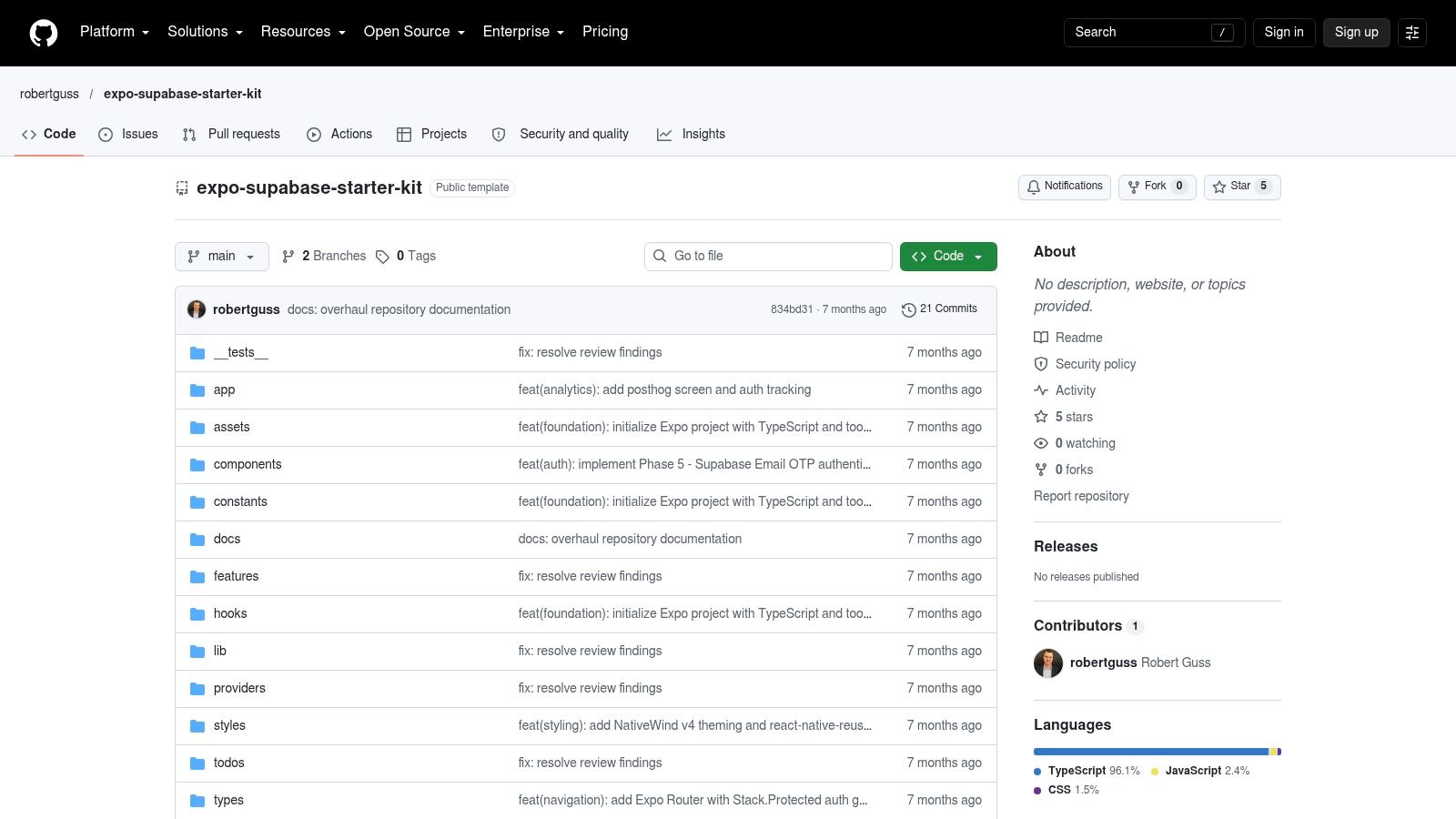
robertguss's Expo Supabase Starter Kit takes a different Supabase route. It emphasizes passwordless email OTP authentication and protected navigation patterns with Expo Router. NativeWind, TanStack Query, and Zustand provide the surrounding styling, data-fetching, and state-management choices, while Sentry and PostHog hooks address monitoring and product analytics integration.
The passwordless focus is the main reason to inspect this repository. Email OTP changes the user journey, error states, retry behavior, and account recovery model. It can be a better starting point than a password form when the product deliberately avoids password creation.
 robertguss Expo Supabase Starter Kit
Modern tooling adds decisions
The included state and caching tools may be useful, but they also shape the application architecture. If your project already uses a different query library or state store, adopting the starter wholesale can create duplicate patterns. Extract the OTP flow and protected navigation only if the surrounding choices fit your codebase.
The project is very young and has limited stars and issue history, so maintenance risk deserves attention. Verify the Supabase client version, Expo compatibility, email redirect behavior, and error handling before relying on it for a release.
You'll still need to define the email provider, configure redirect URLs, handle an expired OTP, and decide what happens when a user requests multiple codes. Logout and revocation also need tests. Passwordless authentication reduces password management, but it doesn't remove session security or authorization work.
This is a useful experimental base for teams that want email OTP. It is not a neutral template. Supabase, Expo Router, NativeWind, TanStack Query, and Zustand are all part of the adoption decision.
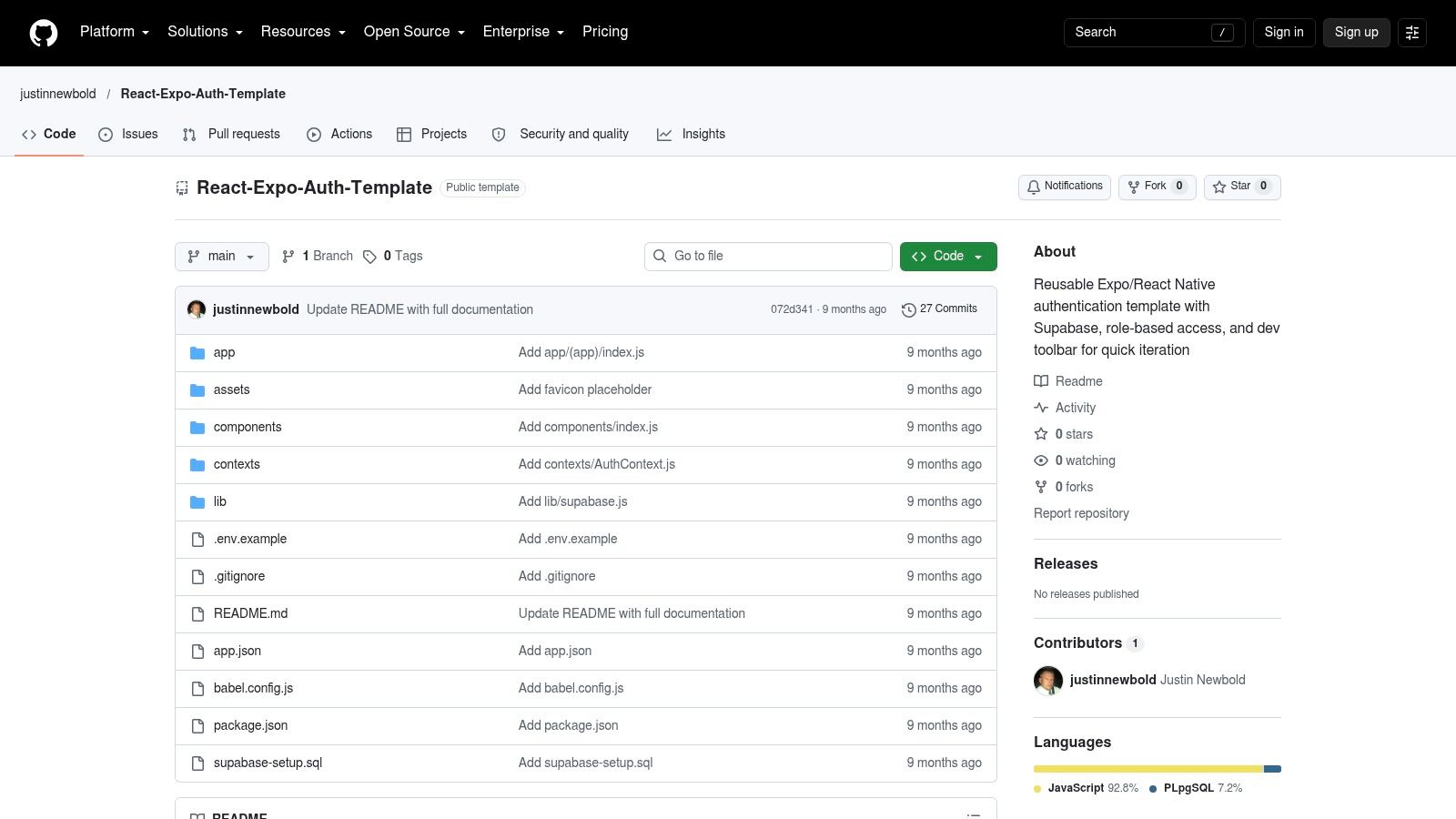
10. justinnewbold React Expo Auth Template
justinnewbold's React Expo Auth Template is not another UI-first login scaffold. It is a Supabase starter built around auth workflow, role handling, and faster testing. That makes it more useful for teams that already know their backend choice and want to test access rules early, not just style a sign-in screen.
The standout difference is the RBAC angle. The login form only gets a user into the app. Roles decide what that user can reach after sign-in, which matters when the product has admins, members, or gated features. This template pushes that concern closer to the start of the project, where it belongs. For a wider comparison of full starter kits beyond login screens, see our React Native templates overview.
The included developer toolbar is practical, but only during development. Check release builds carefully. Debug controls, test shortcuts, relaxed email confirmation, and sample roles need to stay out of production, and that boundary should be enforced in code, not left to memory.
There is also clear provider lock-in here. If your app is already on Supabase, the structure is easier to adopt. If you plan to switch to Firebase, expect real rework across auth client setup, database rules, role claims, and session handling.
- Good fit: Supabase projects where role testing happens often.
- Main benefit: Built-in developer tooling and an auth flow shaped around RBAC.
- Main limitation: The patterns are tied closely to Supabase.
- Still required: Production role enforcement, database policies, session expiry handling, and release-build checks.
Use it as a Supabase starter with auth-specific shortcuts. Finish the security work yourself.
Top 10 Free React Native Login Templates Comparison
| Template | Core features | UX / Quality (★) | Value & Price (💰) | Target audience (👥) | Unique selling points (🏆 / ✨) |
|---|---|---|---|---|---|
| Callstack – React Native Paper Login Template | 5 screens, 16 components; RN Paper theming | ★★★★☆ - readable & extendable | 💰 Free (OSS) | 👥 UI-first devs & maintainers | 🏆 Maintained by Callstack ✨ Minimal, easy-to-extend |
| React Native Market – Simple Login Template | Login/register/forgot; RN Paper; live demo | ★★★★ - clean visuals | 💰 Paid / marketplace | 👥 Designers & quick-boot devs | ✨ Plug-and-play UI ✨ Live demo |
| Dopebase – React Native Login Screen | Single polished sign-in screen | ★★★★ - polished drop-in | 💰 Free (account required) | 👥 Fast integrators, existing apps | ✨ Very quick to implement |
| kovymun – React Native Auth UI | Login + Create Account; Expo Router + TS | ★★★ - minimal, modern | 💰 Free (OSS) | 👥 TS & Expo Router users | ✨ Tiny, easy-to-adapt UI |
| expo-community – Expo Firebase Starter | Firebase Auth (v9); Formik+Yup; example .env | ★★★ - documented reference (archived) | 💰 Free (archived) | 👥 Firebase learners & reference adopters | 🏆 Clear Firebase auth flow ✨ Example project structure |
| mstf66x – Expo + Firebase Starter | Firebase Auth, Firestore, Analytics; NativeWind, Zustand | ★★★★★ - modern, production-lean | 💰 Free (MIT), dev-build required | 👥 Production-minded Expo apps | 🏆 Modern stack (SDK57) ✨ Full quick-start docs |
| kiyohken2000 – React Native Expo Firebase Boilerplate v2 | Auth, Firestore, Storage, persisted sessions, push | ★★★★★ - comprehensive & feature-rich | 💰 Free (MIT), larger codebase | 👥 Teams needing full Firebase boilerplate | 🏆 Comprehensive Firebase features ✨ Account & push flows |
| DiegoBernalDev – Expo + Supabase Starter | Supabase Auth + RLS; MD3 design; EAS/web export | ★★★★ - Supabase-first & cross-platform | 💰 Free (OSS) | 👥 Supabase cross-platform devs | 🏆 Supabase + MD3 ✨ EAS/export guidance |
| robertguss – Expo Supabase Starter Kit | Passwordless email OTP; TanStack Query; Zustand | ★★★★ - modern passwordless UX | 💰 Free (OSS) | 👥 Experimenters with passwordless UX | 🏆 Passwordless OTP ✨ Built-in state & caching |
| justinnewbold – React Expo Auth Template | Supabase Auth + RBAC; developer toolbar | ★★★★ - DX-focused | 💰 Free (MIT) | 👥 Devs needing RBAC & fast auth iteration | 🏆 RBAC + dev toolbar ✨ Auth testing toggles |
Choose the Starter You Can Still Maintain Next Year
The practical choice starts with the backend, not the screenshot. Use a UI-only scaffold when your API, identity provider, and session model already exist. Callstack, React Native Market, Dopebase, and kovymun are useful in that situation because they don't force Firebase or Supabase into the application. They also leave more work for you, including validation, session persistence, protected navigation, recovery, logout, and API authorization.
Choose a Firebase starter when Firebase is already part of the product plan. The archived expo-community repository is best treated as a reference for understanding a flow, not as a maintained base. The mstf66x starter has a broader modern stack but requires a development build because it uses native Firebase modules. The kiyohken2000 boilerplate goes further into Firestore, Storage, account management, and push-token support, which can save setup time for a broader application while increasing the amount of code you must audit and maintain.
Supabase starters make sense when database policies and Supabase Auth belong at the center of the system. DiegoBernalDev emphasizes row-level security and cross-platform build guidance. robertguss focuses on passwordless email OTP and modern client tooling. justinnewbold adds RBAC and a developer toolbar. Each one carries provider-specific assumptions, so porting the useful parts to Firebase won't be a copy-and-paste exercise.
Before adopting any repository, check its last update, the Expo SDK and React Native versions it targets, and the license file. Then run the login flow on your current toolchain. Source data and repository states can become outdated, and a template that worked for its original dependency set may fail during your build.
Security deserves a separate pass. Expo recommends SecureStore for native tokens and secure cookies for web sessions, while also documenting platform differences and limitations. React Native security guidance warns that deep links aren't secure for sensitive data and recommends OAuth authorization-code flows with PKCE. Client applications cannot safely hold provider secrets, and the implicit flow is no longer recommended because of token-injection risks. These concerns apply even when the template looks complete.
Navigation protection also isn't authorization by itself. Expo Router routes remain defined at runtime, and protected screens still need runtime logic. APIs must enforce authorization independently, and your tests should cover cold-start session restoration, expired refresh tokens, revoked accounts, direct web URLs, offline launch, back navigation after logout, and requests made with stale credentials.
React Native remains a substantial open-source foundation. Its public repository had approximately 126,600 GitHub stars as of October 2026, and the repository listed React Native 0.87.1 as its latest stable release with multiple 0.88.0 release candidates in 2026, according to the React Native repository. That continuity supports using reusable templates, but it also means you need to review dependency compatibility as the toolchain changes.
Expo compatibility is another useful filter. Expo reports that 81% of React Native developers use Expo and 70% use Expo Application Services, while the 2024 State of React Native survey reported EAS Build usage among 70.1% of respondents, as documented by Expo's solution overview. These figures don't prove that a particular repository will build successfully. They do support checking managed workflow support, prebuild behavior, EAS configuration, redirect URLs, environment variables, and native settings before committing.
If free templates leave too much authentication, navigation, and state setup to you, evaluate a premium Expo starter such as AppLighter. It pre-configures authentication, navigation, state management, and AI-assisted development tooling on an Expo and React Native foundation. Use the same maintenance test you apply to free repositories, and consult a practical developer experience guide when deciding how much setup your team should own.
AppLighter gives Expo and React Native teams a pre-configured starting point with authentication flows, navigation, state management, and an edge-ready API layer. If the free template options leave too much wiring for your project, visit AppLighter to evaluate a more complete foundation for building and shipping mobile apps.