Best React Native UI Libraries 2026: Tested & Ranked
Discover the top 12 react native ui libraries for Expo developers. A deep dive into performance, theming, and real-world use cases to speed up your app.
 Parth
Parth
Building a high-quality mobile app with React Native and Expo starts with a solid UI foundation. The right UI library can save you hundreds of hours, enforce design consistency, and improve performance. But with a vast ecosystem of components and toolkits, how do you choose the one that aligns with your project's goals, technical requirements, and long-term vision? Selecting the wrong library can lead to performance bottlenecks, maintenance headaches, and a frustrating development experience.
This guide cuts through the noise. We have curated and analyzed the top react native ui libraries, frameworks, and essential resources tailored specifically for Expo developers. We move beyond simple feature lists to provide a comprehensive comparison, examining the practical trade-offs of each option. You will find detailed insights into component quality, theming capabilities, web compatibility, and performance considerations like bundle size. This article is designed to help you make an informed decision, whether you are an indie developer launching an MVP, a startup building a production-ready application, or a product team needing a polished and consistent user experience across iOS, Android, and the web.
Each entry includes a summary of its core philosophy, pros and cons from real-world usage, and direct links to documentation and repositories. We will also highlight recommended picks for specific scenarios, such as rapid prototyping, building design-driven apps with bespoke themes, or achieving universal styling with tools like NativeWind. Our goal is to equip you with the knowledge to select the perfect UI foundation for your next project and accelerate your development workflow from day one. Let's dive in and find the right toolkit for the job.
1. React Native Directory
Before diving into specific react native ui libraries, your first stop should be the React Native Directory. This invaluable, community-maintained resource acts as a central hub for discovering and vetting packages across the entire ecosystem. It’s not a library itself, but rather a powerful search engine and database that aggregates metadata directly from sources like GitHub and npm, ensuring the information is always current.
Its primary strength lies in its powerful filtering capabilities. You can quickly narrow down your search for libraries that are compatible with Expo Go, support the New Architecture, or are actively maintained. This vendor-neutral approach provides a comprehensive view of available options, saving you countless hours of manual research.
Why It’s a Top Resource
React Native Directory excels as a starting point for any project. Instead of relying on outdated blog posts, you get a real-time snapshot of a library's health and compatibility. The interface is clean, fast, and purely functional, prioritizing data over marketing.
- Pros: Vendor-neutral with wide coverage, up-to-date metadata from official sources, and excellent filtering for Expo and platform compatibility.
- Cons: It's a directory, not a marketplace, so you must click through to install. Quality signals are based on public metrics (like GitHub stars), which don't always reflect real-world stability.
Pro-Tip: Use the "Last commit" and "Open issues" filters to quickly identify libraries that are not only popular but also well-maintained and actively supported. This is a crucial step before committing to a dependency for a production app.
Website: https://reactnative.directory
2. npm (Node Package Manager)
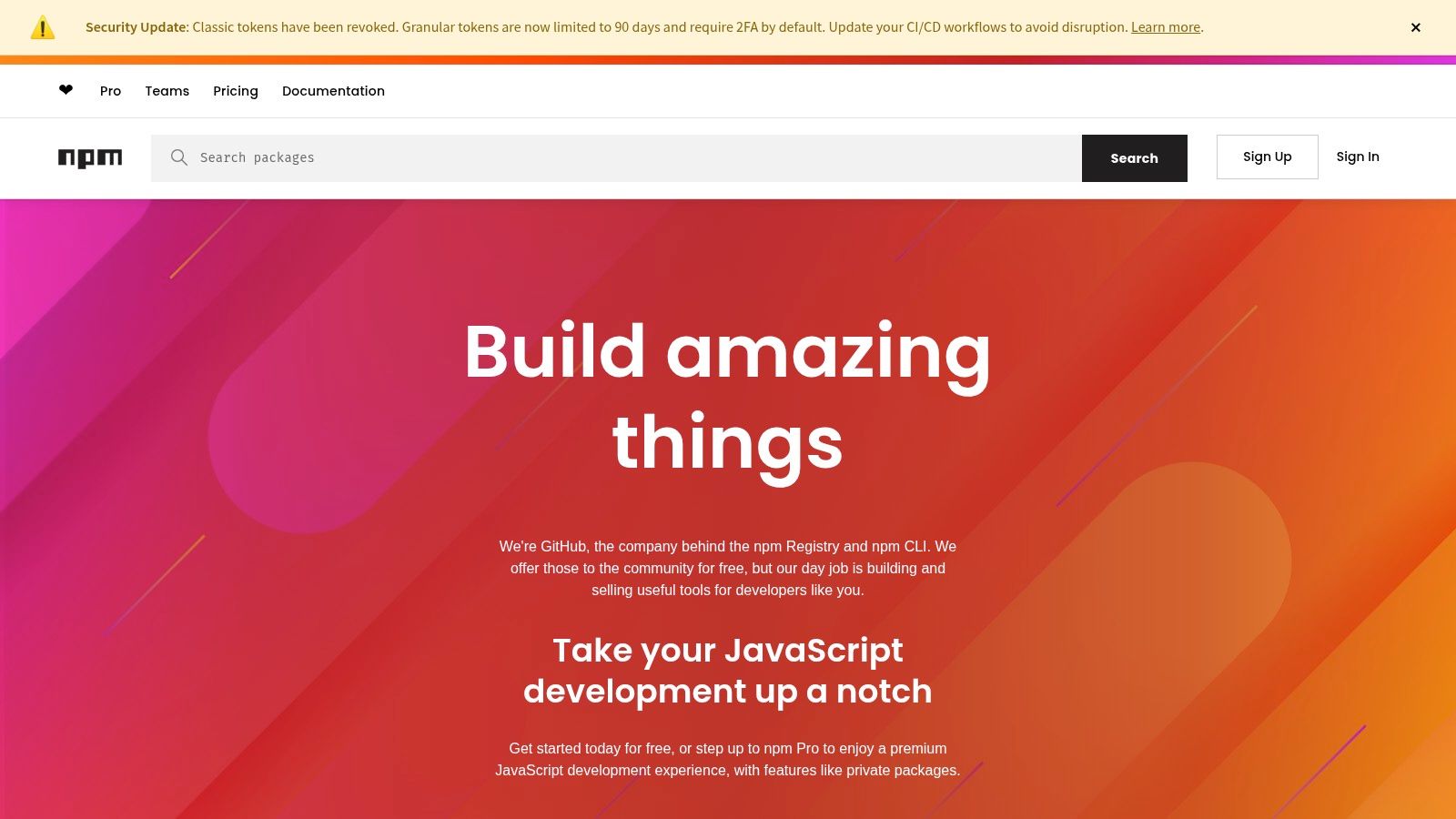
While not a UI library itself, the npm registry is the canonical source where nearly all react native ui libraries are published and distributed. It is the default package manager for the JavaScript runtime environment Node.js, making it an essential tool for every developer in the ecosystem. Before installing a library, its npm page is the best place to assess its vitality and dependencies.
 npm (Node Package Manager)
Here, you can find crucial metadata like version history, weekly download statistics, and dependency graphs. These data points provide strong signals about a package's adoption, maintenance cadence, and potential for introducing conflicts or security vulnerabilities into your project. It’s the ground truth for package availability and provides the direct npm install or yarn add commands you need.
Why It’s a Top Resource
npm serves as the ultimate source of truth for a library's distribution details. Download trends can quickly reveal whether a library is gaining traction or falling out of favor, while the "Versions" tab offers a clear history of updates and bug fixes. This information is critical for assessing the long-term viability of any dependency.
- Pros: Canonical source for all packages, provides key signals on ecosystem adoption (downloads, versions), and includes dependency information.
- Cons: Quality varies wildly between packages, so you must verify documentation and repository health. Security requires your own due diligence.
Pro-Tip: Pay close attention to the "Weekly Downloads" graph. A steady or increasing number indicates a healthy, active user base. A sharp decline could be a red flag that the community is migrating away from the library, potentially due to bugs, lack of updates, or the emergence of a better alternative.
Website: https://www.npmjs.com
3. GitHub (React Native topics)
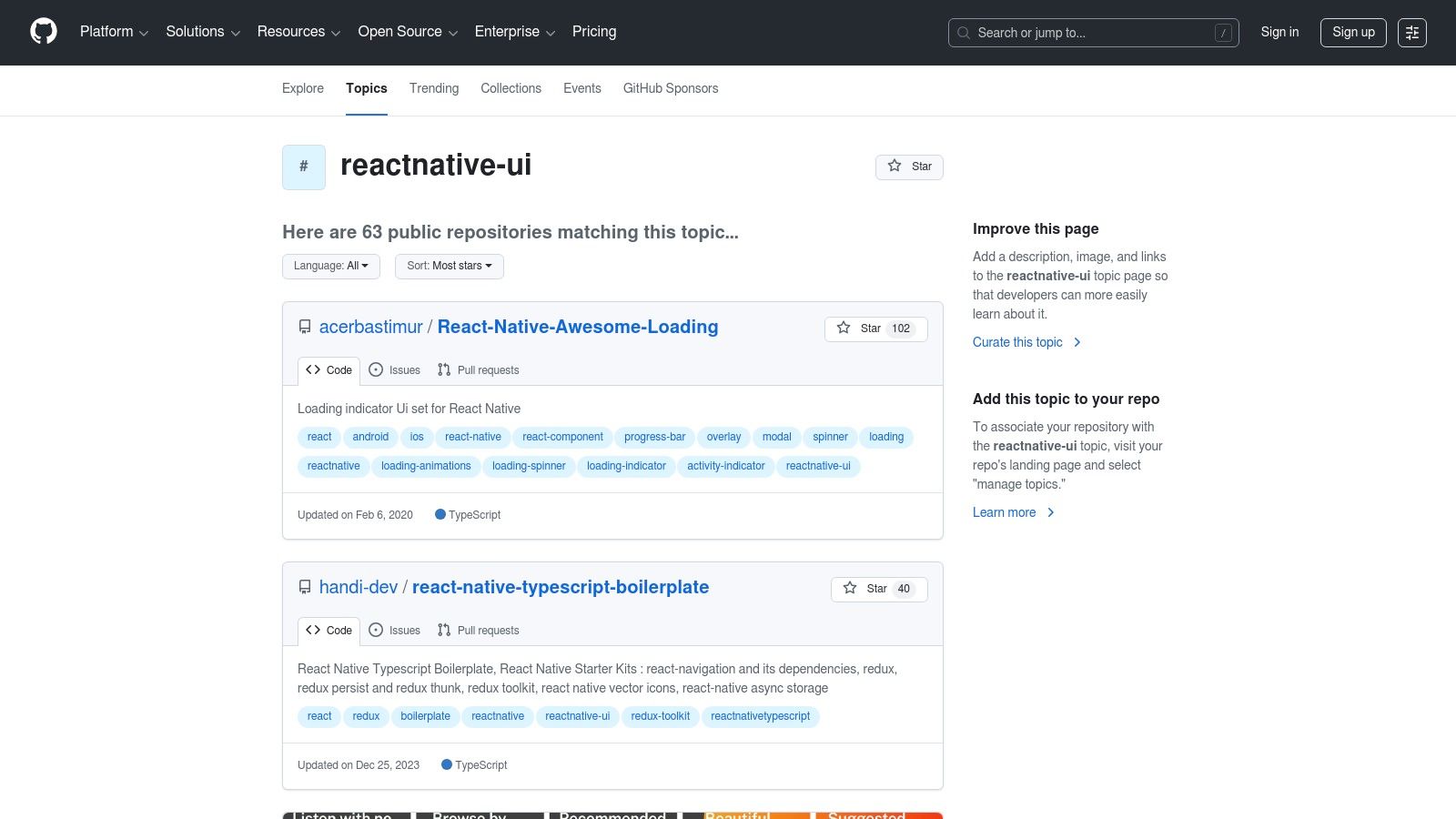
For a ground-level view of any library, GitHub is the ultimate source of truth. Most open-source react native ui libraries are developed and maintained here, making it an essential resource for assessing a project's vitality and direction. By exploring topics like reactnative-ui, you can discover emerging libraries directly from the source.
 GitHub (React Native topics)
The platform’s strength lies in its complete transparency. You can scrutinize a repository’s commit history, read through open issues, and check pull request activity to gauge how actively maintained it is. This direct access to source code, discussions, and release changelogs provides invaluable context that curated directories often cannot.
Why It’s a Top Resource
GitHub allows you to look beyond marketing claims and evaluate a library's health based on raw data. It's where you'll find the most up-to-date information on maintenance status, future roadmaps, and community engagement. Many repositories also include example apps or Storybook demos, which are perfect for hands-on evaluation.
- Pros: The most accurate source for project maintenance, roadmaps, and release info. Offers direct insight into issues and community contributions.
- Cons: Discovery can feel uncurated, with a high signal-to-noise ratio. Evaluating repository health requires more time and effort.
Pro-Tip: Before adopting a library, check the "Releases" page for a detailed changelog and the "Issues" tab for any critical, unresolved bugs. A healthy project will have recent commit activity and a responsive attitude toward community-reported problems.
Website: https://github.com/topics/reactnative-ui
4. React Native Elements (RNE UI)
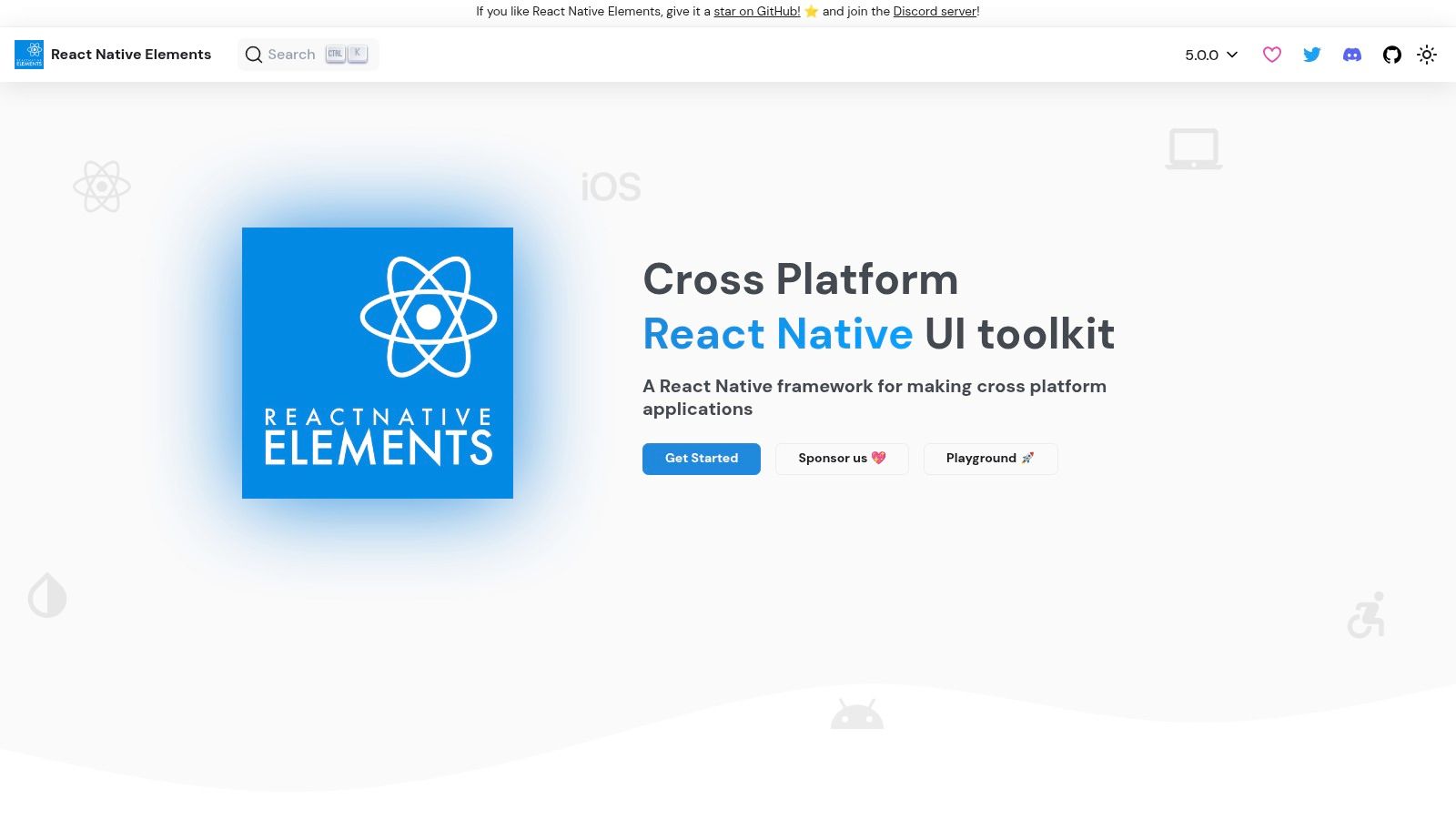
React Native Elements is a popular, community-driven UI toolkit that provides over 30 cross-platform components ready to use out of the box. It stands out as one of the most established and well-known react native ui libraries, prioritizing a consistent design language and ease of use across iOS, Android, and web platforms. Its components are built with a modern, TypeScript-based API, making them highly customizable and easy to integrate into existing projects.
 React Native Elements (RNE UI)
The library has evolved significantly, with its modular v4 architecture splitting the core functionality into @rneui/base and @rneui/themed packages. This allows for more granular control over dependencies and bundle size. With an official Expo demo app available for experimentation, developers can quickly prototype and see components in action before committing to implementation.
Why It’s a Top Resource
React Native Elements strikes a balance between offering a comprehensive set of pre-styled components and providing enough flexibility for deep customization via its theming system. Its maturity means it has a large community, extensive documentation, and a history of stability, making it a reliable choice for production applications.
- Pros: Mature and well-known library with an MIT license, works seamlessly with Expo, and offers quick prototyping via its official demo app.
- Cons: Some older package names have been moved, requiring developers to follow migration notes. The depth of platform-specific components is lighter than dedicated Material or Cupertino kits.
Pro-Tip: Leverage the official VS Code snippets extension for RNE UI to accelerate your development workflow. It provides auto-completion for component imports and props, saving time and reducing a common source of errors.
Website: https://reactnativeelements.com
5. React Native Paper
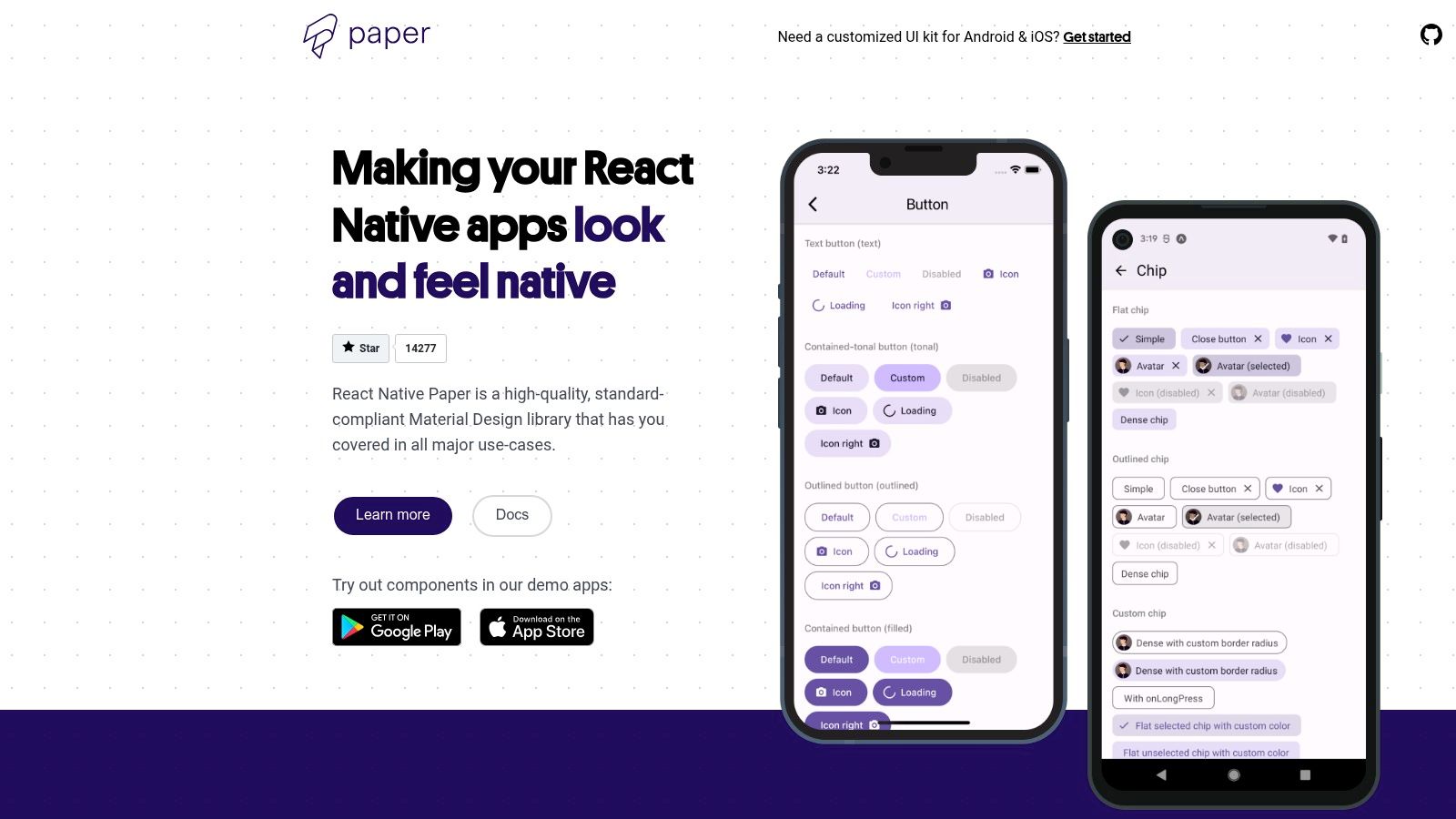
For developers aiming to implement Google's Material Design system, React Native Paper is a standout choice. It provides a comprehensive set of beautiful, production-ready components that adhere to the latest Material Design 3 (Material You) specifications. This library is not just about looks; it places a strong emphasis on accessibility, platform adaptation, and robust theming capabilities, making it one of the most complete react native ui libraries for building cross-platform applications with a native Android feel.
 React Native Paper
React Native Paper's biggest strength is its faithful implementation of Material Design principles, complete with dynamic theming, ripple effects, and proper elevation shadows. The documentation is extensive, offering live demos for each component and detailed guides on topics like animations and Right-to-Left (RTL) layout support. This makes it an excellent option for teams that need a reliable, well-documented component library that just works.
Why It’s a Top Resource
React Native Paper is production-proven and widely adopted within the community, making it a safe and reliable choice for serious projects. Its focus on accessibility standards ensures your application is usable by a broader audience, while its theming system allows for deep customization to match your brand's identity without sacrificing the core Material Design aesthetic.
- Pros: Strong alignment with the Material You (MD3) specification, excellent accessibility and RTL support, and extensive, high-quality documentation with live examples.
- Cons: The maintenance pace has been a concern for some in the community, so it's wise to check the repository for recent updates and compatibility with your React Native version.
Pro-Tip: Leverage the built-in theming provider to create both light and dark modes effortlessly. You can define a custom theme object with your brand's colors, fonts, and roundness, and Paper will apply it consistently across all components in your app.
Website: https://reactnativepaper.com
6. UI Kitten by Akveo
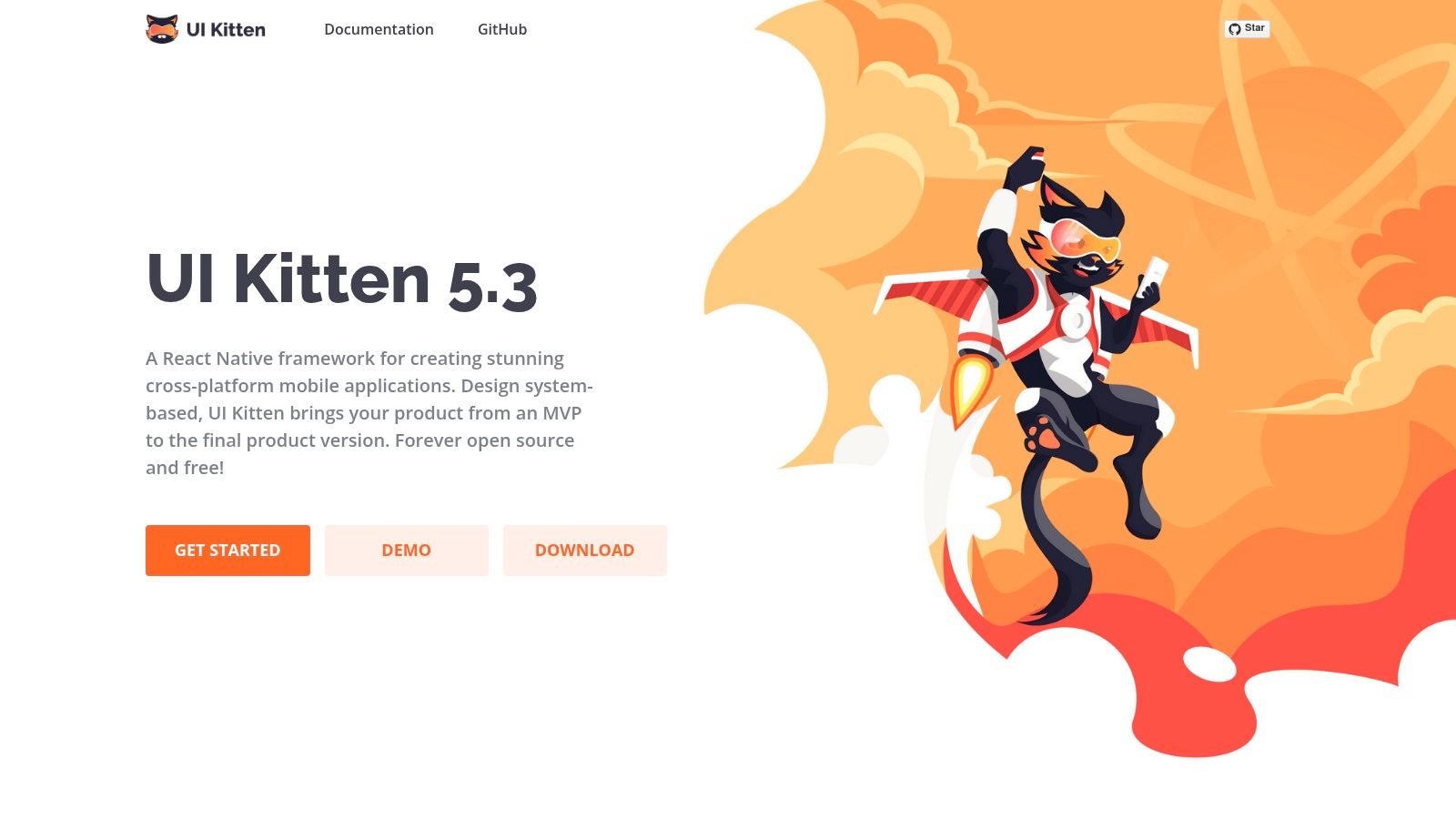
UI Kitten stands out among react native ui libraries by being built on the robust Eva Design System. This open-source library provides a comprehensive set of themable components that prioritize consistency and scalability. Its core strength lies in its design-first approach, enabling you to manage and apply design tokens for colors, typography, and spacing across your entire application.
 UI Kitten by Akveo
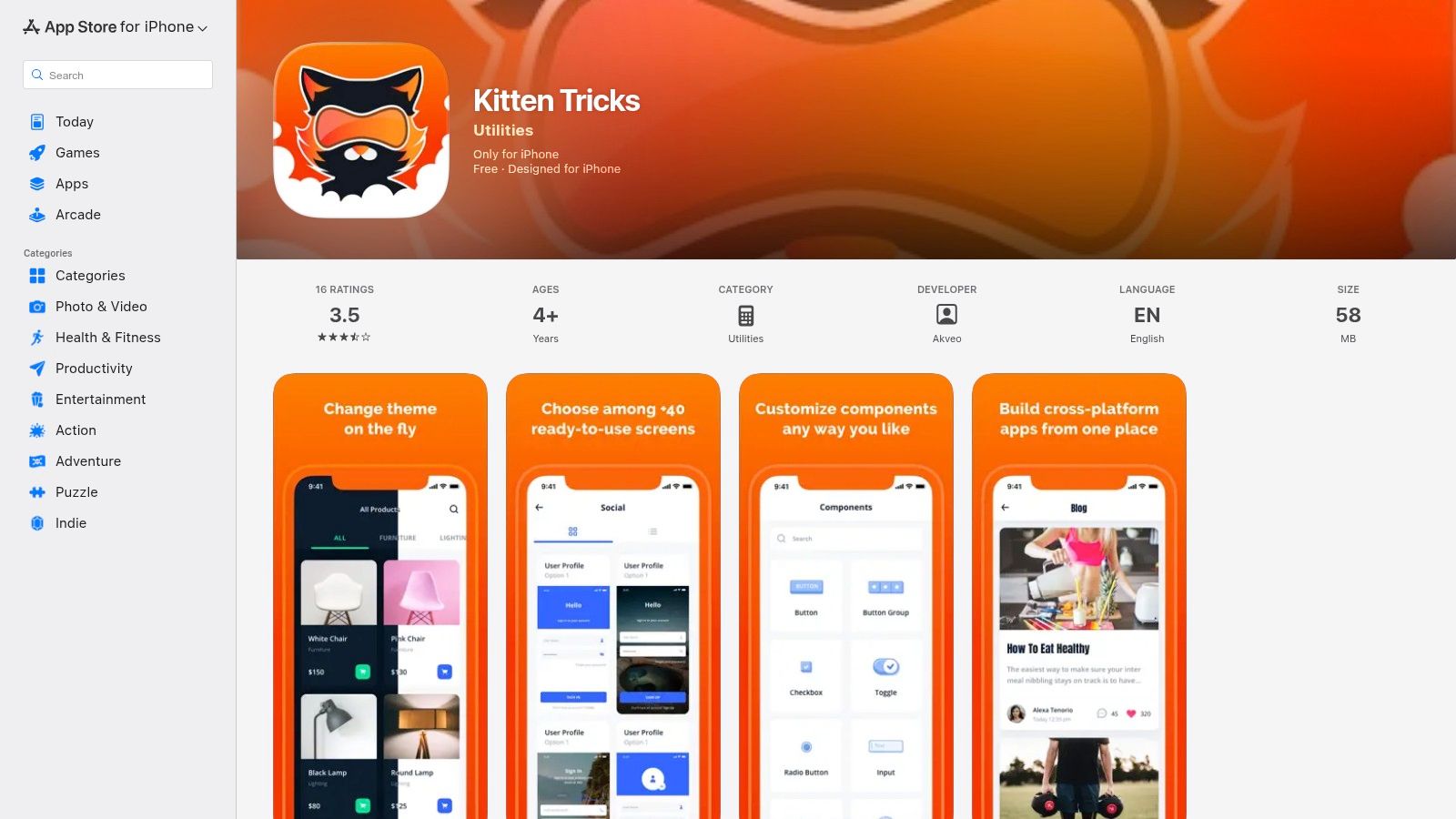
What truly sets it apart is its fantastic onboarding experience via the Kitten Tricks demo app. This fully functional example showcases over 40 pre-built screens, complete with light and dark modes, demonstrating how to construct real-world user flows. This makes it an invaluable resource for both evaluating the library and learning its implementation patterns.
Why It’s a Top Resource
UI Kitten is ideal for teams that want a starter-kit experience with a strong design system foundation out of the box. Its focus on theming allows for deep customization while maintaining a consistent aesthetic, making it excellent for building production-ready applications with a polished feel from day one.
- Pros: Integrated Eva Design System provides excellent theming capabilities, a polished demo app (Kitten Tricks) accelerates learning, and components are well-documented.
- Cons: The design language is opinionated, so deviating significantly from its style may require more theming effort. The library's ecosystem is smaller compared to larger alternatives.
Pro-Tip: Before you start coding, explore the Kitten Tricks source code on GitHub. It’s the best way to understand how to structure your navigation, theming, and screen layouts effectively using UI Kitten’s specific patterns and components.
Website: https://akveo.github.io/react-native-ui-kitten/
7. Tamagui
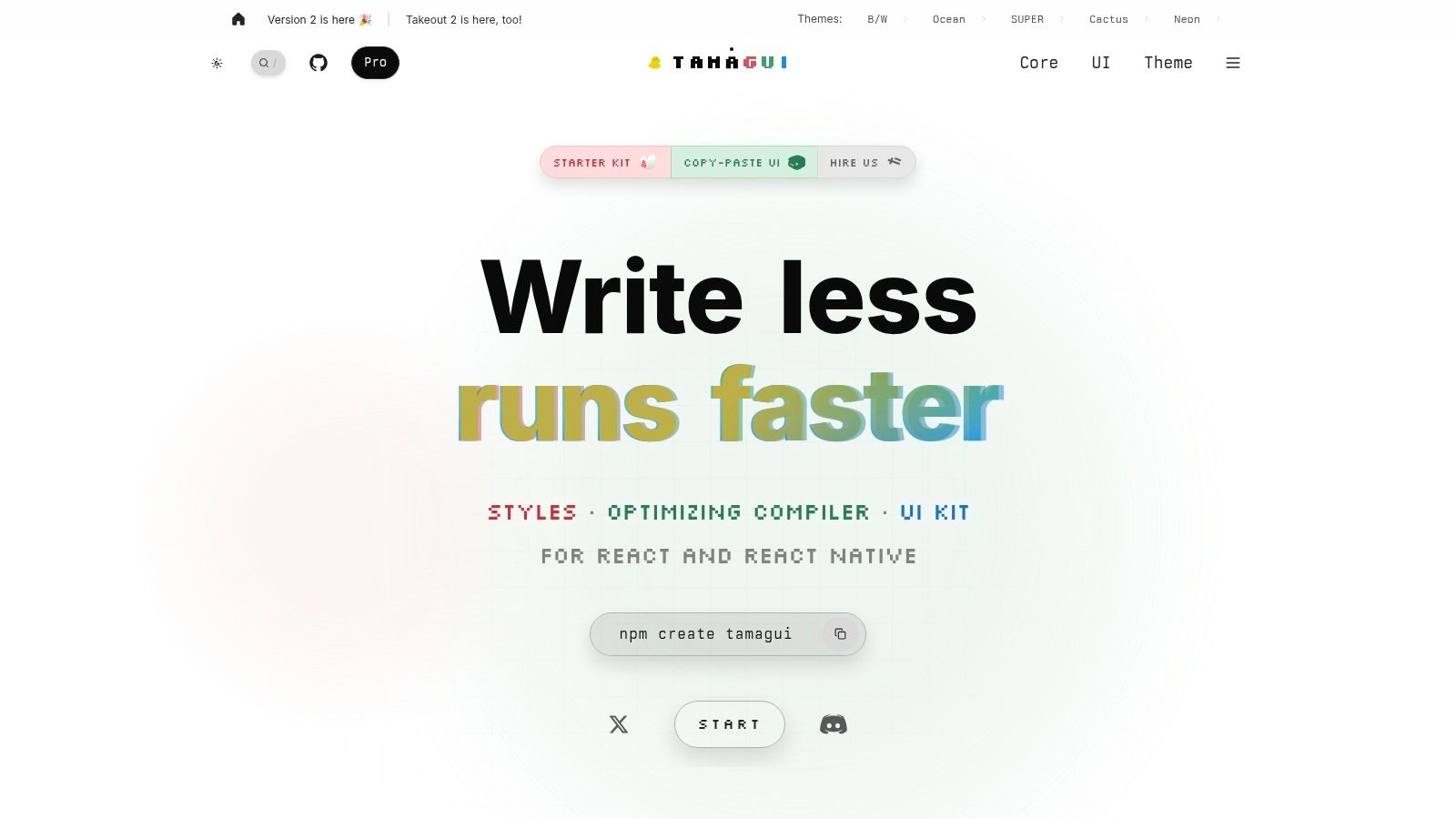
Tamagui is a unique entrant among react native ui libraries, presenting itself as a performance-focused style system combined with a comprehensive UI kit. It is designed for both React Native and the web, using an optimizing compiler to achieve near-native performance by flattening the component tree and eliminating dead code. Its standout feature is the SSR-first atomic CSS approach for web, which ensures your universal app loads incredibly fast in the browser.
 Tamagui
The library provides a rich set of cross-platform components and a sophisticated theming system with responsive, typed style props. While the core is open-source, Tamagui also offers paid "Takeout" and "Pro" packages that include premium, production-ready component kits and dedicated support, making it a scalable solution for both indie developers and enterprise teams. This hybrid model allows for a low barrier to entry with options for accelerated development.
Why It’s a Top Resource
Tamagui excels for projects where cross-platform performance is non-negotiable. The compiler's optimizations offer tangible benefits in bundle size and runtime speed, particularly on the web. It provides a powerful foundation for building a design system that feels truly unified across native and web platforms, without the typical performance trade-offs.
- Pros: Exceptional performance due to its optimizing compiler, excellent for unified RN + Web theming, and powerful typed style props for a better developer experience.
- Cons: The compiler and configuration introduce a steeper learning curve compared to simpler libraries. Accessing the full suite of ready-made components requires a paid license.
Pro-Tip: Fully embrace the Tamagui compiler from the start. While it requires setup, its optimizations are the library's main selling point. Use the provided starter kits to bypass the initial configuration hurdles and see the performance benefits immediately.
Website: https://tamagui.dev
8. gluestack UI
For teams that love the utility-first approach of Tailwind CSS, gluestack UI offers a compelling modern system. It’s not a traditional library but rather a collection of unstyled, accessible, and universal React Native components that you can style with familiar Tailwind-like props. The philosophy is "copy-paste," providing you with code snippets and patterns that you own and can fully customize from day one.
Its core strength comes from integrating with gluestack-style, allowing you to define a consistent design system with tokens for colors, spacing, and typography. This makes it one of the most flexible react native ui libraries for building a truly bespoke design language without being locked into a specific aesthetic. The provided components (like buttons, inputs, and modals) serve as a high-quality, accessible foundation.
Why It’s a Top Resource
gluestack UI bridges the gap between pre-styled component kits and building everything from scratch. It empowers developers who want granular control and a Tailwind-like workflow, offering a significant speed advantage for projects that demand a unique look and feel. The clear documentation and cross-platform examples for Expo and Next.js make it highly adaptable.
- Pros: Highly customizable with a Tailwind-style workflow, you own the component code you use, and it promotes a consistent design system via style tokens.
- Cons: Requires more setup than pre-styled libraries and the copy-paste approach might feel less integrated for developers used to a single package dependency.
Pro-Tip: Start by exploring the official KitchenSink demo application. It’s an invaluable resource for seeing how different components are composed and styled, and you can copy the exact code from the examples directly into your project to get started quickly.
Website: https://gluestack.io/ui
9. Shopify Restyle
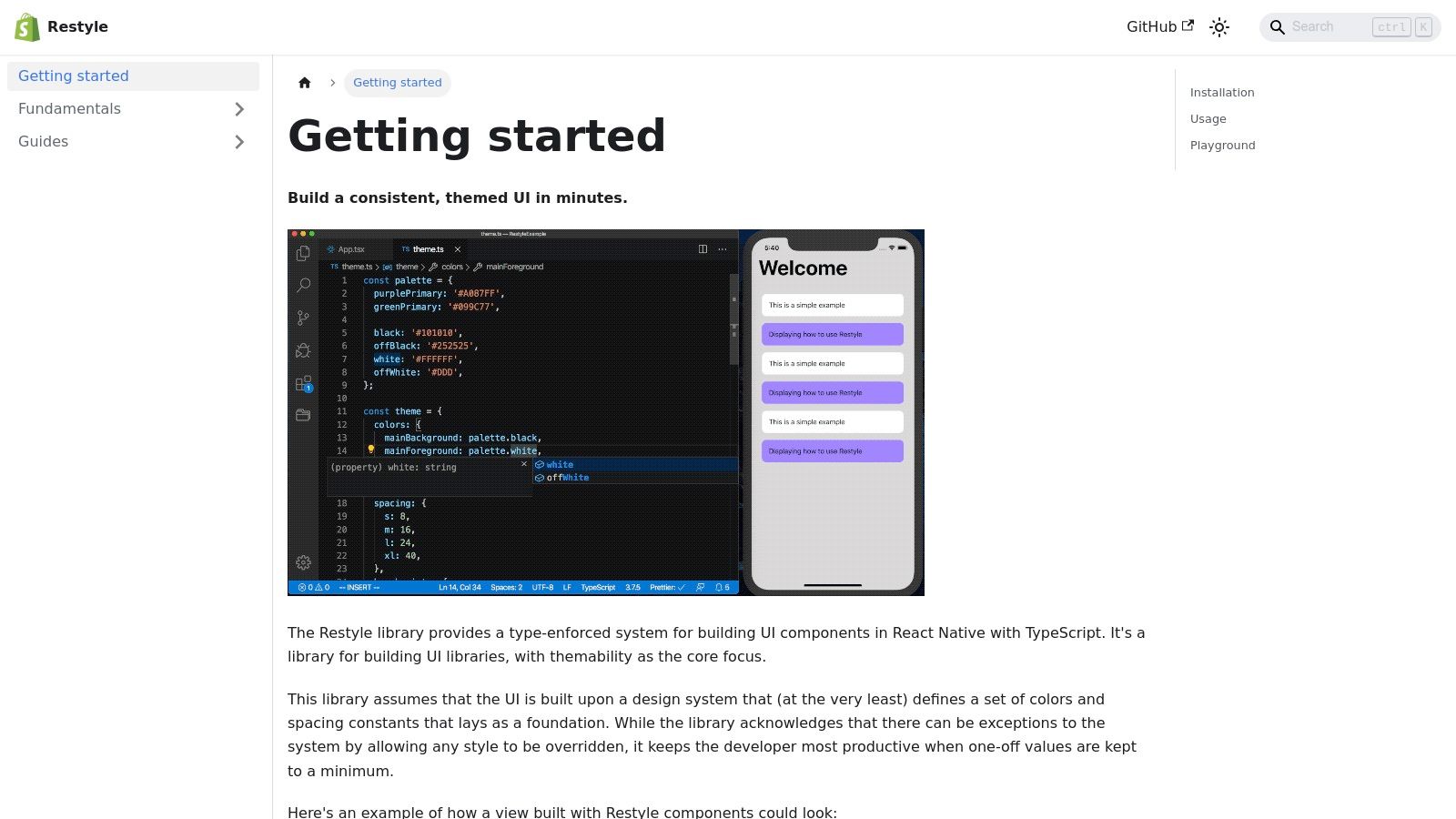
For teams that prioritize creating a truly unique and consistent design system, Shopify Restyle offers a powerful foundation. Maintained by Shopify, this isn't a library of pre-built components like buttons or cards. Instead, it’s a type-safe styling and theming system that provides the building blocks for you to create your own bespoke UI kit, making it one of the most flexible react native ui libraries for custom development.
 Shopify Restyle
Its core strength is its first-class TypeScript support, which enforces design tokens (colors, spacing, typography) at the component level. This system promotes composition over configuration, allowing developers to build complex, fully-themed components from primitive elements with guaranteed consistency. It works seamlessly with Expo and is designed for scalability from day one.
Why It’s a Top Resource
Shopify Restyle is the ideal choice when an off-the-shelf component library is too restrictive. It empowers you to build a design system that perfectly matches your brand's identity, backed by the engineering standards of a major tech company. The focus on primitives gives you total control over the final look, feel, and performance of your UI.
- Pros: Excellent for building robust, bespoke design systems with strong TypeScript integration. Maintained by a reputable and active React Native adopter (Shopify).
- Cons: It's not a ready-to-use component library; you must build your UI from primitives. This requires more upfront development effort to create screens.
Pro-Tip: Start by defining your entire theme-ing object (colors, spacing, variants) before building any components. This "theme-first" approach leverages Restyle’s type-safety and ensures that all subsequent UI development automatically adheres to your design system's rules.
Website: https://shopify.github.io/restyle
10. NativeWind
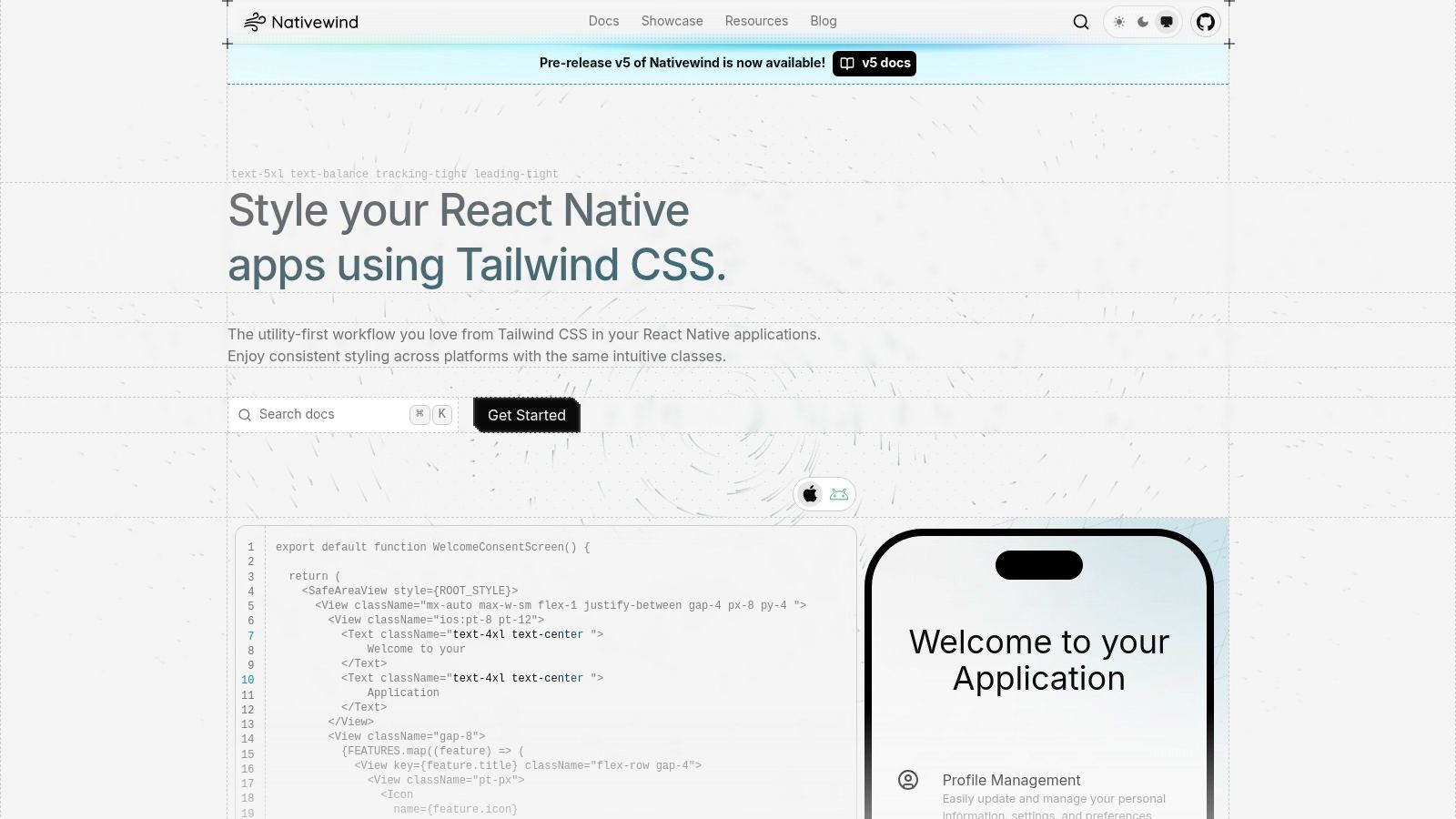
For developers who love the speed and utility-first workflow of Tailwind CSS on the web, NativeWind brings that same power to mobile development. It's not a component library, but rather a styling engine that lets you use familiar Tailwind classes directly in your React Native components. This approach significantly speeds up styling by eliminating the need to jump between JavaScript and StyleSheet objects.
 NativeWind
NativeWind’s key advantage is its build-time compilation. All your utility classes are converted into performant StyleSheet.create objects, ensuring there is virtually no runtime overhead. It fully supports theming, dark mode, and even responsive design with media queries, making it a comprehensive styling solution for cross-platform apps.
Why It’s a Top Resource
NativeWind is exceptional for teams aiming for a consistent design language and development experience across web and mobile. If your team already uses Tailwind CSS, adopting NativeWind is seamless and dramatically increases productivity. It avoids the verbosity of traditional stylesheets while keeping performance a top priority, making it one of the most modern react native ui libraries for styling.
- Pros: Extremely fast styling workflow for those familiar with Tailwind, minimal runtime footprint due to precompilation, and strong support for theming and dark mode.
- Cons: Not a component library, you still need to build your own UI elements. Some web-specific Tailwind features are not applicable to the React Native environment.
Pro-Tip: Combine NativeWind with a headless UI library like restyle or a basic component set. This gives you the structural elements of a component library while retaining the full styling flexibility and speed of NativeWind's utility-first approach.
Website: https://www.nativewind.dev
11. CodeCanyon (Envato)
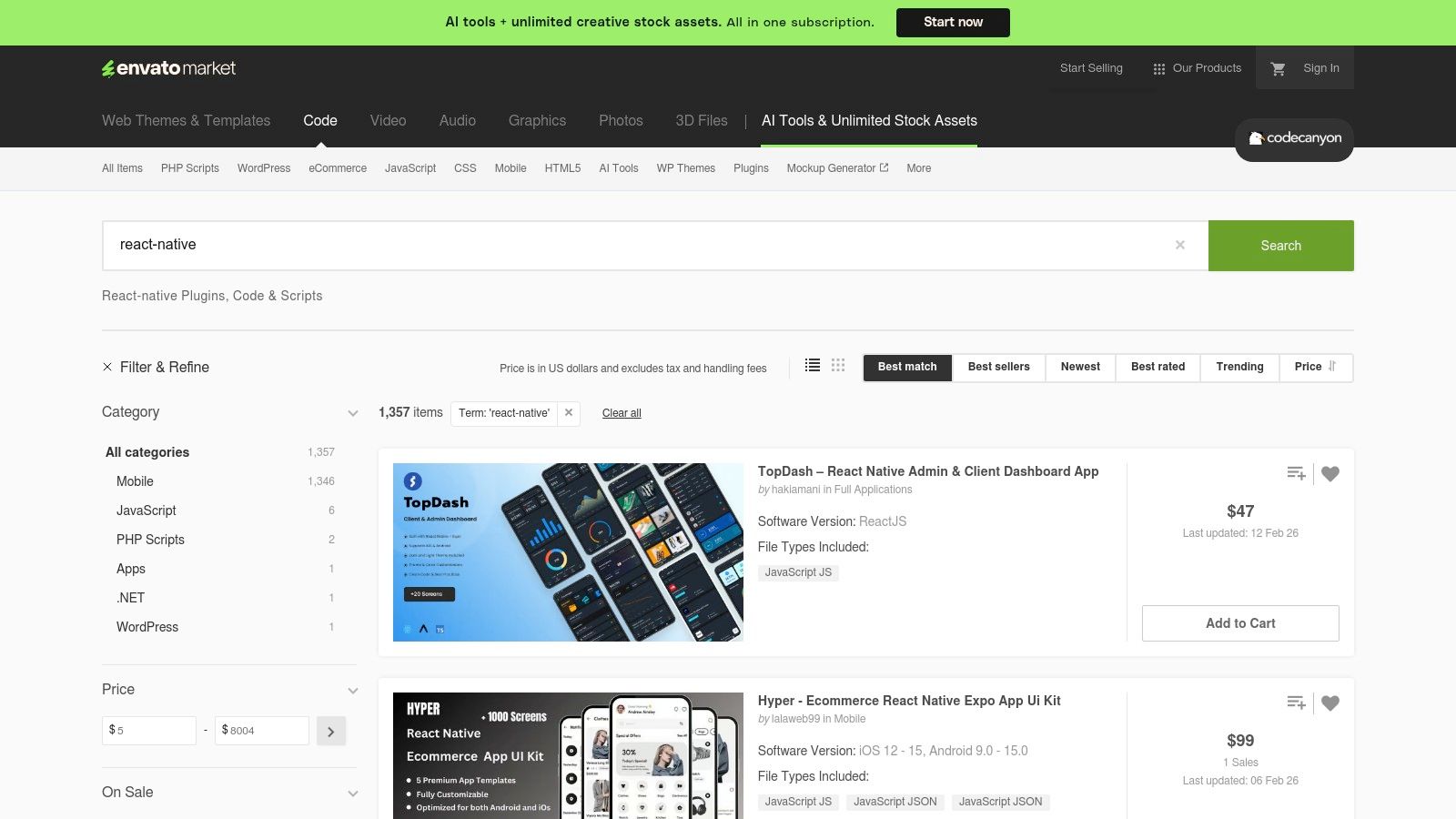
For teams needing to launch a minimum viable product (MVP) or a complete themed application at lightning speed, CodeCanyon offers a different approach. Instead of providing foundational components, it’s a marketplace filled with thousands of paid, production-ready react native ui libraries, templates, and full application kits. These assets often bundle dozens of screens and pre-built user flows for specific industries like e-commerce, fintech, or social networking.
 CodeCanyon (Envato)
The primary advantage is speed. You can purchase a commercially licensed, fully functional UI kit and have the shell of your application ready in hours, not weeks. This allows you to focus your development efforts on business logic and backend integration rather than pixel-perfect styling. Each item includes live previews, sales counts, and user ratings to help you assess its quality before buying.
Why It’s a Top Resource
CodeCanyon excels at providing a massive head start for projects with standard requirements and tight deadlines. The sheer variety of niche-specific templates means you can often find a UI kit that closely matches your project's vision, saving significant design and development time. It's an accelerator for entrepreneurs and agencies alike.
- Pros: Rapid MVP building with pre-built flows and themed screens, wide variety of vertical-specific templates, and a commercial license included with purchase.
- Cons: Code quality and style can vary dramatically between sellers. Ongoing updates and support are entirely dependent on the individual creator, not Envato.
Pro-Tip: Pay close attention to the "Last update" date and the comments section for any template you consider. An actively maintained product with responsive author comments is a strong indicator of better quality and more reliable long-term support.
Website: https://codecanyon.net/search/react-native
12. UI Kitten "Kitten Tricks" Demo (App + Source)
Evaluating a library often means cloning a repository and running it yourself, but UI Kitten offers a more direct approach with its "Kitten Tricks" demo app. Available for free on the iOS App Store, this application lets you interactively explore over 40 pre-built screens and themes directly on your device. It's a powerful way to get a real feel for the library’s performance, animations, and component fidelity before writing a single line of code.
 UI Kitten "Kitten Tricks" Demo (App + Source)
More than just a showcase, the entire project is open-source. This allows developers to dive into the source code to see exactly how navigation, theming, and complex screens are wired together. It serves as a practical, end-to-end reference implementation, bridging the gap between documentation and a fully functioning application. This makes it an invaluable resource for understanding best practices within the UI Kitten ecosystem.
Why It’s a Top Resource
Kitten Tricks excels by providing a tangible, real-device trial experience. Instead of just looking at static documentation, you can see how components respond to touch and how themes apply globally. For teams evaluating different react native ui libraries, this hands-on approach offers a much clearer picture of the final product's look and feel.
- Pros: Real-device trial without building from source, open-source code provides a complete implementation reference, and demonstrates practical usage patterns for theming and navigation.
- Cons: The demo is tied exclusively to UI Kitten’s design system, and the evaluation is limited to the specific patterns and screens showcased in the app.
Pro-Tip: Before starting a project with UI Kitten, download the Kitten Tricks app and browse its source code. Pay close attention to the navigation and theming directories to understand how the library’s core concepts are implemented in a real-world scenario.
Website: https://apps.apple.com/us/app/kitten-tricks/id1246143230
Top 12 React Native UI Libraries Comparison
| Resource | Key features | Quality (★) | Price / Value (💰) | Best for (👥) | Unique angle (✨) |
|---|---|---|---|---|---|
| React Native Directory | Searchable registry, Expo/Platform filters, JSON API | ★★★★ | 💰 Free — discovery value | 👥 Explorers & integrators | ✨ Vendor‑neutral curated discovery |
| npm (Node Package Manager) | Version history, downloads, canonical installs | ★★★★ | 💰 Free — canonical registry | 👥 Installers & auditors | ✨ Direct package source + stats |
| GitHub (reactnative topics) | Source, issues, commits, demos & releases | ★★★★★ | 💰 Free — source of truth | 👥 Maintainers & evaluators | ✨ Full transparency on health |
| React Native Elements (RNE UI) | 30+ components, theming, Expo demos | ★★★★🏆 | 💰 Free (MIT) — mature kit | 👥 Rapid prototypers & teams | ✨ Easy theming + modular TS API |
| React Native Paper | MD3/Material You, accessibility, demos | ★★★★ | 💰 Free — Material spec fit | 👥 Apps needing Material + a11y | ✨ Strong Material + accessibility focus |
| UI Kitten (Akveo) | Eva Design tokens, Kitten Tricks demo app | ★★★★ | 💰 Free — design‑token driven | 👥 Teams wanting tokenized UI | ✨ Polished demo app for onboarding |
| Tamagui | Compiler optimizations, typed styles, SSR | ★★★★ | 💰 Core free; Takeout/Pro paid | 👥 Performance‑focused RN+Web | ✨ Optimizing compiler & atomic CSS |
| gluestack UI | Copy‑paste components, NativeWind workflow | ★★★ | 💰 Free — code ownership model | 👥 Devs wanting editable screens | ✨ Ship editable, copy‑paste screens |
| Shopify Restyle | Type-safe tokens, composition, TS-first | ★★★★ | 💰 Free — design system foundation | 👥 Teams building bespoke systems | ✨ Robust TypeScript design tokens |
| NativeWind | Tailwind-style utilities, precompiled styles | ★★★★ | 💰 Free — fast styling workflow | 👥 Tailwind users & rapid stylers | ✨ Tailwind DX for React Native |
| CodeCanyon (Envato) | Paid templates, previews, ratings, licenses | ★★★ | 💰 💰 Paid marketplace (per item) | 👥 MVP builders needing vertical templates | ✨ Vast vertical-specific paid kits |
| UI Kitten "Kitten Tricks" Demo | 40+ screens app + source, hands-on trial | ★★★★ | 💰 Free — demo + source | 👥 Evaluators & onboarding teams | ✨ Real-device, end‑to‑end demo app |
Accelerate Your Build with the Right Toolkit
Navigating the landscape of React Native UI libraries can feel overwhelming, but as we've explored, the ecosystem is rich with powerful, diverse solutions tailored for nearly every conceivable project. From comprehensive, pre-styled component collections to utility-first frameworks, the right toolkit is waiting to transform your development workflow, accelerate your timeline, and elevate your final product.
The journey through libraries like React Native Elements, React Native Paper, and UI Kitten highlights the power of ready-to-use components. These libraries are exceptional choices for teams aiming to build functional, polished MVPs or production applications rapidly. Their extensive documentation, pre-built themes, and community support significantly lower the barrier to entry, allowing you to focus more on business logic and less on reinventing the button.
Strategic Selection: From Speed to Scalability
Your project's specific requirements are the ultimate compass for choosing a library.
- For Maximum Speed and Simplicity: If your primary goal is to launch quickly with a consistent, professional look, a component-rich library like React Native Paper or UI Kitten is often the most direct path. Their out-of-the-box components and theming systems handle the heavy lifting of UI design.
- For Performance and Cross-Platform Consistency: When performance is non-negotiable and you need a truly unified codebase across iOS, Android, and web, innovative solutions like Tamagui and gluestack-ui shine. Their compiler-based and utility-first approaches, respectively, offer optimized bundles and unparalleled styling flexibility without sacrificing developer experience.
- For Ultimate Control and Custom Design Systems: For teams with specific design requirements or those building a proprietary design system, a foundational library is the ideal choice. Shopify Restyle provides the type-safe building blocks for a robust theming engine, while NativeWind brings the beloved utility-first workflow of Tailwind CSS directly into the React Native environment.
Final Considerations Before You Commit
Before integrating one of these React Native UI libraries into your project, remember a few key principles. Always evaluate the library’s maintenance activity and community health on platforms like GitHub. Consider its compatibility with your existing stack, especially Expo and your navigation solution. Finally, prototype a few complex screens to get a real feel for the developer experience and to ensure the library's abstractions don't become limitations as your application grows.
Ultimately, the best React Native UI library is the one that empowers your team to build better, faster, and more confidently. By aligning your selection with your project's core goals, whether it's rapid prototyping, performance optimization, or brand consistency, you set the stage for success. This curated list provides the map; your unique vision determines the destination. Choose wisely, build boldly, and create an experience your users will love.
Ready to skip the setup and jump straight into building your app's core features? The AppLighter starter kit comes with a beautiful, production-ready UI library, navigation, authentication, and more, all pre-configured and optimized for Expo. Explore AppLighter and launch your next great idea in record time.
Related Articles

React Native Maps Guide 2026: Google Maps + Best Libraries
A practical guide to integrating React Native Google Maps in Expo. Learn to set up API keys, add custom markers, optimize performance, and ship your app.

Explore charts react native: Build Interactive Charts in Mobile Apps
Practical guide to charts react native: choose libraries, connect data with Supabase, and optimize performance for Expo apps.

A Developer's Guide to Debugging React Native Apps
Struggling with bugs? Learn modern workflows for debugging React Native and Expo. Master tools, performance profiling, and fix issues faster.