7 Navigation Examples for Expo Apps That Ship Faster
Explore 7 navigation examples for Expo apps: tabs, stacks, drawers, deep links and more with code, UX tips and AppLighter shortcuts.
 Sanket
A tab appears one tap away in the simulator, but the screen opens three pushes deep. Back sends users out of the flow, a dismissed modal returns, or a cold deep link opens the wrong stack. These failures show why navigation examples need to demonstrate behavior, not just appearance.
For Expo apps shipping on iOS, Android, and web, compare file routes, stacks, tabs, drawers, and link configuration against the job each must do. Each pattern has a trade-off: tabs make primary destinations easy to reach, while nested stacks can keep task flows focused but make back behavior harder to predict. AppLighter pre-wires auth, tabs, and deep linking, letting teams focus on which navigation pattern fits rather than bootstrapping React Navigation from scratch.
A familiar control does not guarantee better wayfinding. In a study of travelers, researchers found no statistically significant difference in overall wayfinding efficiency based on tool type alone. Familiarity and clear surroundings also mattered, according to Architecture and Building Science wayfinding research. The practical lesson for app navigation: a tab bar cannot compensate for a route that obscures the destination users need.
Choose a stack, a tab model, and a linking strategy. Then use the example that matches the pattern you need to test.
Table of Contents
- 1. Expo Router Introduction and Example App
- 2. Expo Router Navigation and Layout Examples
- 3. Expo Navigation Tutorial
- 4. React Navigation Documentation
- 5. React Navigation Expo Starter Template
- 6. Expo with React Navigation Example
- 7. React Native Navigation Showcase and Playground
- Navigation Examples: 7-Point Comparison Guide
- Ship Your Navigation With AppLighter
1. Expo Router Introduction and Example App
A route change should take one edit, not a round of navigator rewiring. Expo Router maps files in app/ to routes: (tabs) groups screens without adding a URL segment, while _layout.tsx defines shared navigation UI. The Expo Router introduction provides the quick start and links to Router 101 and an example app, making it a useful first check for teams building across iOS, Android, and web.
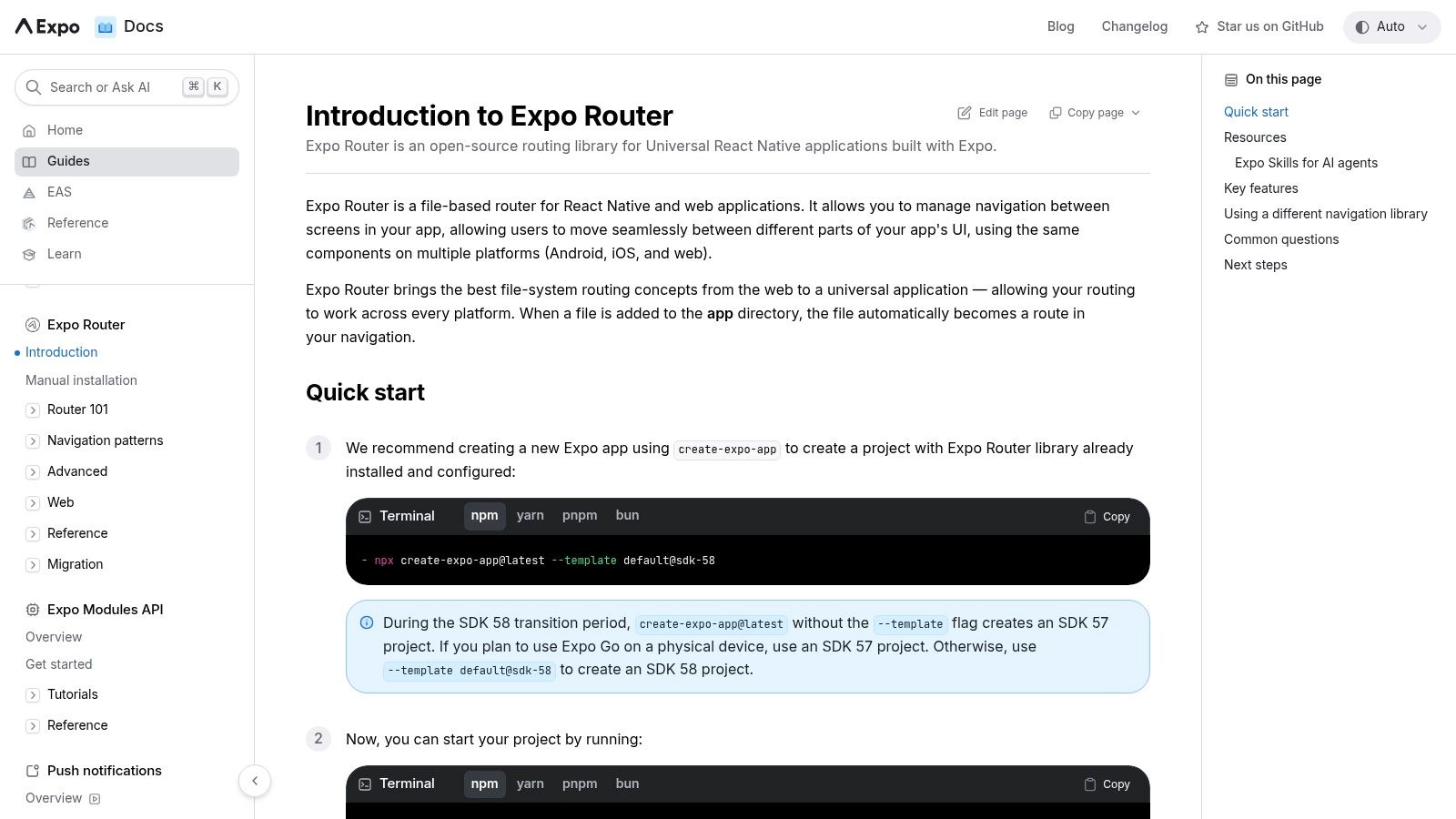 Expo Router Introduction and Example App
The folder structure makes ownership visible: a teammate can find the account route at app/account.tsx without tracing nested navigator components. Treat the introduction as a starting point, not a complete implementation guide. It names dynamic segments, auth gates, and modal presentation, but leaves their setup to later documentation.
Compare the file-based approach with explicit navigators in Expo Router vs React Navigation. Teams already comfortable with Stack.Screen options may find folders indirect at first. For apps that need web URLs alongside native screens, a shared route structure can reduce duplicated navigation setup. AppLighter pre-wires auth, tabs, and deep linking, so teams can focus on adapting the shell and testing its route behavior.
Practical rule: If you cannot point to the file that owns a route, simplify the structure.
2. Expo Router Navigation and Layout Examples
A user opening a shared link should reach the intended screen, then know how to return to the main areas of the app. Expo Router keeps those paths in one route table: the Expo Router docs cover stacks, tabs, drawers, dynamic routes, and deep links. A root stack can contain a tab group and a modal. Use router.push or <Link> for the same route, with web URLs and native linking mapped to that route structure.
The choice of navigation cue matters as much as the layout. Research on wayfinding found that 69.8% of participants chose a map, 53.5% chose written directions, and 22.1% chose a map with written directions. A virtual study reported a mean System Usability Scale score of 84.196 for an overview map. The Interacting with Computers research on maps and landmarks gives context for these findings. In an app, name key destinations and landmarks so users can orient themselves, rather than relying on an unexplained route line.
When the file tree fights you
Teams used to component-based navigation may find file-based routing unfamiliar. Start with only the layouts the app needs. Skip a drawer when destinations are few, and give frequent tasks clearly named tabs instead of unlabeled icons that may become unclear in translation. For decisions about labels, history, and nesting, use these navigation best practices. AppLighter can pre-wire auth, tabs, and deep linking, reducing setup work while leaving route structure and screen behavior under your control.
3. Expo Navigation Tutorial
The Expo navigation tutorial is the one to follow with the simulator open. You start from the app directory and a root layout, add a stack, then drop a bottom tab bar on the screens people hit every session. Shared UI stays in the layout. You are building, not bookmarking an API table.
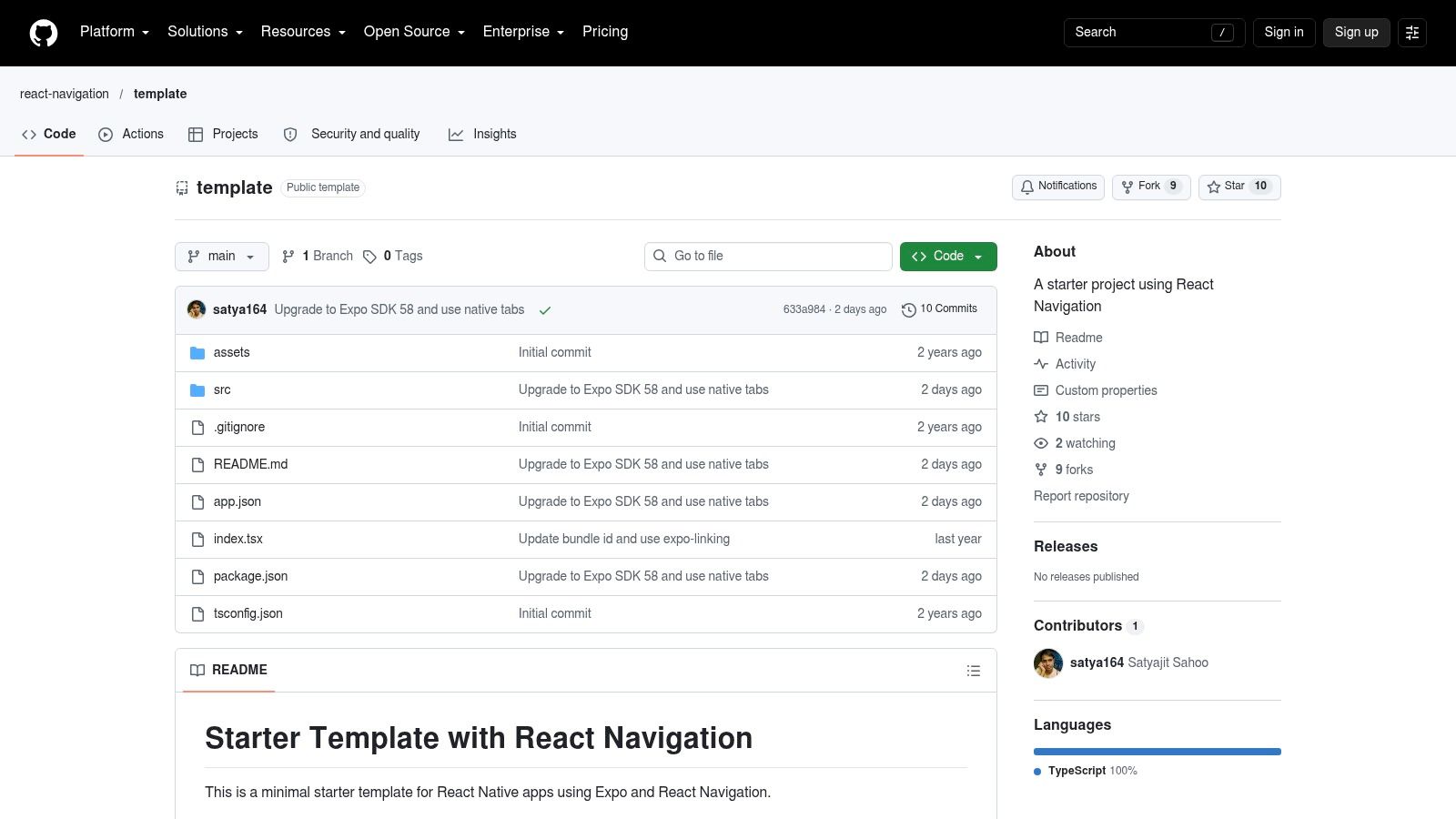 Expo Navigation Tutorial
That progression matches how most MVPs fail: too many first-run screens, then a tab bar added after the routes already sprawl. A redesign case that cut onboarding from seven screens to four lifted completion from 58% to 79%, a 21-point gain, while day-30 retention rose 14 points and the store rating moved from 3.8 to 4.5 in 90 days. The same write-up cut median cold start from 3.2 seconds to 1.4 and crashes by 60%, in Moburst's app redesign case study. Navigation polish without a faster start is a partial win.
The tutorial will not cover auth redirects, independent tab history, or every modal edge. Finish the four-screen path, then measure completion and time-to-core-value before you add a drawer.
4. React Navigation Documentation
A screen that opens from a notification needs a clear back destination. React Navigation's docs explain how navigators own history, how to configure linking across browser and device, and how stacks, tabs, drawers, and TypeScript fit together. Use them when you need to inspect that behavior directly in code, rather than infer it from Expo Router's file conventions.
For an Expo app, check which navigator owns each screen before nesting. A stack inside each tab preserves that tab's history. A shared stack above the tabs lets a detail screen cover the tab bar. Either structure can work, but users need a predictable back action. On Android, system back and hierarchical “up” are distinct behaviors, so test both through nested screens.
If a nested flow does not define what system back and “up” do, the navigation behavior is unfinished.
Navigation should also reflect the tasks users come to complete. In Kristin Anderson's navigation redesign, fewer taps brought key enterprise actions into clearer view. For a React Native-focused explanation of stack and tab choices, see React Native navigation. The concepts transfer to Expo, though some option names differ from Expo Router. AppLighter's React Native navigation guidance can help connect those patterns to an app structure with auth, tabs, and deep links pre-wired.
5. React Navigation Expo Starter Template
Docs explain nesting. The React Navigation Expo template lets you clone it and break it. You get a native stack, bottom tabs nested inside it, TypeScript, web through React Native for Web, system-appearance theming, and URL plus deep-link config. That is the structure most production shells converge on after the second rewrite.
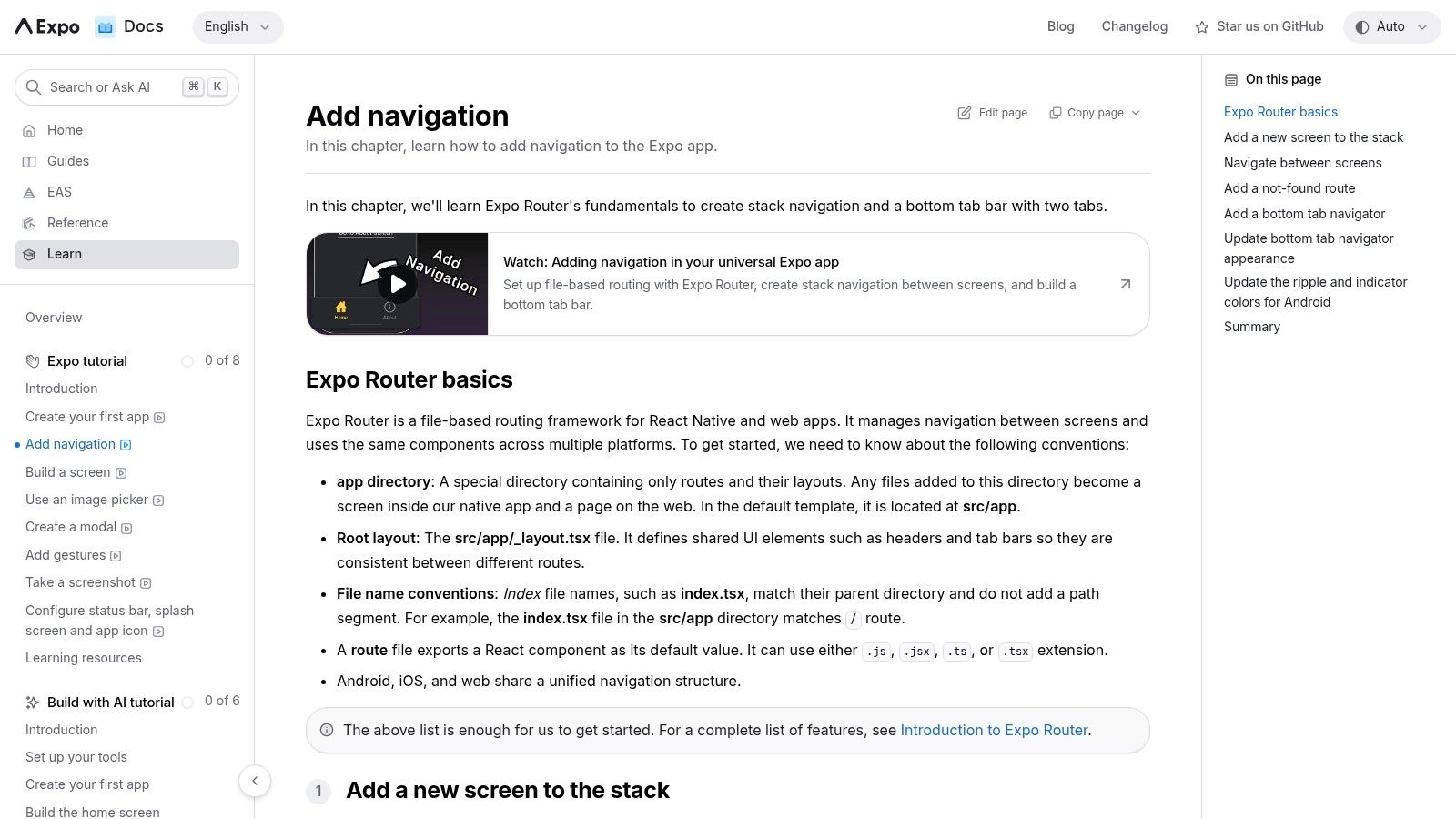 React Navigation Expo Starter Template
Run it as a development build. It is not an Expo Go project, and pretending otherwise wastes an afternoon. It is also intentionally thin: no auth, no onboarding, no offline cache. That thinness is useful. You can watch a cold deep link hit the linking config without a product flow getting in the way.
What to change first
- Separate tab history: Confirm each tab keeps its own stack before you add a third tab.
- Linking prefixes: Test a killed-app URL, not only an in-app
URLcall. - Theme defaults: System appearance is a start. Hard-code contrast if your brand colors fail on one platform.
Copy the linking config into your app only after those three behave. A starter that looks right in the repo and fails on a push open is not a pattern yet.
6. Expo with React Navigation Example
If the question is "does this still run inside an Expo project we already have?", use Expo's own reference, with-react-navigation. It is the same familiar shape, a native stack with nested bottom tabs, plus TypeScript, web, URL handling, and a development-build setup maintained next to the Expo examples tree.
 Expo with React Navigation Example
Check the repo's install notes against your SDK before you paste config into an existing app. Example pins drift. What you should copy is the nesting and the link handler, not every dependency line.
Visual tabs are not the same as usable tabs. A March 2025 U.S. survey found complicated layout or navigation was the largest mobile-app challenge for people with disabilities, at 46.4% of respondents, in the World Institute on Disability mobile app brief. Icon-only tabs and edge swipes with no button fallback fail screen-reader users and anyone who cannot do the gesture. This example will not ship labeled tabs, focus order, or a non-gesture dismiss for you. Add those before you call the shell done. It also has no auth or onboarding, so do not treat it as a product.
7. React Native Navigation Showcase and Playground
Wix's React Native Navigation showcase is the outlier, and that is why it stays on the list. The playground lets you poke tabs, split layouts, and native transitions. The showcase points at real apps built on a different library than Expo Router or React Navigation. Use it when someone on the team argues that JavaScript navigators cannot feel native enough.
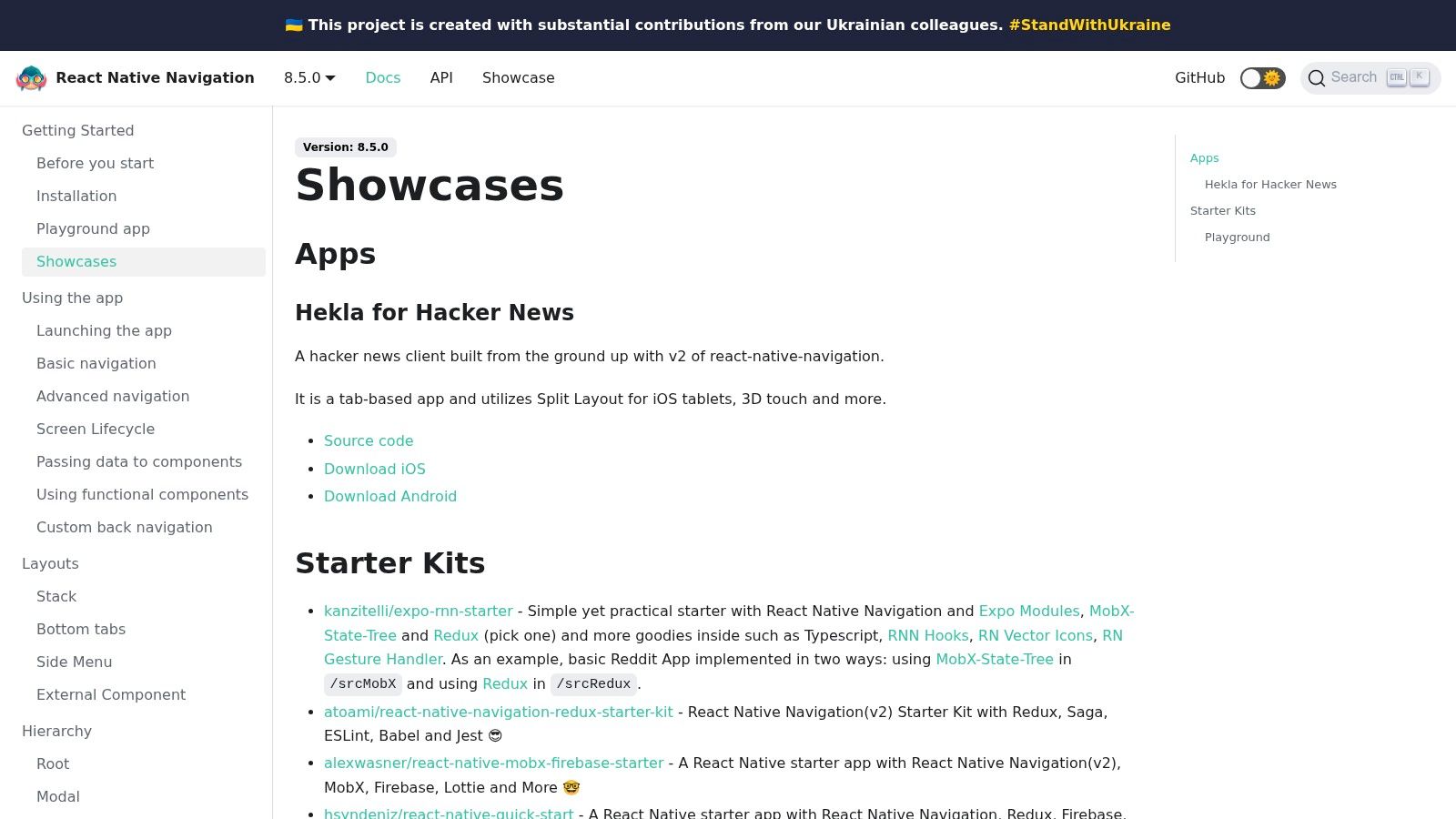 React Native Navigation Showcase and Playground
It is not a drop-in. Screen registration, native project setup, and Expo config do not match the other six sources. Confirm the library still fits your SDK and your CI before you prototype a feature in it. Teams that switch libraries mid-build usually redo deep links and back behavior twice.
Context beats a universal tab recipe. Research with 15 participants found only a 73% completion rate on core navigation tasks and 2.8 errors on average, with ambiguous icons, inconsistent platform patterns, and weak feedback as the main causes, documented in a navigation-pattern usability study. Long labels after translation, right-to-left layouts, and Android system back are exactly where a playground helps and a screenshot gallery does not.
If those constraints are not your problem, stay on Expo Router. Switching libraries to chase a transition you have not measured is how MVPs slip a week.
Navigation Examples: 7-Point Comparison Guide
| Example | 🔄 Complexity / Resources | 📊 Coverage / Expected Outcome | ⭐ Key Advantage | 💡 Ideal Use Case |
|---|---|---|---|---|
| Expo Router Introduction and Example App | Low; introductory reading and a quick-start project | Explains file-based routing across iOS, Android, and web | Connects core concepts with example source code | Assessing Expo Router before choosing an app structure |
| Expo Router: Navigation and Layout Examples | Medium; broad documentation with practical examples | Covers stacks, tabs, drawers, dynamic routes, layouts, and deep links | Official, cross-platform guidance for Expo projects | Building or extending an Expo app with file-based routing |
| Expo Navigation Tutorial | Low to medium; guided, hands-on setup | Builds a basic stack and bottom-tab navigation flow | Teaches common patterns incrementally | Learning navigation while creating an Expo MVP |
| React Navigation Documentation | Medium to high; requires understanding navigator configuration and nesting | Covers stacks, tabs, drawers, nested flows, linking, and TypeScript | Detailed reference for organizing complex navigation history | Comparing or implementing explicitly configured navigators |
| React Navigation Expo Starter Template | Medium; runnable starter, but development-build setup may need configuration | Demonstrates a TypeScript stack-and-tabs app with web and deep-link support | Concrete project to inspect, modify, and test | Prototyping a React Navigation app with Expo |
| Expo with React Navigation Example | Medium; requires reviewing repository setup for the target project | Shows nested stack and tabs with TypeScript, web, and link handling | Expo-maintained example of React Navigation integration | Testing a familiar stack-and-tabs structure in Expo |
| React Native Navigation Showcase and Playground | Medium; separate library and compatibility checks may be needed | Provides feature playgrounds, app showcases, tabs, and split-layout examples | Offers a hands-on comparison with a native-oriented approach | Evaluating React Native Navigation as an alternative library |
Ship Your Navigation With AppLighter
A user opens a deep link after force-quitting your Expo app. The link should restore the right screen, respect authentication, and leave tabs usable when they return. That flow depends on a navigation structure that works as one system, not a collection of disconnected examples.
AppLighter is an Expo starter with authentication, navigation, and state already wired through Expo Router's file-based routes. You still decide whether detail screens sit above the tabs or inside a tab's stack. You also need accessible destination labels, clear session handling, and link behavior that works across platforms. The starter removes much of the setup for the app shell, auth gate, and link prefixes, so you can focus on those product decisions.
Test the structure against real tasks: completing onboarding, reaching core value, using features, and finishing key actions. A polished tab bar that hides Metrics fails if users need that destination. Text labels, an alternative to gesture-only navigation, and deep links that open the intended screen make the interface easier to use and test.
For a web menu in the same product, choosing menu patterns for React apps offers a useful contrast. Floating menus serve a different purpose from persistent mobile tabs. Choose each pattern for the job it needs to do, not because it looked good in a desktop mockup.
Choose the Expo Router introduction to learn file-based routing, the tutorial to build a shell, or the React Navigation template to inspect explicit navigation history. Then implement the structure your team can test on both platforms.
AppLighter connects auth, tabs, and deep linking in an Expo Router starter, giving you a working base for your screens and flows. If this setup fits your app, start from the wired shell, point a tab at a core task, and test that journey end to end.