10 Mobile App Documentation Template Resources
Compare 10 mobile app documentation template resources for README files, API docs, onboarding guides, PRDs, and changelogs across project stages.
 Suraj
Suraj
A mobile app rarely needs just one document. Before development, the team may need a PRD that defines the problem, users, scope, and acceptance criteria. During implementation, developers need a README, onboarding instructions, architecture notes, environment setup, and API reference. After release, support and engineering teams need searchable user guidance, changelogs, troubleshooting workflows, and operational notes.
That's why choosing a mobile app documentation template shouldn't begin with a race to find one universal winner. There isn't a single governing body that defines one universal mobile app documentation template. Teams typically build a documentation stack that combines planning documents, technical references, publishable guides, and governance artifacts, as described in this mobile app architecture documentation guidance.
The resources below are organized by documentation job and project stage. Each entry considers its best fit, authoring workflow, collaboration model, customization requirements, and operational trade-offs. You'll see the difference between a product planning template, a docs-as-code foundation, an API-first platform, a static-site theme, and an organization-wide developer portal. AppLighter also fits into the discussion as a starter-kit context, because a new Expo and React Native project needs clear setup, folder structure, architecture, and implementation documentation from its first commit.
Table of Contents
- 1. Docusaurus Classic template
- 2. Mintlify
- 3. GitBook
- 4. ReadMe
- 5. Redocly
- 6. Nextra Docs Theme
- 7. Material for MkDocs
- 8. Backstage TechDocs
- 9. Notion PRD templates
- 10. Confluence Product Requirements template
- Top 10 Mobile App Docs Templates Comparison
- Final Thoughts
1. Docusaurus Classic template
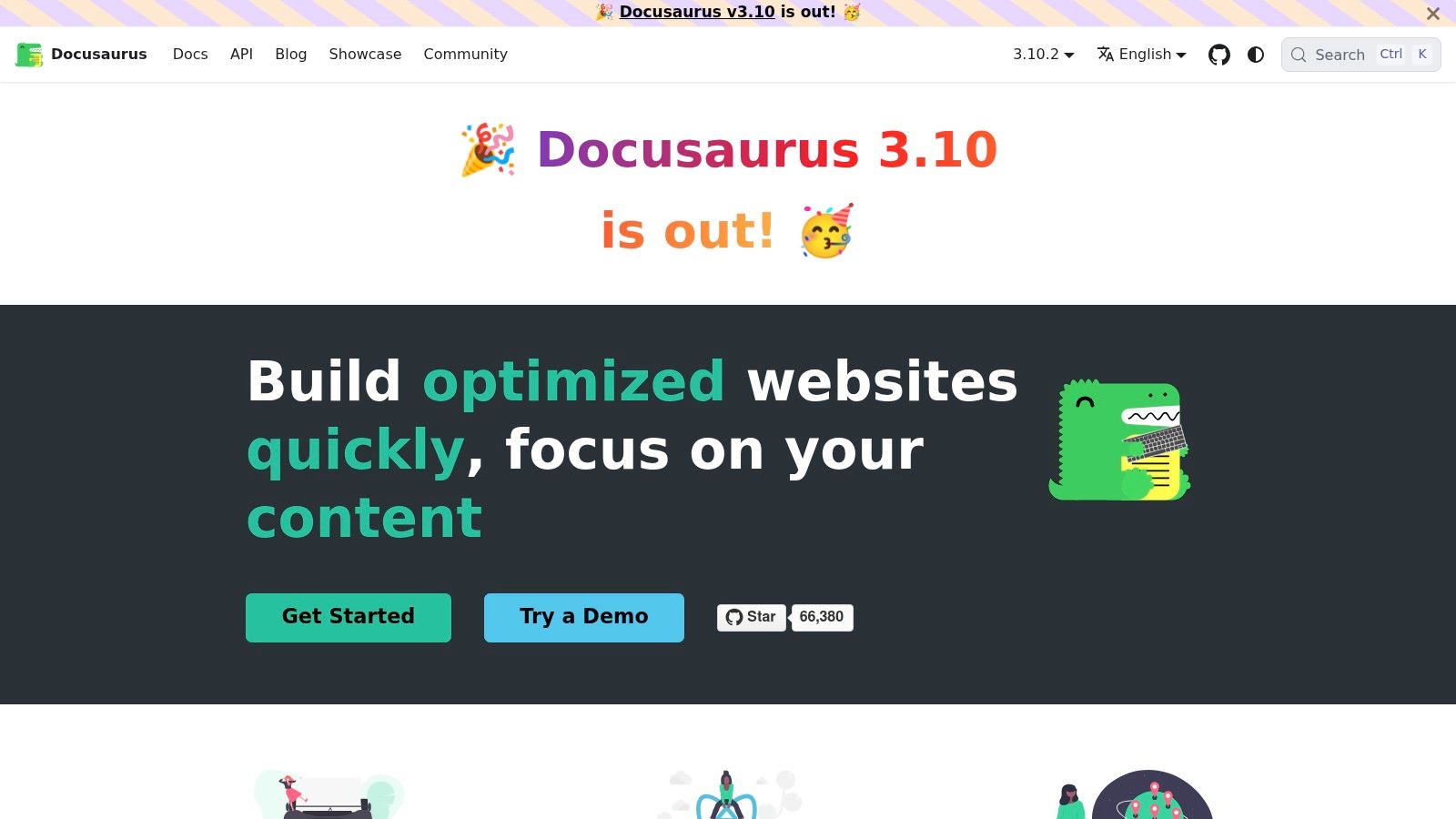
Docusaurus is a strong default when developers need a publishable documentation site that lives close to the codebase. Its Classic template gives teams a production-ready starting point for developer guides, component documentation, React Native instructions, Expo setup notes, and release documentation without requiring a separate knowledge-base system.
 Docusaurus (Classic template)
Best fit for docs-as-code teams
Docusaurus uses Markdown and MDX, so authors can add React components, interactive examples, tabs, callouts, and other interface elements inside documentation pages. Built-in versioning helps teams preserve documentation for different app or SDK releases, while internationalization, dark mode, search support, SEO-friendly routing, and blog functionality cover common publishing needs.
For an Expo or React Native project, a practical structure might include getting started, local development, navigation conventions, shared components, state management, testing, release procedures, and troubleshooting. CI/CD workflows such as GitHub Actions can build and publish the site to services such as Vercel or Netlify. That keeps documentation reviewable through pull requests and makes updates part of the engineering workflow.
Teams should understand the cost of that control. Deep customization requires front-end familiarity, and Docusaurus doesn't provide a native WYSIWYG editor for product managers or support writers who prefer visual editing. Markdown-first authoring also means contributors need to understand the repository structure and build process.
A README remains useful alongside the site, especially for first-time contributors. This practical guide to what code documentation should include is relevant when deciding which information belongs in the repository and which belongs in the wider documentation portal.
2. Mintlify
Mintlify suits teams that want a polished documentation site without spending much time assembling the publishing layer. Its hosted platform combines ready-made developer documentation templates, GitHub synchronization, a web editor, theming, branding, integrations, and AI-assisted writing and editing.
The practical advantage is speed. A startup can establish product guides, onboarding pages, API explanations, and a help center structure without designing a documentation interface from scratch. Developers can still work through Git-based workflows, while non-developers can make edits in the web editor. That combination is useful when product, support, and engineering all contribute to the same mobile app documentation template.
Where the hosted approach helps
Mintlify's default presentation is modern and developer-oriented. That matters when documentation needs to serve external developers, integration partners, or technical customers, rather than only the internal engineering team. The template repository also helps teams start with recognizable page patterns instead of inventing navigation and content hierarchy from an empty project.
AI writing and editing can reduce friction during drafting, but it shouldn't replace technical review. A generated explanation may sound clear while missing platform-specific permissions, authentication behavior, offline edge cases, or release constraints. Engineers still need to verify examples against the app and its API.
Practical rule: Use AI to improve structure and readability, not to approve implementation details.
The principal trade-off is control. Mintlify is a hosted SaaS product, so teams accept its platform constraints and availability model instead of owning the entire documentation stack. Advanced AI features may also involve additional cost. Choose it when fast publication and a polished developer experience matter more than complete self-hosting and front-end control.
3. GitBook
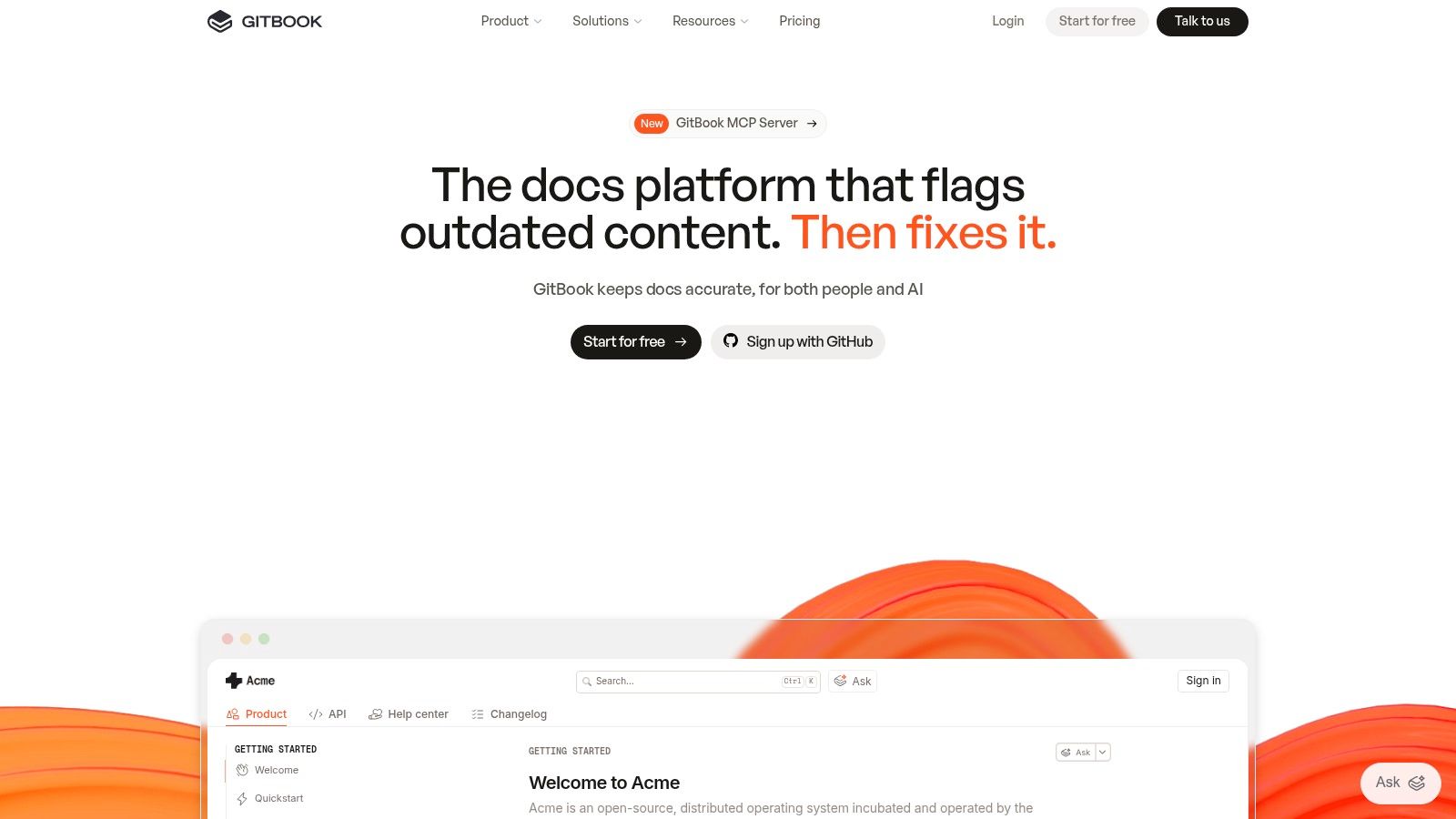
GitBook is a useful middle ground between a visual knowledge base and a developer-oriented documentation repository. Its blocks-based editor gives product managers, support teams, and technical writers a low-friction writing experience, while GitHub and GitLab synchronization lets engineers keep selected content connected to version-controlled workflows.
 GitBook
Best fit for collaborative product documentation
A mobile team can use GitBook for product guides, onboarding, troubleshooting, integration instructions, and an internal knowledge base. Templates help establish page structures for product documentation, while public and private spaces support different audiences. Built-in theming keeps the site presentable without requiring a front-end engineer to maintain a custom theme.
The visual editor is the main attraction for mixed teams. A product manager can revise a workflow, a support specialist can add a troubleshooting article, and a developer can synchronize technical pages from a repository. Comments, permissions, and publishing controls make it easier to separate draft work from public guidance.
GitBook also offers API playground capabilities and analytics on paid plans. That can be helpful when a mobile app depends on a backend API, but teams should check the plan requirements before making those features part of their workflow.
What to watch before adopting it
GitBook's ease of use can become a limitation for teams that need unusual navigation, custom components, or a heavily bespoke documentation experience. A code-first static-site generator generally offers more control over build behavior, layout, and content processing. Pricing is also based on site and user considerations, so the total cost can grow as collaboration expands.
Use GitBook when several roles need to write and maintain documentation together. Avoid making it the only project artifact if architecture decisions, source-controlled implementation notes, or release-specific documentation need to be reviewed beside code.
4. ReadMe
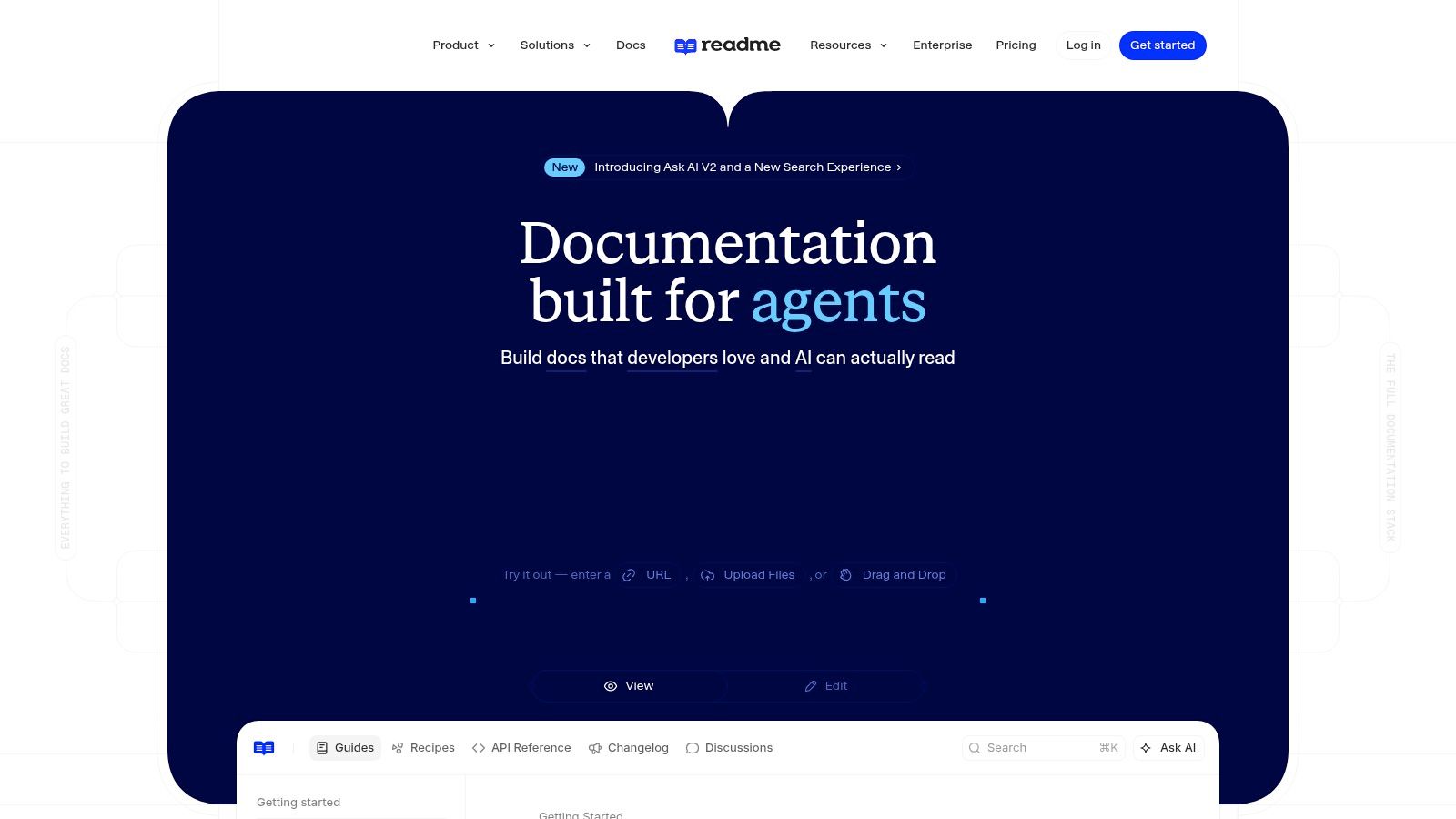
ReadMe is the most natural choice on this list when a mobile app is a client of a serious backend API or exposes an API to external developers. Its OpenAPI-powered reference pages support interactive documentation and Try-It functionality, while additional areas cover guides, SDKs, recipes, and developer dashboards.
 ReadMe
A mobile app's API documentation must explain more than endpoint names. Developers need authentication instructions, request and response examples, error behavior, pagination, environment differences, webhook behavior, and compatibility expectations. ReadMe's interactive approach lets readers explore API behavior in the browser instead of copying fragments from static reference pages and testing them elsewhere.
Strong API experience, weaker fit for API-free apps
GitHub and CLI workflows support synchronization, and branding and theming help the reference site match the product. AI-assisted writing and search can help readers locate relevant guidance, but the underlying OpenAPI definition still needs disciplined ownership. If the schema is incomplete or stale, a polished interface makes inaccurate information easier to find.
ReadMe is less compelling when the mobile product has no external API audience. A small internal app may get more value from a simple README, a static documentation site, or a collaborative workspace. Advanced ReadMe capabilities may also be restricted to higher pricing tiers, so teams should map required features before committing to it as the central platform.
The best implementation pattern is to keep the API contract close to the service that owns it, then publish the reference through ReadMe. Keep broader mobile topics, such as navigation conventions, local storage, release signing, and UI architecture, in a complementary developer guide if the API reference becomes too dominant.
5. Redocly
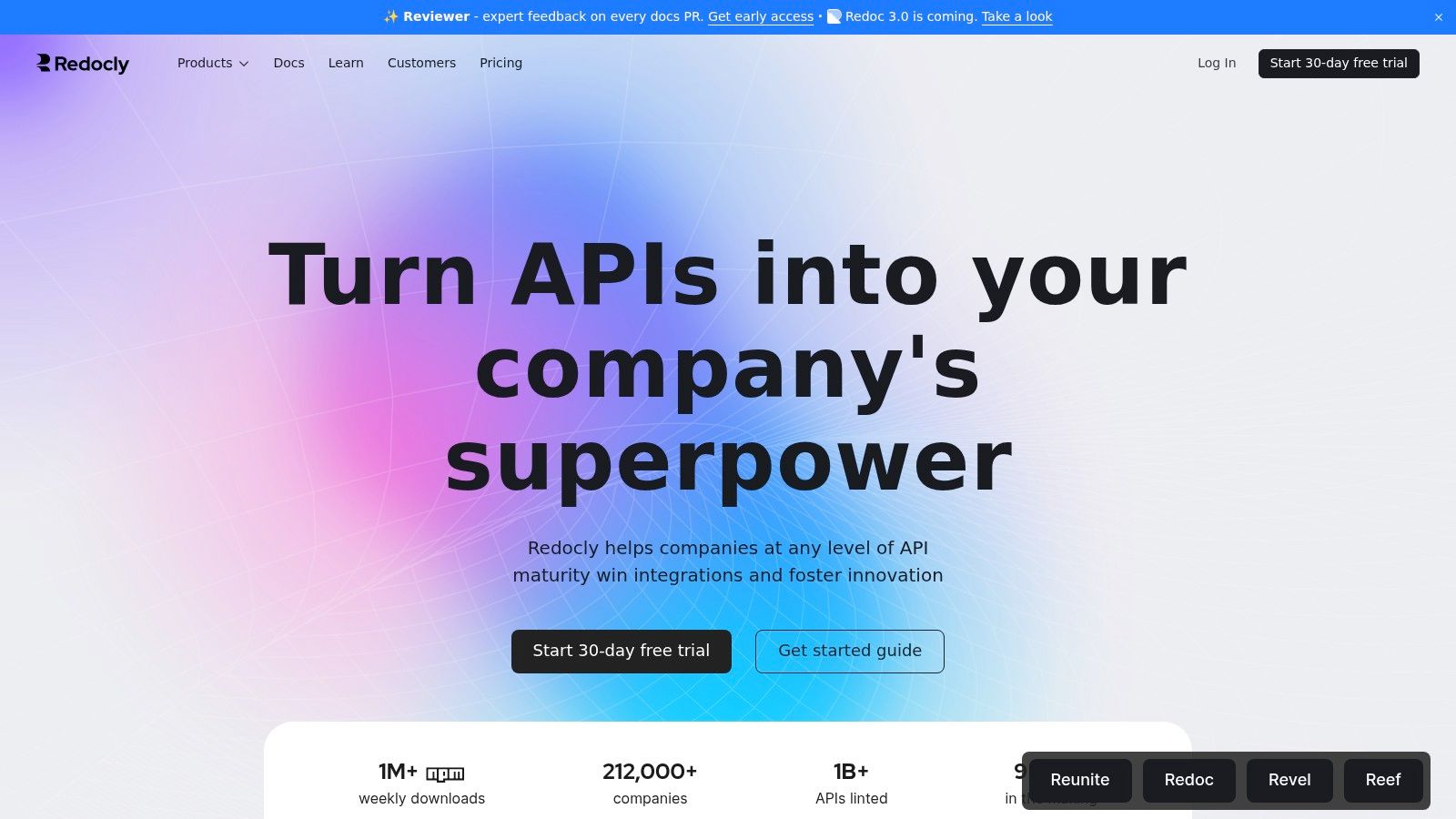
Redocly is designed around OpenAPI quality and presentation. Redoc and Redocly Reference render clean API documentation, while Workflows and Registry support collaboration, linting, bundling, and API catalog management. It's a strong option when the backend API is a central product surface rather than a private implementation detail.
 Redocly
Best fit for API-first delivery
Redocly supports OpenAPI 2.0, 3.0, and 3.1, which gives teams a formal contract for endpoints, parameters, schemas, security requirements, and responses. Linting is particularly valuable because it catches inconsistent descriptions and structural problems before developers or integration partners depend on them. Bundling can also help teams combine modular API definitions into a publishable reference.
That workflow works well for a mobile application with multiple clients, external integrations, or a growing backend surface. The API definition becomes more than a reference page. It acts as a reviewable contract that backend engineers, mobile developers, QA, and partner developers can inspect.
Teams should not mistake Redocly for a complete product documentation system. General user guides, feature explanations, architecture notes, onboarding material, and support workflows may need a separate platform. The hosted plans also introduce choices around customization and pricing that need evaluation against the API program's size and governance requirements.
A useful companion is this guide to what API documentation involves, especially when deciding which authentication, endpoint, and integration details belong in the public reference.
Treat the OpenAPI file as a product contract, not as an export generated after development is finished.
Choose Redocly when API consistency and quality gates are priorities. Avoid it as the primary mobile documentation tool if your project mainly needs product requirements, UI guidance, or internal onboarding.
6. Nextra Docs Theme
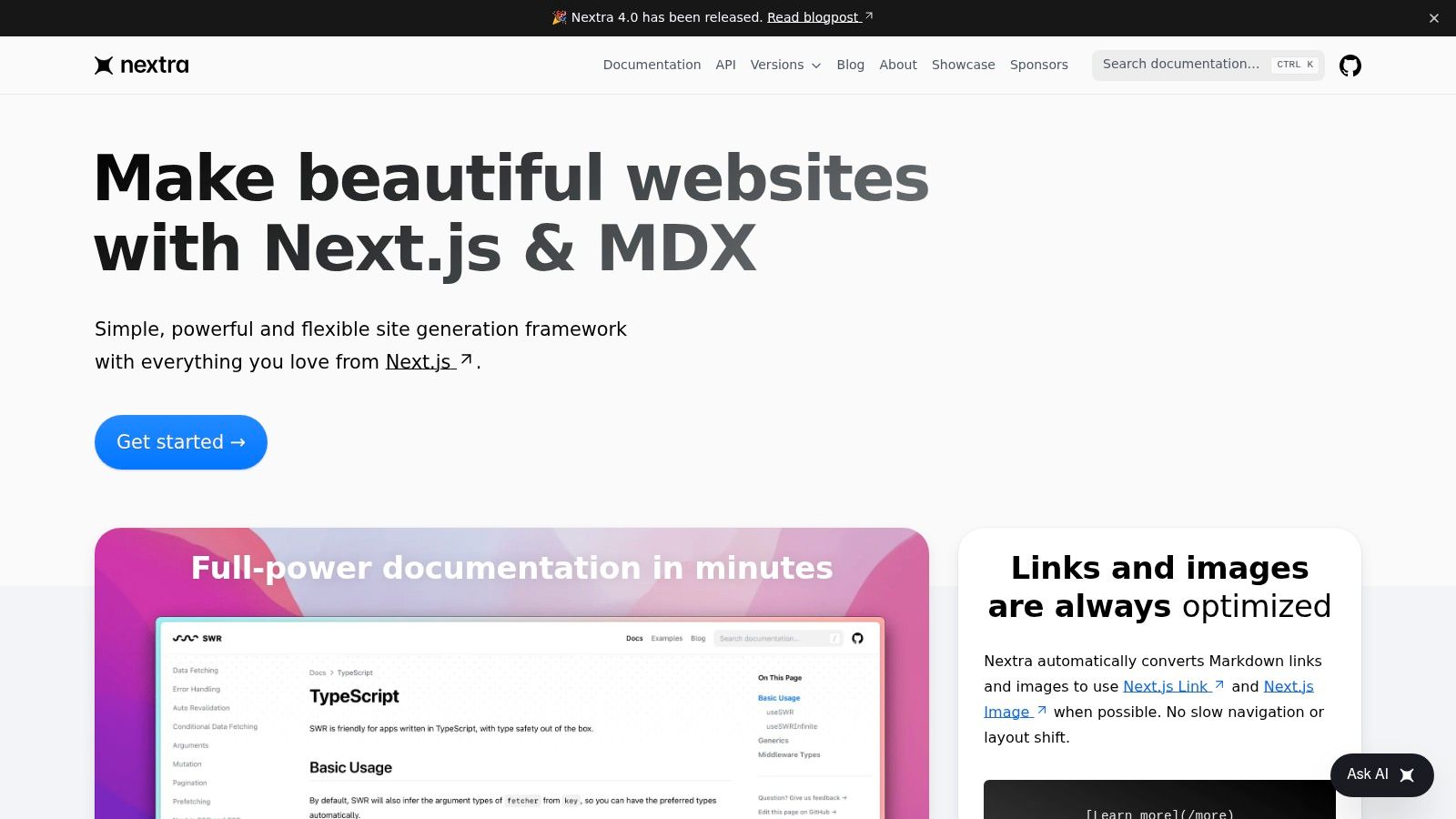
Nextra gives React teams a lightweight Next.js foundation for documentation. It supports MDX, React components, sidebar navigation, search, theming, and SEO-oriented site behavior, with straightforward deployment on Vercel.
 Nextra Docs Theme
Its appeal is simplicity. A team that already understands React and Next.js can create a fast documentation site without adopting a large framework or operating a separate editor. MDX allows documentation to include custom React components, which is useful for code examples, platform selectors, interactive configuration panels, or customized navigation.
A good small-team foundation
Nextra works well for a mobile app repository that needs a focused developer portal. Pages can cover environment setup, Expo commands, application structure, authentication flows, component conventions, API usage, and release instructions. Because the site is tied to a codebase and CI pipeline, engineers can review documentation changes alongside implementation changes.
That setup also places responsibility on the team. Nextra has fewer built-in capabilities than Docusaurus, and there's no native WYSIWYG editor for contributors who don't work comfortably in Markdown or MDX. Search, versioning, permissions, analytics, and content governance may require additional decisions or integrations depending on the project.
Nextra is a sensible choice when front-end control matters and the documentation scope is clear. It's less suitable for a broad organization where dozens of teams need standardized templates, ownership metadata, and centralized discovery. In that situation, the engineering time required to build missing governance features can outweigh the benefit of a minimal theme.
7. Material for MkDocs
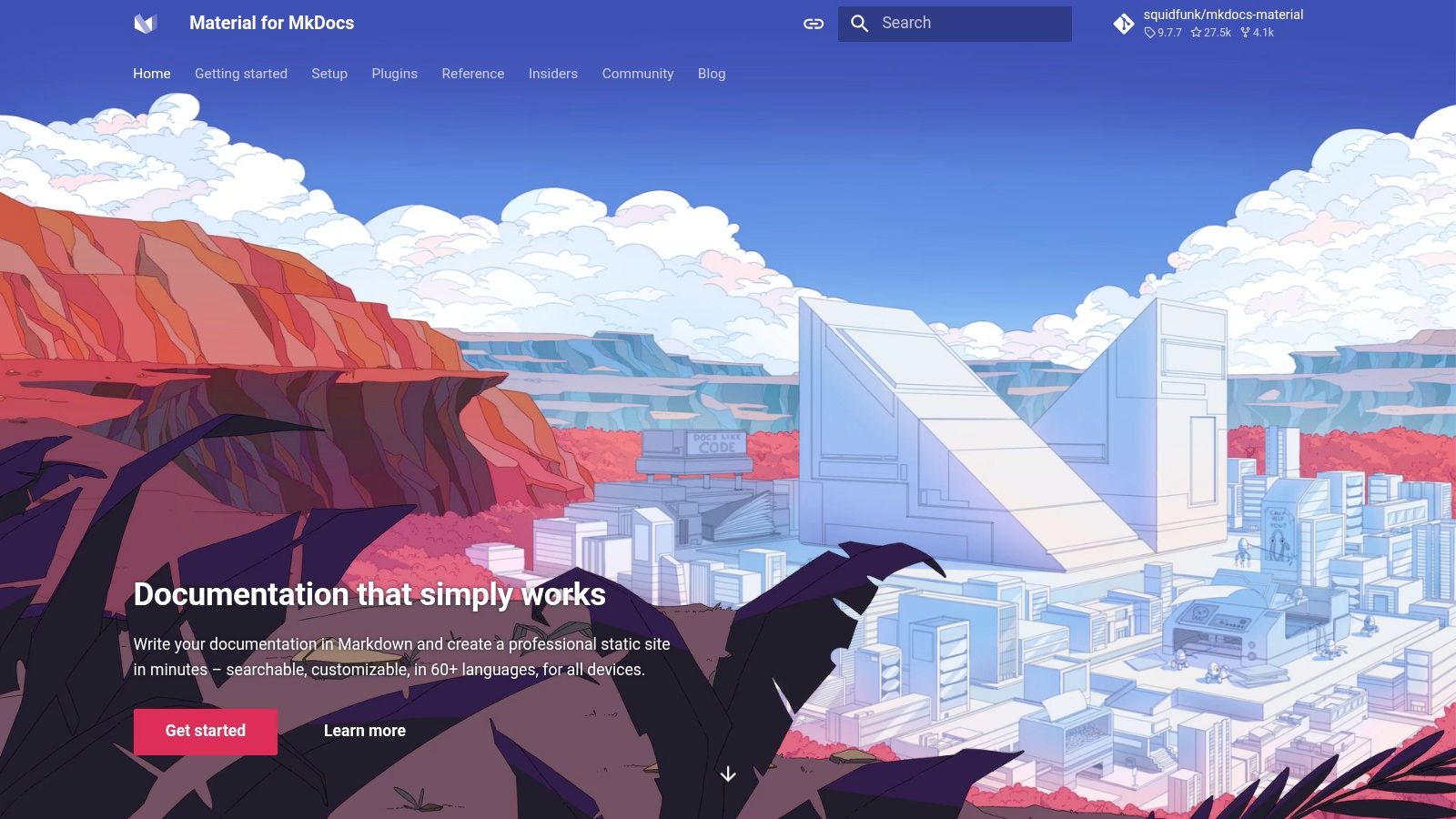
Material for MkDocs combines the MkDocs static-site generator with a polished Material theme. It's particularly effective for internal engineering documentation, architecture notes, operational runbooks, and user guides written in Markdown and published as a static site.
 Material for MkDocs (MkDocs + Material theme)
The default experience includes strong navigation, search, and theming. A simple mkdocs.yml configuration controls the site, while plugins and extensions support diagrams, tabs, admonitions, code blocks, and other practical documentation patterns. That makes it easy to present different iOS and Android instructions without duplicating an entire page.
Useful for architecture and operations
A mobile team can use Material for MkDocs to document the C4 Containers architecture view, local environment setup, CI/CD procedures, release checklists, incident response, dependency policies, and testing workflows. Static hosting works well with GitHub Pages, Netlify, or Read the Docs, and the deployment process can run through CI.
The trade-off is flexibility. MkDocs and Material don't provide the React and MDX integration available in Docusaurus or Nextra. There's also no native web editor, so every contributor needs a repository workflow or a separate authoring process. Teams must configure and maintain the publishing pipeline instead of editing a hosted workspace directly.
A static site is only low maintenance after ownership, builds, links, and review rules have been assigned.
Choose Material for MkDocs when the team values fast Markdown authoring, predictable hosting, and a mature documentation theme. Avoid it when non-technical contributors need visual editing or when interactive React components are central to the documentation experience.
8. Backstage TechDocs
Backstage TechDocs is aimed at organizations that need documentation discovery and governance across many software services. It brings an MkDocs-based documentation experience into a broader developer portal, alongside service ownership, catalogs, templates, and engineering metadata.
 Backstage TechDocs
For a mobile organization, TechDocs can give each app, backend service, shared library, and platform component a recognizable documentation location. Backstage Software Templates can establish the expected file structure for new services. Ownership metadata helps readers identify which team maintains an authentication service, mobile SDK, design system, or deployment workflow.
Governance is the product
This approach addresses a problem that standalone documentation sites often leave to convention. Teams can define how new repositories receive documentation, where architecture information belongs, and how engineers discover related services. Consistent templates make it easier to compare projects and identify missing information.
The cost is operational weight. Backstage requires infrastructure, configuration, integrations, and ongoing platform ownership. A small product team or indie developer will likely spend more time operating the portal than benefiting from its governance features. Even larger teams need a clear adoption plan, because a portal that only contains empty templates won't improve knowledge sharing.
Use TechDocs when the documentation problem is organizational rather than merely editorial. It makes sense for multi-team environments with many services and repeated onboarding challenges. It's overkill for a single mobile app that needs a clean public guide and a few internal technical pages.
9. Notion PRD templates
Notion's product requirements templates are best used before implementation begins. They give product managers, founders, designers, and engineers a shared workspace for defining the problem, target users, feature scope, user stories, risks, dependencies, and acceptance criteria.
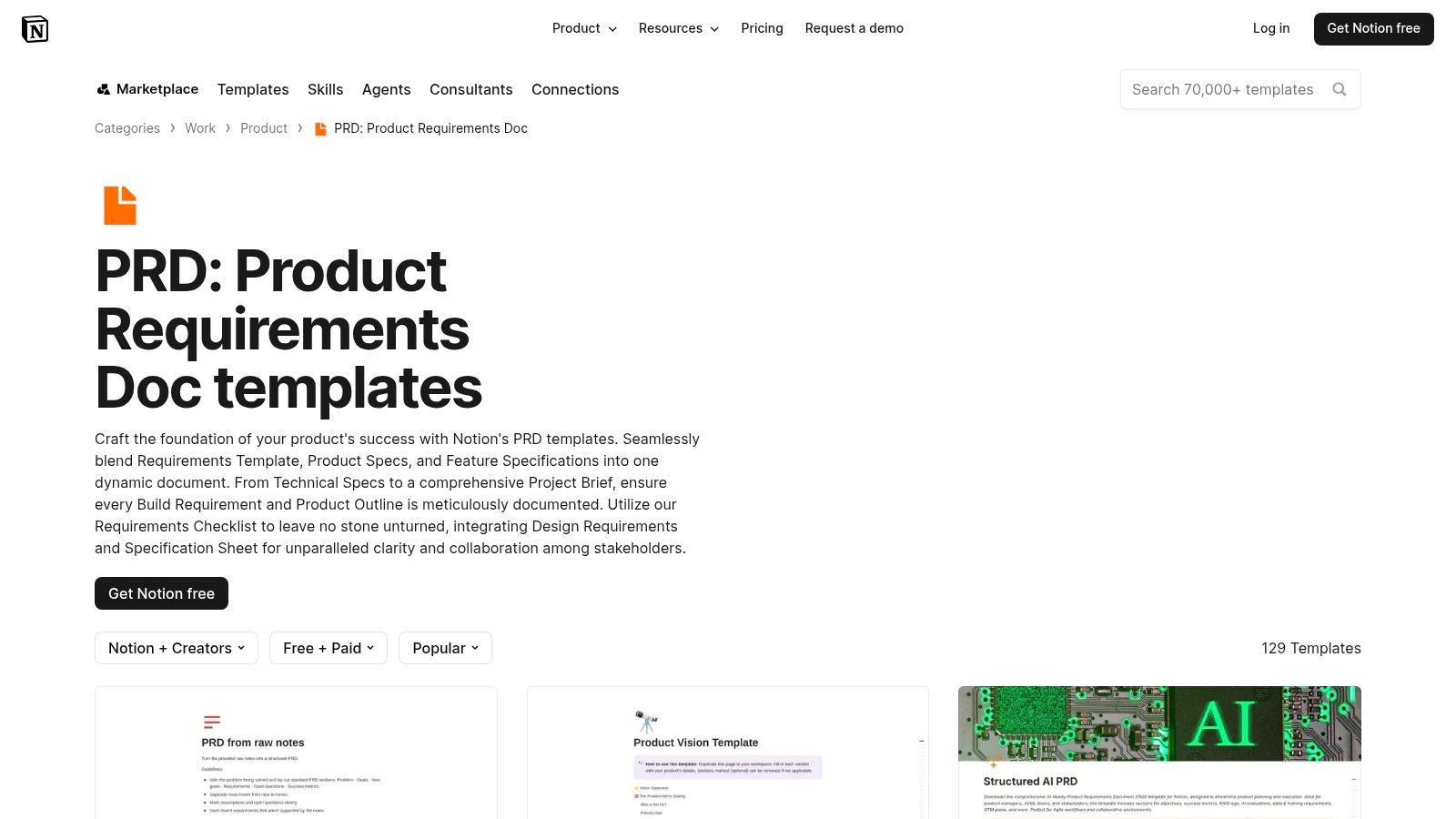 Notion PRD templates
A Notion PRD can connect a feature brief to research notes, Figma designs, roadmap entries, backlog items, and decision records. Databases, relations, inline tables, comments, and version history make it easy to keep supporting material near the requirement rather than scattering it across chat messages and tickets.
Best fit for product discovery
A useful mobile PRD should define the product overview, target users or personas, functional requirements, user stories, non-functional requirements, technical constraints, screen and flow maps, out-of-scope items, milestones, and acceptance criteria. This structure is consistent with a practical mobile app requirements document template that treats requirements as testable specifications rather than marketing copy.
Notion is quick to start, which is its greatest strength. It also creates a handoff risk. A PRD in Notion isn't automatically a developer-facing documentation site, and teams may need to convert or summarize approved requirements into repository documentation, API references, tickets, or QA plans. Without clear ownership, the PRD can become a historical record instead of a living specification.
Use Notion for product decisions and early scope alignment. Don't force it to replace technical documentation when developers need versioned examples, build instructions, architecture diagrams, or release-specific implementation notes.
A starter kit can make the handoff more concrete. AppLighter's mobile app template documentation is relevant when a team is defining which setup and implementation details a new Expo and React Native project should preserve.
10. Confluence Product Requirements template
Atlassian's Confluence Product Requirements template works particularly well for teams already using Jira. Its structured requirements blueprint supports goals, user stories, scope, acceptance criteria, and related project information, while Confluence spaces provide organization, permissions, macros, and page history.
The Jira connection is the decisive advantage. A mobile requirement can link to an epic, design task, engineering issue, test activity, and release work. That traceability is useful when QA needs to verify acceptance criteria or when a product owner needs to understand which scope has entered development.
Better for governed delivery than quick drafting
Confluence includes a Product Requirements blueprint, an index, and a broad collection of additional templates and macros. Space-level permissions help enterprise teams manage access, and change history gives stakeholders a record of how requirements evolved. These features support mobile releases where product, design, engineering, and QA need a shared audit trail.
The interface feels heavier than Notion for fast, informal drafting. That friction can be useful when it encourages teams to complete required sections, but it can also slow early discovery. Cost scales with users, so a large contributor group needs a deliberate permission model and workspace structure.
Use Confluence when Jira is already the operating system for delivery. Build the PRD there, then link out to code-based technical guides and API documentation where appropriate. Don't choose it solely because it has a template. The value comes from connecting requirements to decisions, issues, acceptance criteria, and release evidence.
Top 10 Mobile App Docs Templates Comparison
| Tool | Core focus & features ✨ | Ease of use / Quality ★ | Value / Pricing 💰 | Best for 👥 | Standout / USP 🏆 |
|---|---|---|---|---|---|
| Docusaurus (Classic template) | MDX, versioning, search, blog ✨ | ★★★★☆ Dev-first, customizable | 💰 Free / self‑hosted | 👥 Dev teams & Expo/React Native | 🏆 React-based docs-as-code |
| Mintlify | Hosted templates + web editor + AI ✨ | ★★★★☆ Fast to publish, polished | 💰 SaaS (freemium; AI paid) | 👥 PMs, tech writers, small teams | 🏆 AI-native editor & templates |
| GitBook | Blocks editor, Git sync, spaces ✨ | ★★★★☆ Low-friction collaboration | 💰 SaaS (per-user; scales) | 👥 Cross-functional teams, KBs | 🏆 Balance of UX and dev workflows |
| ReadMe | OpenAPI interactive reference ✨ | ★★★★☆ Excellent API UX | 💰 SaaS (enterprise tiers) | 👥 API teams & SDK authors | 🏆 Try‑It API UI + analytics |
| Redocly | OpenAPI rendering + linting/registry ✨ | ★★★★☆ High-performance API docs | 💰 Paid (enterprise-focused) | 👥 API-first engineering teams | 🏆 Best OpenAPI rendering & quality tooling |
| Nextra Docs Theme | Next.js + MDX theme, minimal ✨ | ★★★★☆ Very fast, dev-controlled | 💰 Free / self‑hosted | 👥 React teams wanting control | 🏆 Minimal, Vercel-ready speed |
| Material for MkDocs | Markdown + Material theme + plugins ✨ | ★★★★☆ Polished static sites | 💰 Free / self‑hosted | 👥 Internal engineering & guides | 🏆 Rich plugin ecosystem |
| Backstage TechDocs | Central dev portal + MkDocs templates ✨ | ★★★☆☆ Powerful but heavy | 💰 Self-hosted (infra-heavy) | 👥 Large orgs / multi-team platforms | 🏆 Governance & centralized discovery |
| Notion PRD templates | Collaborative PRDs, relations & links ✨ | ★★★★☆ Very fast drafting & edits | 💰 SaaS (per-user; low barrier) | 👥 Founders & PMs (pre-dev) | 🏆 Fast, flexible product planning |
| Confluence PRD template (Atlassian) | Structured PRD blueprint + Jira links ✨ | ★★★☆☆ Powerful, heavier UI | 💰 SaaS (user-based; enterprise) | 👥 Enterprise teams using Jira | 🏆 Traceability & Jira workflow integration |
Final Thoughts
A useful mobile app documentation template is rarely a single page and almost never a single tool. Product teams need a requirements layer that explains the problem, users, priorities, constraints, and acceptance criteria. Developers need repository-level documentation that explains how to install, configure, extend, test, and release the application. API consumers need an accurate reference with authentication details, schemas, examples, and error behavior. Operations and support teams need searchable procedures that help them recover quickly when something breaks.
The tools in this list occupy different positions in that stack. Notion and Confluence are strongest at product planning and cross-functional alignment. Docusaurus, Nextra, and Material for MkDocs provide docs-as-code foundations for teams that want changes reviewed with code. Mintlify and GitBook reduce the effort required to publish polished documentation for mixed audiences. ReadMe and Redocly are more specialized, with their greatest value appearing when APIs are central to the product. Backstage TechDocs addresses a larger organizational problem, where many teams need shared templates, ownership, and discovery.
The right choice depends on where documentation is failing today. If developers cannot onboard to the repository, start with a README, environment guide, architecture overview, and CI/CD page. If product requirements are vague, improve the PRD before buying a publishing platform. If external developers struggle to integrate, prioritize an OpenAPI contract and interactive reference. If engineers cannot find information across services, consider a governed portal rather than adding another isolated wiki.
A formal mobile SRS should go further than a feature list. Guidance aligned with ISO/IEC/IEEE 29148 requirements practices includes product context, functional requirements, performance and security requirements, interfaces, compliance rules, and traceability. Mobile guidance also needs supported platforms, dependency versions, build instructions, and privacy-impact checks. Those details turn documentation into an operational artifact used by delivery, QA, and governance teams.
Documentation should also support recovery, not just reference. Research on information-system documentation found a significant relationship between documentation quality and user satisfaction, while one usage breakdown reported that 12% of users consulted online help at least daily, 27% weekly, 26% monthly, and 35% never, as documented in this empirical research on user documentation and satisfaction. The practical lesson is simple. Put the answer close to the task, make navigation searchable, and write concise workflows before long explanations.
Finally, account for modern device and operational complexity. Platform guidance now spans phones, watches, tablets, laptops, foldables, TVs, cars, and XR devices, which makes assumptions about a single mobile screen increasingly risky, as shown in the Android development documentation. Your documentation should state supported platforms, offline behavior, authentication flows, accessibility expectations, edge API behavior, and release responsibilities instead of leaving those decisions implicit.
For a medium mobile app with 2–4 developers and 50+ screens, a practical baseline includes a README with onboarding instructions, a C4 Containers architecture diagram, descriptions of core patterns, ADRs for non-obvious decisions, and CI/CD documentation. That baseline gives a team a durable foundation without forcing every project into an enterprise portal.
Start with the documentation jobs, then choose complementary tools. A well-structured PRD can feed implementation tickets. A repository guide can point to the API reference. A release page can connect requirements to acceptance evidence. When those layers agree, the team spends less time interpreting missing context and more time building, testing, and maintaining the app.
AppLighter provides an Expo and React Native starter kit with authentication, navigation, state management, AI-assisted development tooling, a Vibecode DB with Supabase adapter, and a Hono/TypeScript edge-ready API layer. Use its getting-started, environment, folder-structure, architecture, and API documentation as a practical reference when setting up your own stack, then visit AppLighter to see whether it fits your next mobile app project.