How to Prevent SQL Injection in Expo and Hono Apps
How to prevent SQL injection in Expo and Hono apps: parameterized queries, least-privilege roles, ORM pitfalls and tests you can run this week.
 Damini
You're looking at a search screen that already rejects quote marks before the request leaves the phone. The Hono route behind it still builds the query. Anyone with curl can skip that screen and post the same string straight at the endpoint, and the database will treat it as SQL if the route assembled the statement from request text.
That is the practical problem with how to prevent SQL injection in an Expo and Hono stack. The React Native client is not a boundary. Typed request shapes, an ORM, and Supabase helpers each close some paths and leave others open: raw-query methods, RPC functions that call EXECUTE, and dynamic identifiers the driver cannot bind. The controls that hold live on the server, on every path that touches the database.
Table of Contents
- Where Injection Enters Your Expo and Hono Stack
- How to Parameterize Every Query in Hono
- Handling Identifiers, Sort Orders and Dynamic Filters
- Why an ORM or Supabase Does Not Make You Safe
- Least-Privilege Roles, WAF and Monitoring for Production
- Test Every Query Path and Audit This Week
Where Injection Enters Your Expo and Hono Stack
A request from an Expo screen can reach a Hono route without ever passing through the device's quote filter. Anyone can call that endpoint directly, so the API must treat every request value as untrusted. Check every route that reaches the database, including login, search, filters, sorting, pagination, admin exports, and database functions.
Veracode's State of Software Security analysis examines SQL injection as an application security risk. The practical takeaway for an Expo and Hono audit is to trace each path from request input to database operation, rather than assume client-side checks or typed request shapes provide protection. Use the table as an audit checklist, not as a substitute for inspecting the code.
| Data-access path | Where injection enters | Required control |
|---|---|---|
| Login and account lookup | Email or username concatenated into WHERE | Bound parameters and server-side validation |
| Search box | Free-text term built into a LIKE pattern | Bind the full pattern and escape % and _ in the term |
| Sort parameter | Sort key pasted into ORDER BY | Fixed allowlist mapping to constant column names |
| Filters and pagination | Filter keys, limit, and offset passed through | Typed integer bounds and bound values |
| Admin and report exports | Ad hoc raw SQL built from request fields | Read-only role and bound values on a separate endpoint |
| RPC or database function | EXECUTE with a concatenated string | Static statement with typed arguments, or format with %L and %I |
| ORM raw-query escape hatch | Template string with interpolated values | Tagged bindings only, with raw methods banned in review |
The boundaries differ by path. A bound value protects a search term, but it does not make an ORDER BY identifier safe. A typed TypeScript request can help catch malformed input, but it cannot prevent a raw query from interpolating that input. A database function also needs review: inspect dynamic EXECUTE statements and who has permission to call each function. Treat ORM raw-query methods as a separate audit item, even when ordinary ORM calls use bindings.
List these routes in your own app before changing code. Include branches reached only from admin screens, and check every Hono handler that reads a request and then touches Postgres. This inventory shows where controls must be verified, and which less-traveled paths could otherwise escape review.
How to Parameterize Every Query in Hono
The rule that decides the rest of the review is simple. Write the complete SQL with placeholders first, then bind every user-controlled value through the driver. Never concatenate request data into the statement before you prepare it.
OWASP's SQL Injection Prevention Cheat Sheet is explicit that prepared statements keep SQL structure and data apart, so a bound value is data, not executable SQL. That holds for mobile input. A client library can assemble a raw string and transmit it. Binding has to happen on the server.
A GET /orders handler that reads userId and status shows the difference.
// Vulnerable: both values become SQL text
const sql = `SELECT id, total FROM orders
  WHERE user_id = '${c.req.query("userId")}'
  AND status = '${c.req.query("status")}'`;

// Bound: the statement is fixed, values travel separately
const sql = `SELECT id, total FROM orders
  WHERE user_id = $1 AND status = $2`;
const rows = await db.query(sql, [
  c.req.query("userId"),
  c.req.query("status"),
]);
The second version still needs types and auth. What it no longer does is let a quote close the string.
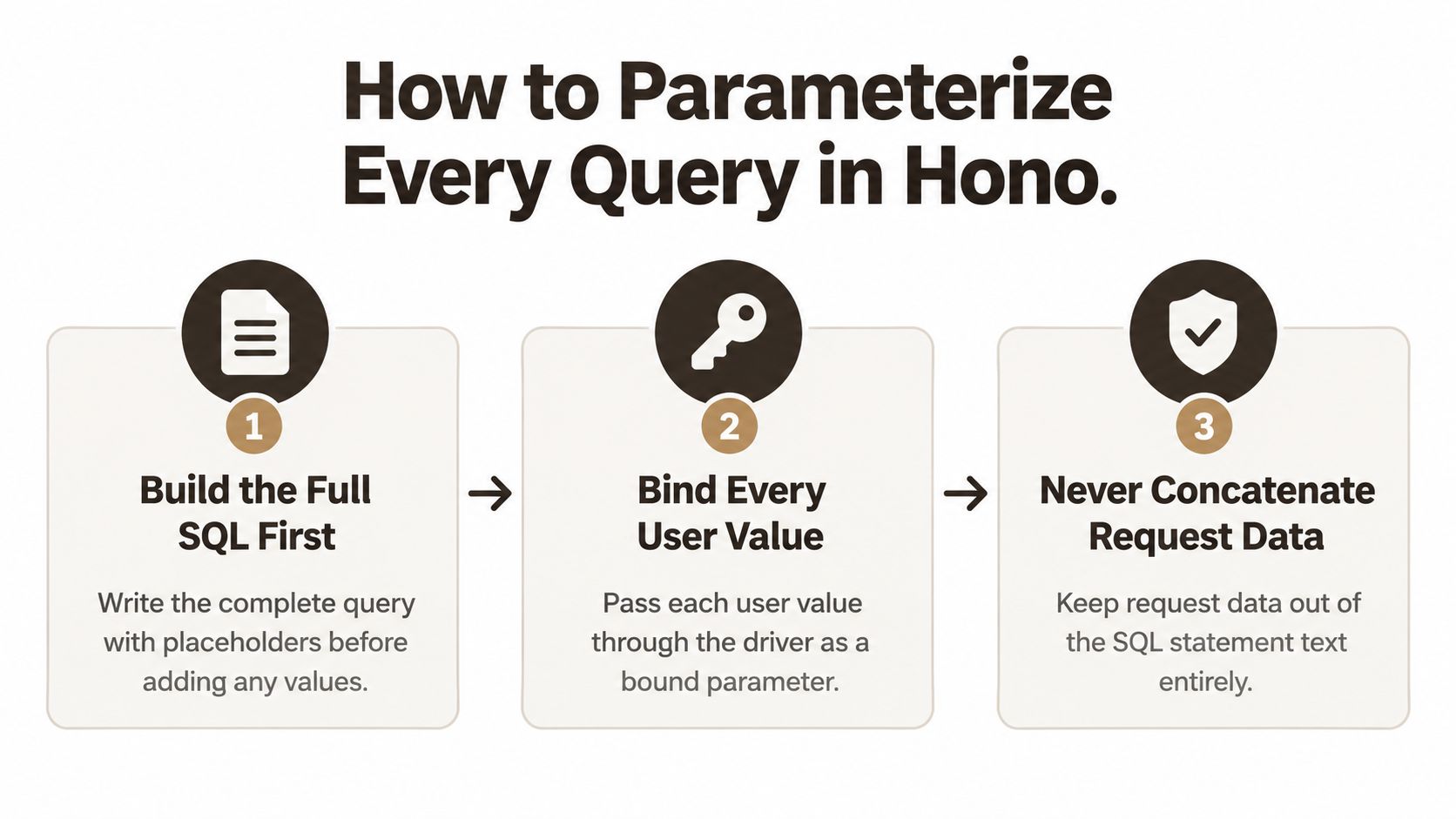 A three-step guide on how to parameterize SQL queries in Hono to ensure secure database interactions.
A review and CI workflow
Make the policy a code-review and CI requirement, not a comment in one file.
- Inventory every query path. Search, filtering, sorting, pagination, authentication, and reporting. Walk both sides of every
if. Teams often bind the main branch and leave theelseconcatenating. - Replace interpolation with typed binds. Placeholders such as
$1and$2, values passed as an array or as named parameters the driver owns. - Add regression tests with hostile input. Single quotes, comment markers, boolean expressions, and unusually long strings. A pass means the row set does not change shape.
- Inspect generated SQL or the driver trace. Values should appear only as bind variables, never inside the statement text.
- Fail CI on raw construction. A lint rule or a checklist item that rejects template strings built from
c.reqbeforequery()is called.
A pull request passes when the diff shows a fixed statement, a bind list, a test that includes a quote, and no new string built from request fields. Identifiers are the leftover hole. Column names and sort direction still cannot be bound by most drivers, so they need a fixed allowlist, covered next, rather than another placeholder.
Handling Identifiers, Sort Orders and Dynamic Filters
A bound value cannot choose a column, table, or sort direction. Those parts change SQL structure, so a driver cannot safely substitute them through a value placeholder. Keep them in application-owned mappings, and reject any request value that does not match an allowed option.
NIST Special Publication 800-53 SI-10 covers validation of untrusted inputs. Practical implementation guidance associated with this control includes parameterized interfaces and validation. Use allowlists for SQL structure, then review and test the query paths that assemble it. Least-privilege credentials also limit the impact of a flaw: a read-only endpoint should not be able to delete rows or alter schema.
| Query part | Can the driver bind it? | Safe handling |
|---|---|---|
Value in WHERE (email, id, search term) | Yes | Bind with a placeholder such as $1 |
Sort column (sort=created_at) | No | Map to a fixed allowlist of constant column names |
Sort direction (asc or desc) | No | Accept only ASC or DESC from an enum, then concatenate the constant |
| Table or column names in reports | No | Application-owned lookup, never user text |
LIKE search pattern | Yes, as the whole pattern | Build the wildcard in code and escape % and _ in the term |
| Limit and offset | Yes | Validate integer range and cap the limit |
| UUID, date, or enum value | Yes | Validate type in the Hono layer, then bind |
The allowlist for sort
Check that the requested key is an own property before reading it. A plain object inherits names such as constructor and toString; a truthiness check alone can accept them.
const SORTS = {
  newest: "created_at",
  name: "display_name",
} as const;

const key = c.req.query("sort") ?? "";
if (!Object.hasOwn(SORTS, key)) {
  return c.json({ error: "invalid sort" }, 400);
}
const column = SORTS[key as keyof typeof SORTS];
const dir = c.req.query("dir") === "asc" ? "ASC" : "DESC";
const sql = `SELECT id FROM orders WHERE user_id = $1 ORDER BY ${column} ${dir}`;
Here, column comes only from the fixed mapping, and dir is one of two SQL constants. Neither value is copied directly from the request. If supporting older runtimes without Object.hasOwn, use Object.prototype.hasOwnProperty.call(SORTS, key).
Practical rule: Bind search values, and construct
ORDER BYonly from checked, application-owned constants.
Parse UUIDs and dates, validate enum values, and cap integer inputs before binding them. These checks catch malformed requests; they do not replace binding. The Expo client is untrusted, so its validators cannot protect a Hono endpoint from a direct request.
Why an ORM or Supabase Does Not Make You Safe
A Hono route can bind every value correctly and still call an unsafe database function. That gap matters in Expo apps because the client is untrusted, and typed TypeScript does not validate data at runtime. ORMs and Supabase helpers reduce risk on the paths they handle. They do not make every path safe.
 A focused man sitting at a desk looking at his laptop screen in a modern office.
TypeScript checks shapes during compilation. A request can still contain a string where the server expects a number. The OWASP's Query Parameterization Cheat Sheet explains that libraries can still construct raw SQL through concatenation, and that parameterization must happen on the server. Stored procedures are also vulnerable if they concatenate input into dynamic SQL. Table names, column names, and sort directions are identifiers, not ordinary values, so they need application-owned mappings rather than value binds.
Supabase query-builder methods such as .eq() and .ilike() safely pass ordinary filter values. The guarantee ends when code drops to raw SQL or calls an RPC function that builds a statement unsafely:
CREATE FUNCTION find_orders(p_status text)
RETURNS SETOF orders
LANGUAGE plpgsql
AS $$
BEGIN
, Unsafe: input becomes part of the SQL statement.
  RETURN QUERY EXECUTE
    'SELECT * FROM orders WHERE status = ''' || p_status || '''';

, Safer: bind the value as a parameter.
  RETURN QUERY EXECUTE
    'SELECT * FROM orders WHERE status = $1'
    USING p_status;
END;
$$;
A static statement with a typed argument is simpler still, and avoids EXECUTE. Audit RPC bodies and check which roles have EXECUTE permission. A clean Hono caller does not neutralize dynamic SQL inside a database function.
The embedded walkthrough shows SQL injection against a login query. Use it to make the failure mode concrete, then trace the equivalent paths in your own code.
Trust boundary for an Expo app
- Keep privileged queries off the device. Never put a database credential on a phone if it can access other users' rows.
- Validate requests in Hono. Check types, enums, and ranges on the server for every call.
- Bind values in every query path. Use query-builder methods for ordinary filters and explicit binds in raw SQL.
- Keep RPC functions narrow. Give each function one operation and typed arguments. Review dynamic SQL and
EXECUTEgrants separately.
ORMs, typed clients, and Supabase helpers each have escape hatches. Search for raw-query methods, dynamic identifiers, and RPC functions rather than assuming the framework has covered them. Row-level policies, as described in this React Native and Supabase auth setup, can limit the rows exposed by a bad query. They cannot repair a concatenated EXECUTE.
Least-Privilege Roles, WAF and Monitoring for Production
Parameterization is the primary control. Roles decide how bad a miss becomes. Give each operation a database role with only the tables, columns, and verbs it needs. The application runtime should not use an owner account.
| Endpoint type | Database role | Granted operations |
|---|---|---|
| Public catalog read | anon role | SELECT on listed views only |
| Signed-in user actions | authenticated role with row-level policies | SELECT, INSERT, and UPDATE on the user's own rows |
| Admin reports | reporting read-only role | SELECT on the reporting schema, no writes |
| Background jobs | jobs role | INSERT and UPDATE on job tables only |
| Schema migrations | migration owner, not used at runtime | DDL in the deploy pipeline only |
The Supabase service role key bypasses row-level security. Using it for ordinary Hono requests turns any injection into full data access. Keep that key, and the migration owner, out of the request path. A read-only report role that cannot DELETE or change schema is the difference between a bad filter and a wiped table.
A web application firewall can block obvious payloads and buy time while you patch. Encoding tricks and new syntax get past signature rules. Treat the WAF as a supplement. It does not replace binds, allowlists, or roles. Broader API controls around auth and error handling belong with your API security practices, not as a substitute for the query itself.
Three signals to wire this week
- 500 responses that contain SQL syntax text. The body should be a controlled error, never a parser message.
- Repeated database errors from one endpoint. A scanner hammering a single route shows up here before it shows up in a ticket.
- Unexpected statements in audit logs. A
SELECTagainst a table that route should not touch is the tell.
Redact secrets in logs, and don't record the full query with user values. A complete statement in a log line is another copy of the data you were trying to protect.
Test Every Query Path and Audit This Week
A release test should follow each route from the Expo request to the database statement, including error paths and stored procedures. The Expo client is untrusted, even when TypeScript types its inputs. Treat those types as a development aid, not a security boundary. CWE-89 identifies dynamic SQL in stored procedures as an injection risk and recommends prepared statements, strong typing, strict allowlists for unavoidable SQL structure, and least privilege. Stored procedures are safe only when they use typed parameters and do not concatenate input into SQL.
The OWASP Top 10:2025 Injection write-up lists more than 14,000 SQL-injection CVEs. Edgescan's 2025 statistics identify SQL injection as the most common critical web-application vulnerability in its reported findings. These reports support keeping query-path tests in the release gate, but a scanner alone cannot verify every code path.
The gate before deploy
- Map each endpoint to its query. Record the database role, statement, and what an attacker-controlled value could change.
- Test against a disposable database. Use a Supabase branch or local Postgres container with ordinary and adversarial inputs.
- Check error handling. Invalid input should return 400 or 422, without exposing SQL syntax or database parser messages.
- Scan authenticated and unauthenticated routes in staging. Use both session states against the same endpoints.
- Review database audit logs. Investigate unexpected statements or access to tables a route should not touch.
- Test credential scope. Verify that a compromised app credential cannot read or modify unrelated tables.
| Probe input | What it tests | Passing response |
|---|---|---|
Single quote (') in a text field | String breakout | Rejected with 400 or 422, or treated as data, with no SQL text exposed |
' OR '1'='1 in login or search | Boolean bypass | No extra rows, same result as a normal miss |
'; DROP TABLE orders; -- | Stacked statement and comment marker | Rejected or bound as a literal, with the table intact |
1 AND 1=2 against a numeric filter | Typed validation and numeric boolean injection | Rejected with 400 or 422, or returns the same result as a normal miss |
%' OR 1=1 -- in the search box | LIKE pattern handling | Literal match only, with no extra rows |
For a numeric filter, Hono should validate that the value is an integer before the query runs. If the input is rejected, the test passes. If it reaches a bound query, it must behave as a value, not as a SQL expression. Compare it with an ordinary nonexistent numeric value, not with 1 AND 1=1, which should also fail integer validation. Different row sets suggest the input has reached SQL as executable syntax.
Common failures are partial. One branch is bound and another is not. A raw ORM method appears in a report path, a Supabase RPC grants
EXECUTEtoo broadly, or client validation is trusted. Logs may also retain full queries and secrets.
Audit the repository
Start with the team's own repository. Trace each Hono route to its database calls, then inspect every raw-query method, stored procedure, RPC function and dynamic identifier. Check that RPC permissions are restricted to the roles that need them, and that identifiers such as column names and sort directions come from server-side allowlists. Add a pull-request check for interpolated SQL, but review its matches manually. A text search for template literals beginning with SELECT, INSERT, UPDATE or DELETE is a useful first pass, not proof that all query paths are safe. Rotate any credential that has been exposed in the client.
Assign an owner to each unresolved path and record the role and test that demonstrate its protections. Schedule app penetration testing against the routes in the inventory, so testers can exercise the actual query paths rather than scan endpoints without that context.
AppLighter is a starter kit for Expo, a Hono and TypeScript API, and a Supabase-backed data layer. It includes authentication and server-side access so database calls stay off the phone. Teams can use that setup to apply the binds, allowlists and role restrictions described above. See how the stack is put together at AppLighter.