How to Build an App for My Business: A Complete Roadmap
Learn how to build an app for my business with this step-by-step roadmap. Covers discovery, MVP scoping, the Expo stack, and real launch strategies.
 Parth
Parth
You've probably reached the point where the idea feels obvious. Customers need a faster way to book, order, track, communicate, or buy from you, and an app seems like the natural next channel. Then the planning document grows: accounts, payments, chat, loyalty, dashboards, notifications, integrations, AI, and separate experiences for iOS, Android, and web.
That's where many business apps become expensive before anyone proves customers want them. The practical answer to how to build an app for my business isn't to code faster. It's to validate one valuable workflow, choose an architecture that won't create avoidable rework, and launch a product you can operate after release.
Table of Contents
- Why Most Business Apps Fail Before They Launch
- Discovery Phase and MVP Scoping
- Choosing Between Low-Code Platforms and Custom Stacks
- Building Your Core Stack with Expo and AppLighter
- Implementing Authentication and Data Architecture
- Go-to-Market Strategies and Future Scalability
Why Most Business Apps Fail Before They Launch
A founder usually starts with a reasonable request: “Let's give customers a better way to use our service.” The first workshop adds authentication and payments. The second adds chat, loyalty, reporting, notifications, admin roles, and an integration with the existing CRM. By the time development begins, the team isn't building a focused business tool. It's attempting to recreate an entire company inside a mobile interface.
That shift creates two problems. The team spends budget on features that haven't been validated, while every additional workflow introduces more states, permissions, edge cases, testing, and support obligations. Recent 2026 coverage places simple business apps around $50,000 to $120,000, while complex projects can reach $120,000 to $300,000 or more, with projects also facing budget overruns, delays, or feature cuts. See the 2026 analysis of app development costs and project failure risks for that market context.
 A professional in a business suit reviewing architectural blueprints on a glass table in a modern office.
The expensive gap sits between code and operations
A working build is only one part of the product. Your team still has to manage account recovery, failed payments, data corrections, app-store releases, customer support, privacy requests, analytics, security patches, and changes in the business itself. A feature that looks small in a product brief can require coordinated changes across the interface, API, database, permissions, notifications, and internal processes.
The wrong response is to avoid planning. The right response is to plan for the smallest production workflow that creates commercial value. If the app helps customers book appointments, the first release might need account access, availability, booking confirmation, cancellation, and a basic business view. It probably doesn't need a community feed, referral engine, advanced loyalty tiers, and a full reporting suite on day one.
Practical rule: If you can't explain how a proposed feature improves the first customer transaction, successful activation, or repeat use, it belongs in a later decision queue.
Scope discipline protects more than budget
The failure pattern is supported by more than cost anecdotes. Among failed startups, 42% cite no market demand, 29% cite running out of cash, and 23% cite the wrong team, according to this analysis of why most MVPs fail. These figures point to a product decision, not merely an engineering decision. A polished app with weak demand still consumes cash and creates support work.
Treat the first release as a commercial experiment with real operational standards. Define one audience, one painful problem, one primary action, and one way to measure whether users received value. You can add sophistication after evidence shows where it belongs.
Discovery Phase and MVP Scoping
Before opening Expo, Figma, or a database console, identify the behavior you need to change. “We need an app” is an output request. “Customers abandon bookings because the current process is slow and difficult to manage” is a product problem you can investigate.
Start by interviewing the people who will use the product and the employees who'll support it. Ask what they do today, where the process breaks, what they do instead, and what makes them postpone or abandon the task. Don't ask whether they like your idea. Ask them to describe the last time they encountered the problem. Specific behavior is more useful than enthusiastic approval.
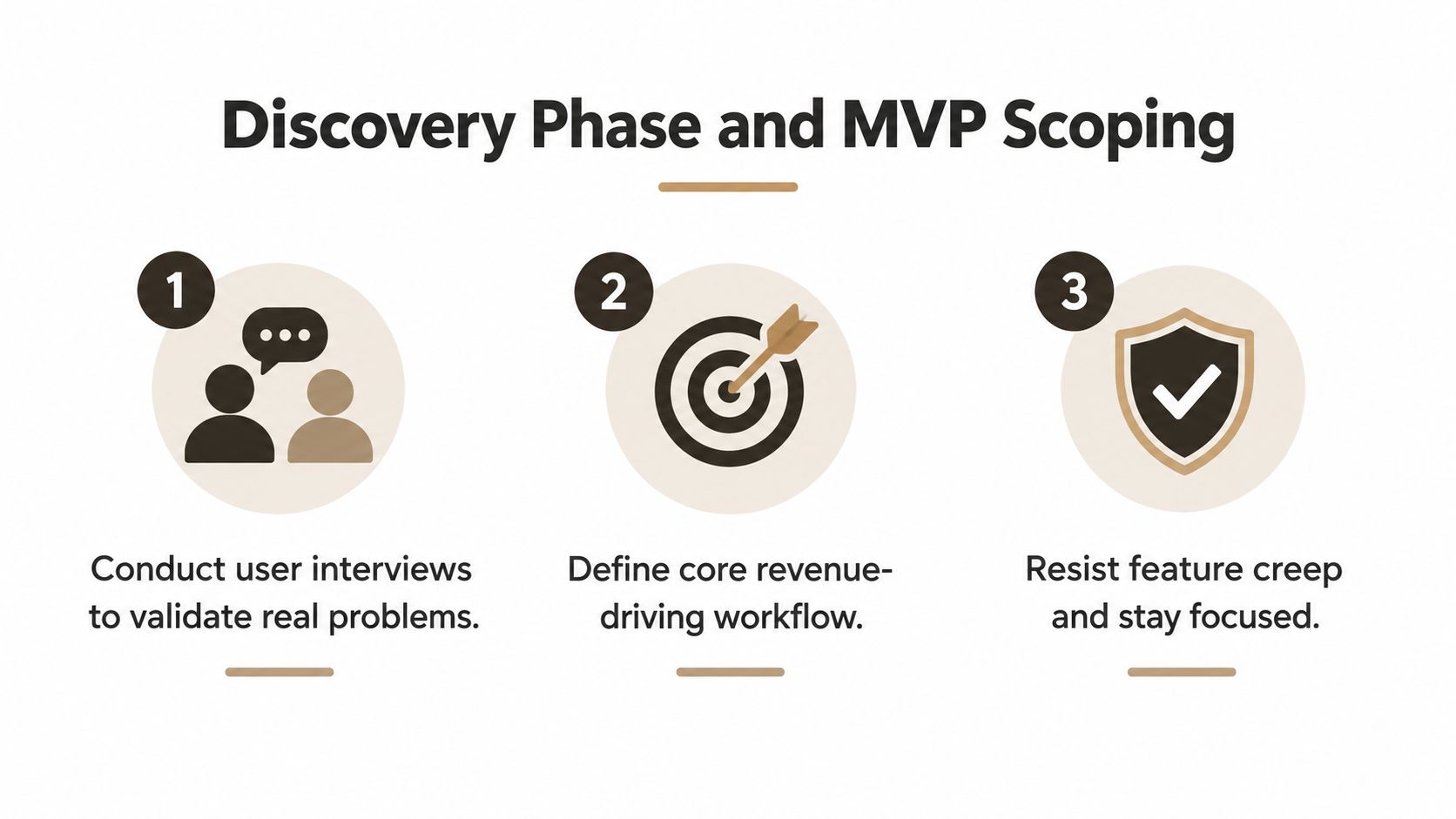 A three-step infographic outlining the discovery phase and MVP scoping process for software development.
Turn interviews into a narrow workflow
After the conversations, write the core journey as a sequence:
- Entry: How does the user discover or open the app?
- Progress: What information or decision do they need?
- Action: What single action creates value?
- Confirmation: What proves the action worked?
- Return: Why would the user come back?
That sequence becomes your MVP boundary. For a service business, it might be “find an available slot, book it, receive confirmation, and manage the booking.” For a retailer, it might be “find a product, purchase it, and receive an order update.” Supporting workflows can wait until the primary path works reliably.
The 2026 launch benchmark is unusually clear on this point. Releases with eight or fewer core features reached product-market fit within 12 months at 34%, compared with 18% for launches containing 15 to 25 features and 12% for launches with more than 25 features. The benchmark also reports 41% PMF for teams that conducted at least 10 user interviews, versus 14% for teams that built before validation. Review the MVP development benchmark data when setting your scope and validation plan.
Write a hard feature boundary
Create three lists: required for the first transaction, useful after launch, and deliberately excluded. The third list matters because it prevents every stakeholder conversation from reopening the same decision.
For each proposed feature, record its user, business purpose, data requirements, permissions, failure state, and success signal. If the team can't describe those items, the feature isn't ready for implementation. A short scope document should also state what the MVP will not support, such as multiple account types, complex promotions, offline editing, or unusual payment flows.
The MVP scoping guide for business apps can help structure that first release. Keep discovery separate from development estimates. First decide what deserves to exist, then estimate the smallest dependable version.
Choosing Between Low-Code Platforms and Custom Stacks
Low-code and custom development aren't opposing ideologies. They're different ways to purchase speed, control, and future flexibility. A visual platform can be sensible for a contained workflow with standard records and integrations. A custom stack becomes more defensible when your product depends on proprietary logic, complex permissions, unusual device behavior, or deep integration with systems you need to control.
Market adoption makes low-code worth evaluating rather than dismissing. Gartner-linked 2026 trend coverage suggests that roughly 75% of new application development may use low-code by 2026, while other coverage says about 62% of new app projects already use low-code or no-code. Those figures come from the 2026 discussion of low-code and mobile development costs, and they describe adoption, not a guarantee that low-code suits every business.
Use low-code when the constraint is speed
A low-code platform works well when the product resembles a structured business process. Examples include internal approvals, content publishing, simple catalogs, appointment management, and basic customer portals. You gain prebuilt screens, data operations, authentication options, and deployment workflows, but you accept the platform's model of data, permissions, extensibility, and pricing.
The trade-off appears when requirements become specific. Custom authentication states, complicated relational data, edge execution, background processing, advanced offline behavior, or a strict source-code ownership requirement can turn configuration into workarounds. Those workarounds often look fast at first and become difficult to test later.
Choose a custom stack for ownership and integration
A custom React Native stack gives you direct control over the application layer while allowing one product team to target iOS, Android, and web. It doesn't remove complexity. It makes the complexity visible and lets you decide how authentication, state, APIs, database access, observability, and deployment should work.
| Decision factor | Low-code platform | Custom React Native stack |
|---|---|---|
| Initial delivery | Fast for standard workflows | More setup, then repeatable development |
| Customization | Limited by platform capabilities | Controlled by your team |
| Data modeling | Often opinionated | Designed around your domain |
| Integration depth | Strong for supported connectors | Better for unusual or proprietary systems |
| Long-term maintenance | Depends on vendor | Depends on your engineering practice |
| Source ownership | Varies by provider | Full source ownership when contracted correctly |
The useful question isn't “Which option is modern?” Ask which constraint matters most. If you're validating a narrow idea, low-code may reduce initial risk. If the app is becoming a central revenue or operations system, an opinionated custom foundation can prevent later migration.
For a practical overview of how framework choices affect cross-platform delivery, see this guide to mobile app development frameworks. Decide before implementation whether you value immediate configuration speed or control over the system your business will operate for years.
Building Your Core Stack with Expo and AppLighter
A custom stack only helps when it removes recurring decisions rather than creating a blank repository. Expo and React Native provide the cross-platform application layer. The surrounding choices determine whether the team can move quickly without making every screen solve authentication, navigation, state, API access, and deployment independently.
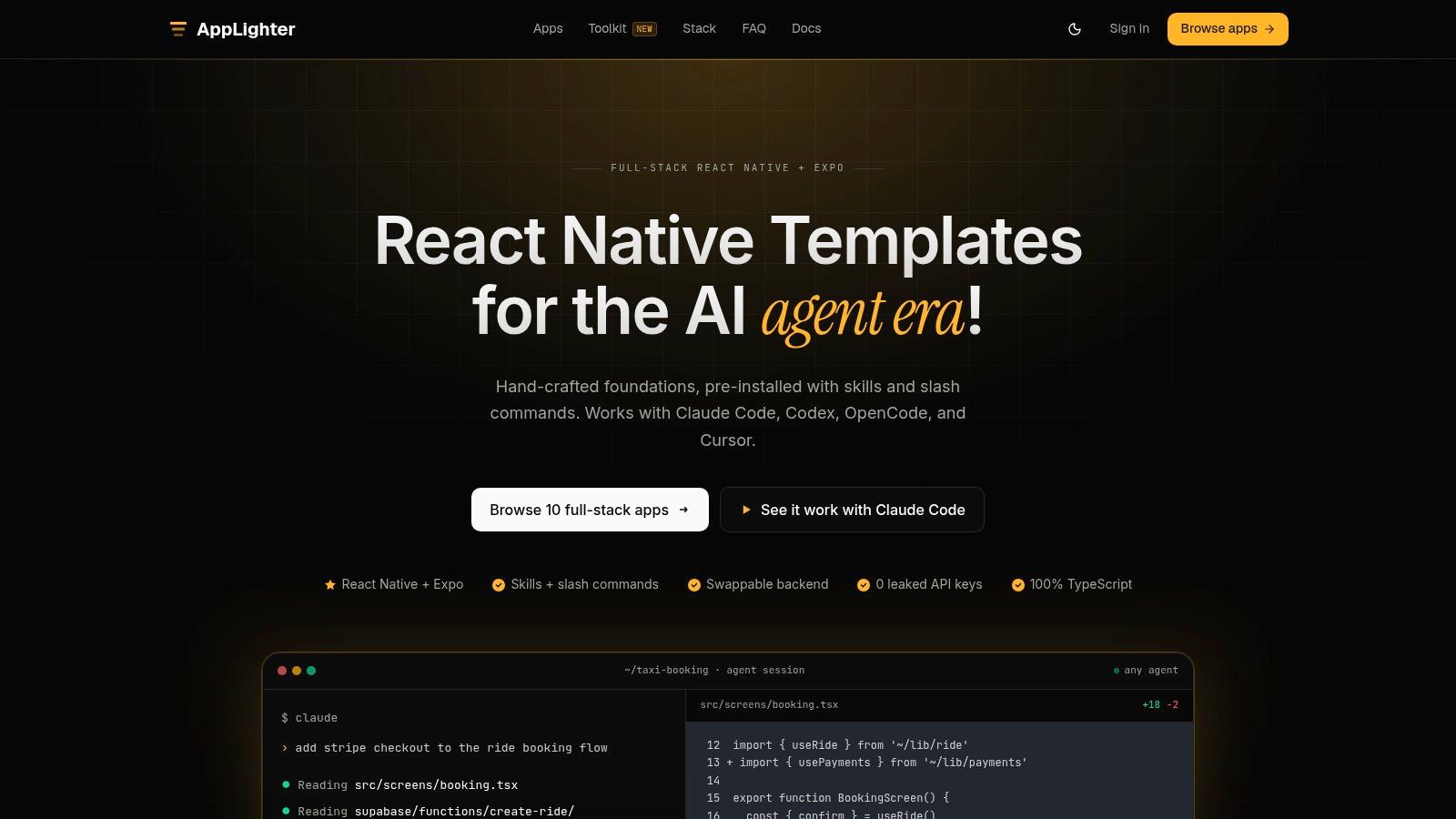 Screenshot from https://www.applighter.com
Compare a blank project with an opinionated foundation
A blank Expo project gives you flexibility, but it also gives you a long setup list. You'll need to choose navigation conventions, state boundaries, authentication flows, API contracts, database access patterns, environment handling, error reporting, and testing practices. None of those choices is difficult in isolation. Together, they create integration overhead before the product has delivered value.
AppLighter is one option for teams that want a preconfigured Expo and React Native foundation. Its stated stack combines Vibecode DB with a Supabase adapter, Hono and TypeScript for an edge-ready API layer, and preconfigured authentication, navigation, state management, and AI-assisted development tooling. The practical benefit is consistency: a team starts from connected patterns instead of assembling unrelated services screen by screen.
A managed low-code platform remains a reasonable alternative when your workflow fits its data and UI model. A custom starter kit becomes more useful when you need full source code, direct control over the application, and a backend structure that can evolve with the business.
Keep the stack opinionated where repetition is costly
Standardize the pieces that every feature touches:
- Authentication: Use one session model and one account recovery path.
- Navigation: Define public, authenticated, and privileged routes before building screens.
- State: Separate server data, local UI state, and persisted device state.
- API access: Use consistent request, validation, error, and authorization patterns.
- Database access: Keep queries and mutations behind a predictable adapter.
- AI tooling: Give coding assistants repository rules, naming conventions, and review boundaries.
This is also where staffing matters. If you're supplementing an internal team, a resource such as Hire LATAM developers can help you evaluate distributed engineering capacity without treating the stack itself as a substitute for product ownership. The founder still needs to control scope, acceptance criteria, and business priorities.
Show the team the complete path from a user action to persisted data before they build the full interface. A button that creates a booking should have a defined validation rule, API request, authorization check, database mutation, response shape, loading state, failure state, and analytics event.
A short product walkthrough can make the architecture easier to discuss with non-engineering stakeholders:
The goal isn't to add technology for its own sake. It's to make the first release repeatable, reviewable, and easier to extend when actual usage reveals the next priority.
Implementing Authentication and Data Architecture
Authentication is part of the product experience, not a checkbox at the end of development. A failed sign-in, confusing account recovery path, or inconsistent session across web and mobile can block the very workflow the app was built to improve.
Start by defining identities and permissions. Decide whether your system has customers, staff, administrators, or organization members. Then document what each role can read, create, update, and delete. Put those rules in the API and database policy layer, not only in the client interface. Hiding an admin button doesn't prevent a direct request from reaching a protected endpoint.
Build the session path before the feature path
A dependable authentication flow should cover:
- Registration: Validate the input, explain required information, and avoid creating duplicate identities.
- Sign-in: Handle invalid credentials without exposing sensitive account details.
- Session restoration: Reopen the app safely without forcing unnecessary logins.
- Recovery: Provide a clear route for forgotten credentials and expired links.
- Account changes: Reauthenticate or confirm sensitive changes where appropriate.
- Sign-out: Revoke or clear local session state consistently across devices.
For a React Native implementation, the complete Supabase Auth guide for email, OAuth, and Apple Sign In is a useful reference for mapping provider flows into the application. Test authentication on physical devices and on the web target, because redirect behavior, secure storage, and deep links can differ.
Model business data around real ownership
Start with nouns from the workflow: users, organizations, services, products, orders, bookings, messages, or payments. Add explicit ownership and status fields. A booking isn't merely a row with a date. It may belong to a customer, staff member, location, and service, with states such as requested, confirmed, cancelled, completed, or refunded.
Keep business state transitions explicit. An API should reject an invalid transition rather than allowing the client to overwrite a status arbitrarily. Use validation at the request boundary, authorization before the mutation, and database constraints for rules that must remain true regardless of which client makes the request.
A single API pattern across iOS, Android, and web prevents platform-specific business logic from drifting. Return predictable success and error shapes, log failures without exposing personal information, and instrument the core events that reveal activation, failed actions, repeat use, and conversion. Analytics should answer a product question. “How many people opened the app?” is less useful than “How many signed-in users completed the first booking?”
Go-to-Market Strategies and Future Scalability
An app becomes a business channel only when customers understand why to use it and the company can support what happens after installation. The market context is substantial. One industry forecast estimates the global mobile application market will grow from USD 333.93 billion in 2025 to USD 391.3 billion in 2026 and USD 864.5 billion by 2031, implying a 17.18% CAGR from 2026 to 2031, while another report estimates USD 305.18 billion in 2026 and USD 618.65 billion by 2031. These projections are presented in the mobile application market report, and the differing estimates reinforce the need for business-specific planning rather than reliance on a single market headline.
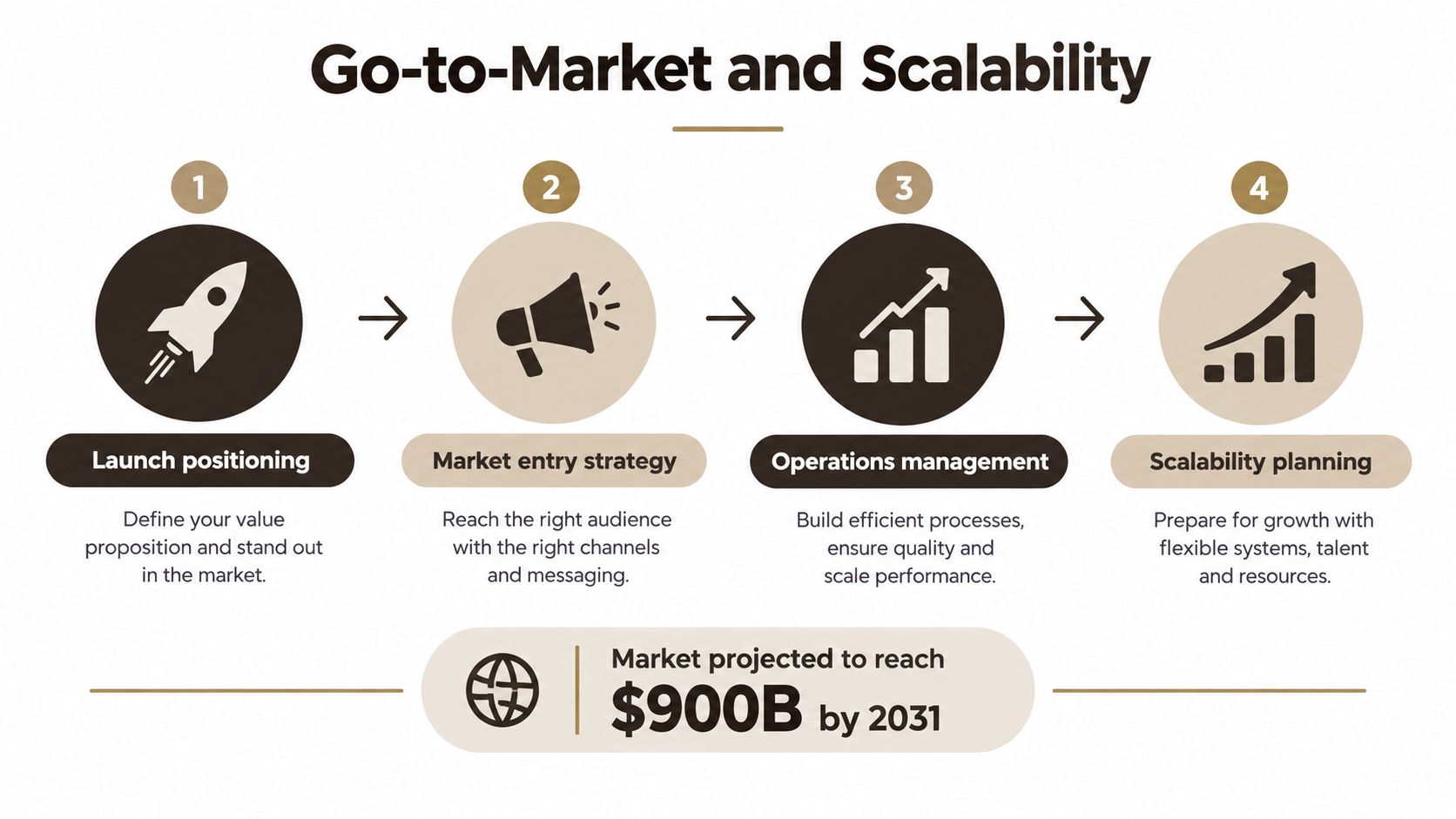 A four-step infographic illustrating go-to-market and scalability strategies for businesses targeting a 900 billion dollar market.
Launch around a commercial action
Choose one acquisition path and one activation event. Existing customers might receive an invitation through email, account support, packaging, or an in-store interaction. New users might arrive through search, partnerships, paid campaigns, or a web landing page. The message should describe the outcome, not the technology.
Activation should happen quickly and visibly. If the app's value is booking, guide the user toward a confirmed booking. If it's ordering, make product discovery and checkout the central path. Avoid sending new users into a dashboard full of empty sections.
Mobile engagement is large enough to support meaningful businesses when products earn repeat use. In 2025, users downloaded 149 billion new apps, spent 5.3 trillion hours in mobile apps, averaged 3.6 hours of daily usage, and used 34 apps per month on average. In-app purchase revenue across the iOS App Store and Google Play reached USD 167 billion, up 10.6% year over year, according to this 2025 mobile app market and monetization report. Your app doesn't need to compete for all that attention. It needs to earn a specific place in the customer's routine.
Operate for change, privacy, and scale
Post-launch work should include release monitoring, dependency updates, account support, data retention decisions, permission reviews, and a clear incident process. Build an AI-ready structure by keeping business data access behind governed APIs, recording consent where needed, and deciding which tasks can use server-side, edge, or on-device processing.
Current trend coverage emphasizes on-device and edge AI, built-in security and privacy, and the possibility that 40% of enterprise applications will include task-specific AI agents by the end of 2026, a projection discussed in this app development trends overview. Treat that as a planning signal, not a reason to add an agent to the MVP. First make the underlying workflow reliable, measurable, and permission-aware.
AppLighter provides production-ready Expo and React Native templates with full source code, backend integration, authentication, navigation, state management, and AI-assisted development tooling for iOS, Android, and web projects. If you've validated a narrow business workflow and want a connected foundation instead of rebuilding the setup layer, visit AppLighter and start from the architecture that matches your first release.