Food Delivery
React Native template
A full-stack food delivery app for browsing restaurants, ordering dishes, tracking deliveries, and managing payment methods. Built on Expo and React Native with a Supabase backend powering restaurants, orders, and reviews.
 React Native•
 Expo•
Expo• TypeScript
Production screens.
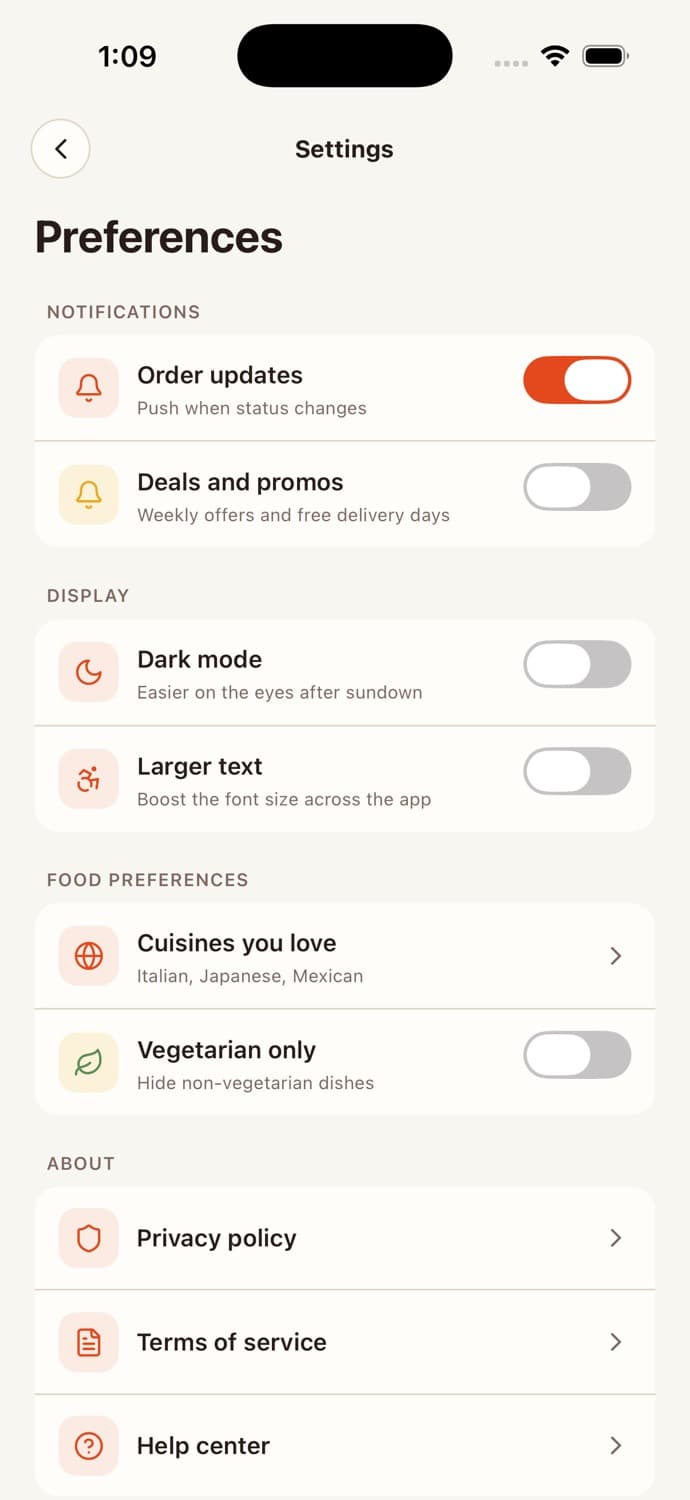
Light and dark.
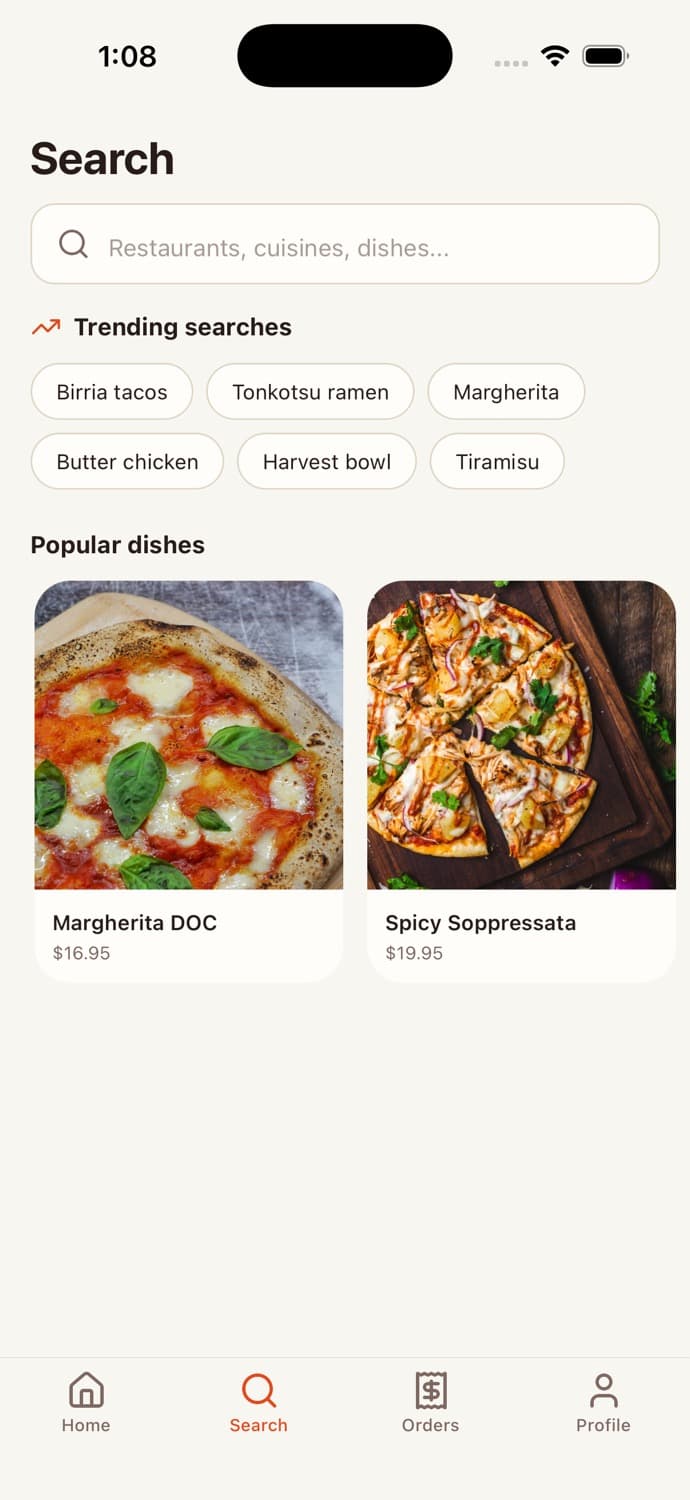
Each flow vetted by senior designers. Each interaction motion-tuned with Reanimated. No AI-looking gradients.
Three production layers.
One repository.
React Native + Expo
- →Screens designed light & dark
- →NativeWind + Reanimated motion
- →Expo Router file-based nav
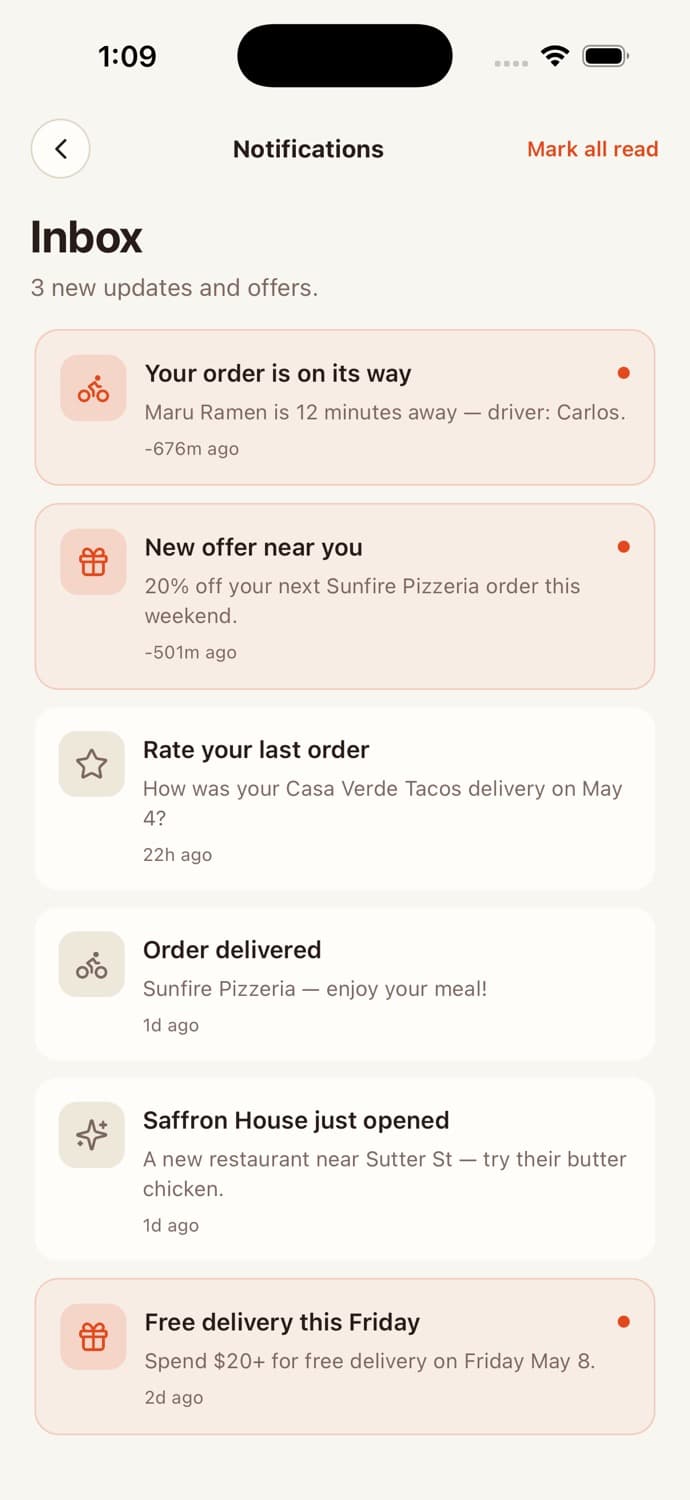
- →Push notifications wired
- →EAS build ready
Supabase DB
- →Supabase default · Drizzle/Neon adapters
- →Auth + storage + realtime + edge
- →RLS on every table
- →Schema + migrations + seed
- →Typed contracts at every boundary
BYOK AI + provider plug-ins
- →Provider-agnostic AI layer
- →Streaming + tool use + retries
- →Stripe SDK ready (where relevant)
- →Token accounting helpers
- →No keys in client bundle
Hand the repo to
your agent.
Ship features in hours.
The architecture is mapped in CLAUDE.md, AGENTS.md, and .cursorrules so any agent — Claude Code, Codex, OpenCode, Cursor — knows where things live.
- ✓Slash commands shipped: /add-screen, /swap-backend, /audit-security
- ✓Payment + map + auth + AI providers behind abstractions
- ✓Domain logic documented as state machines and diagrams
- ✓Every API call has a typed contract and a test
Food Delivery,
fully wired.
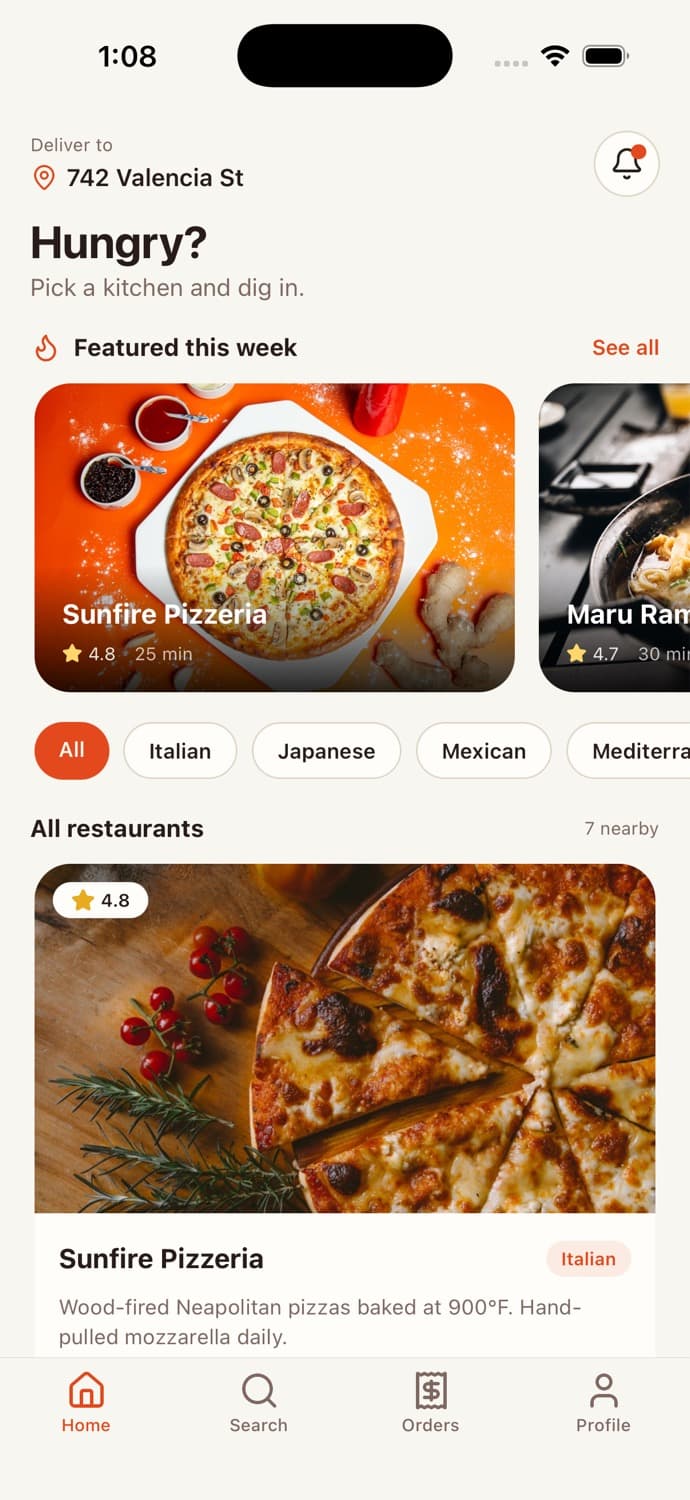
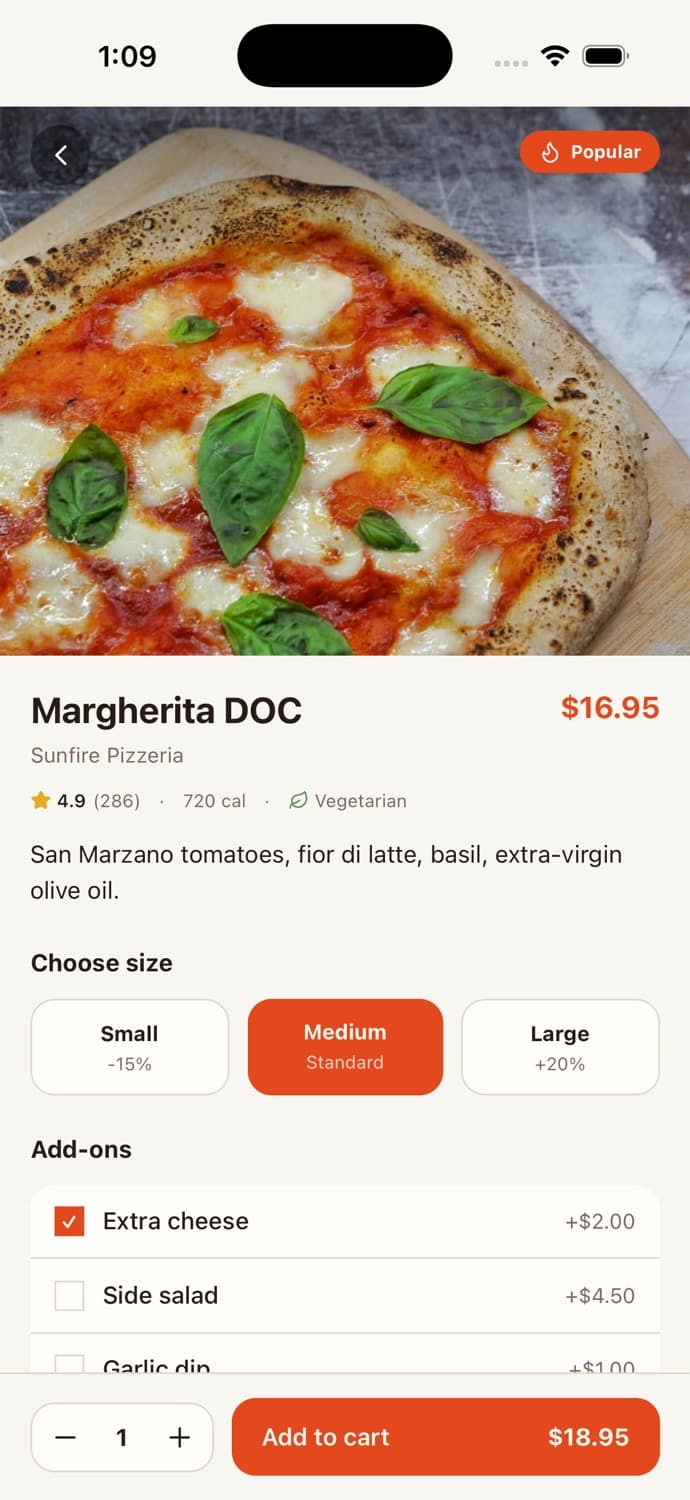
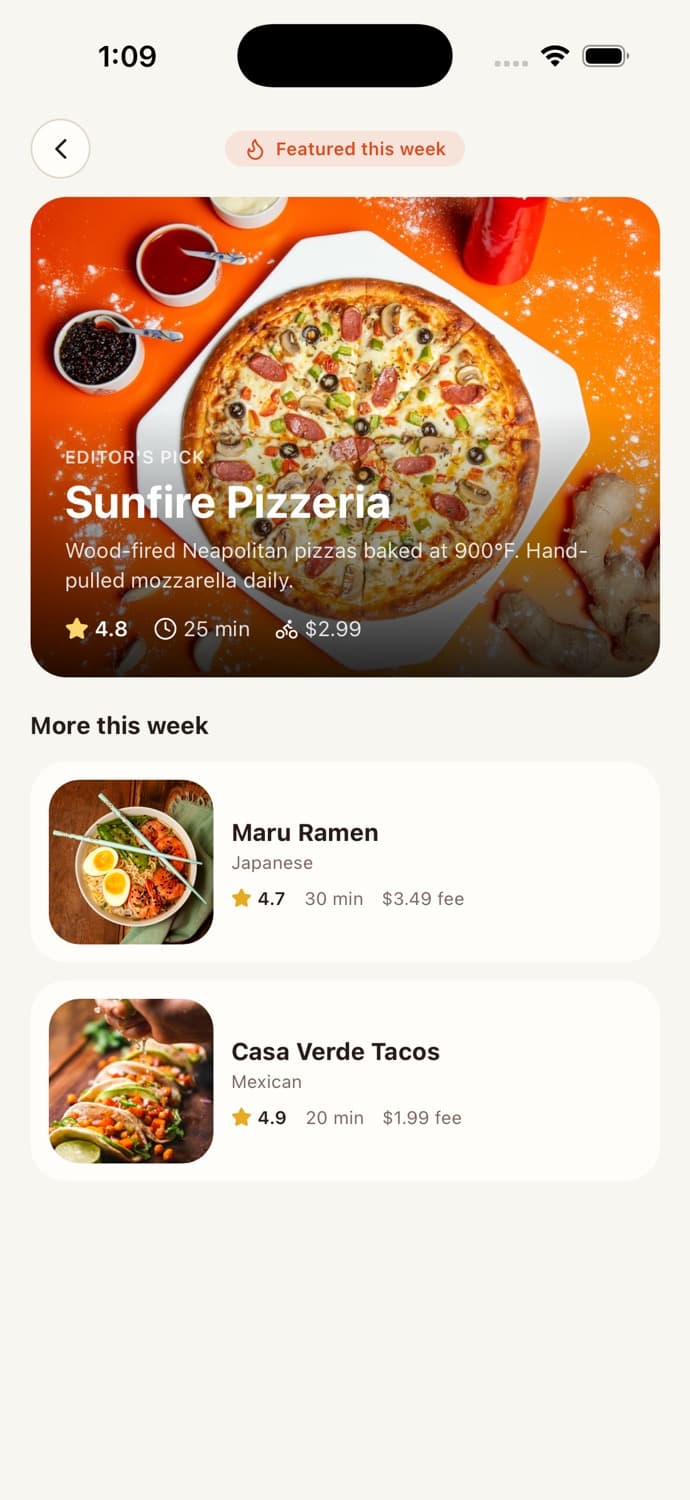
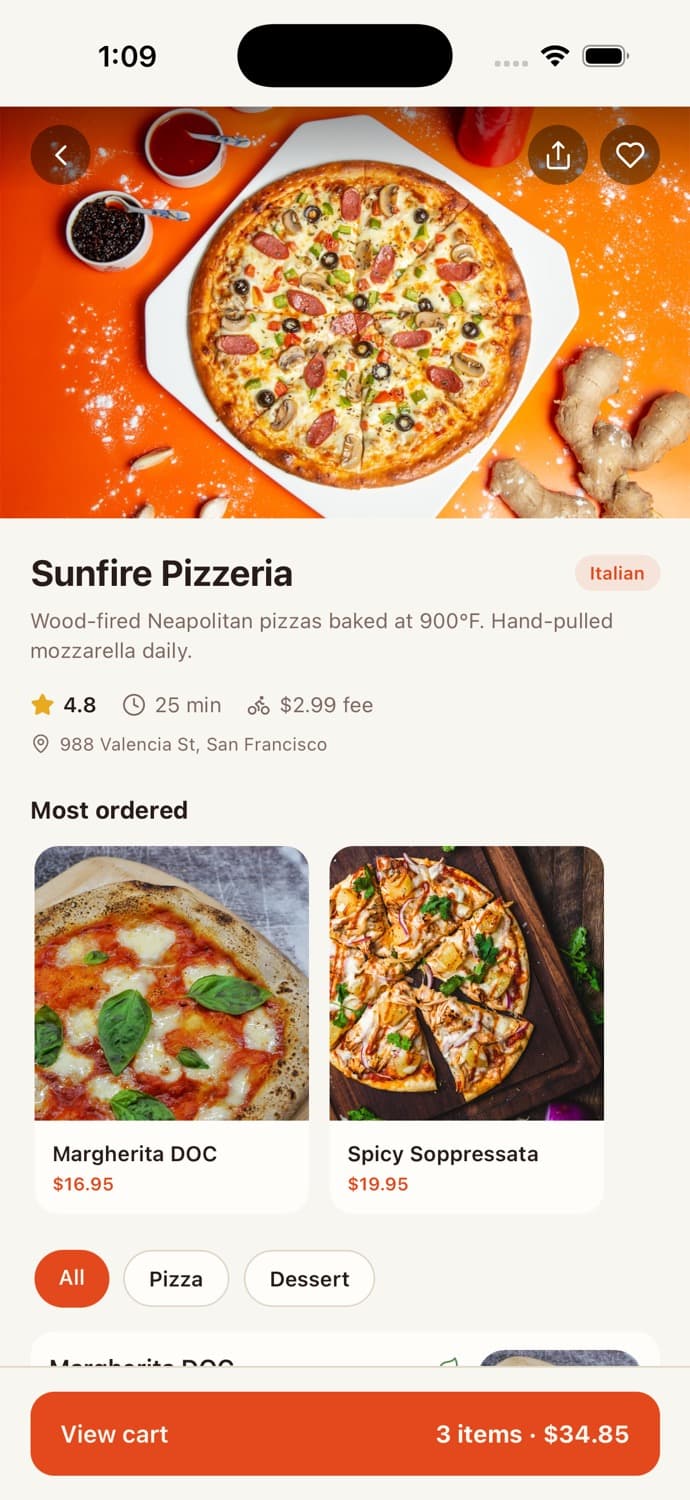
Restaurant feed + cuisine filters
FlatList with featured carousel, cuisine pill filter, ratings/ETA/fee surfaced.
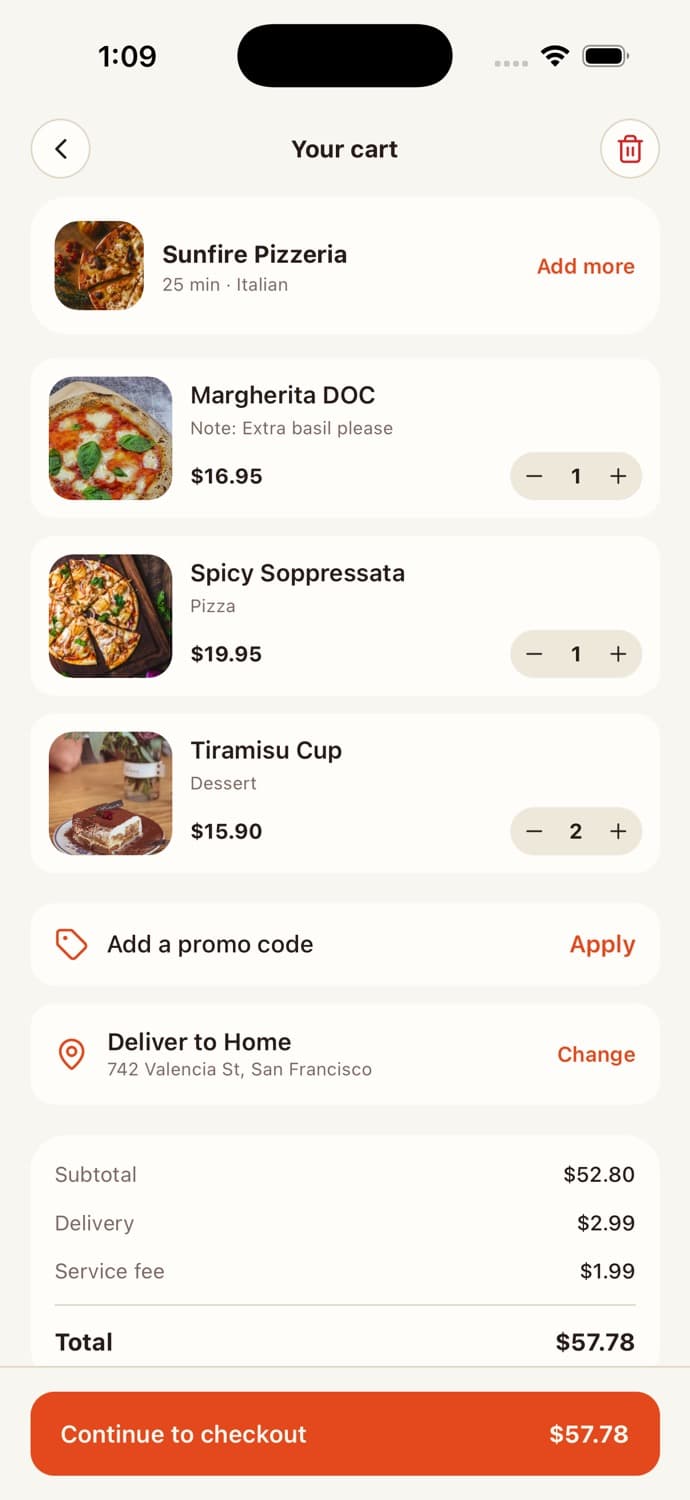
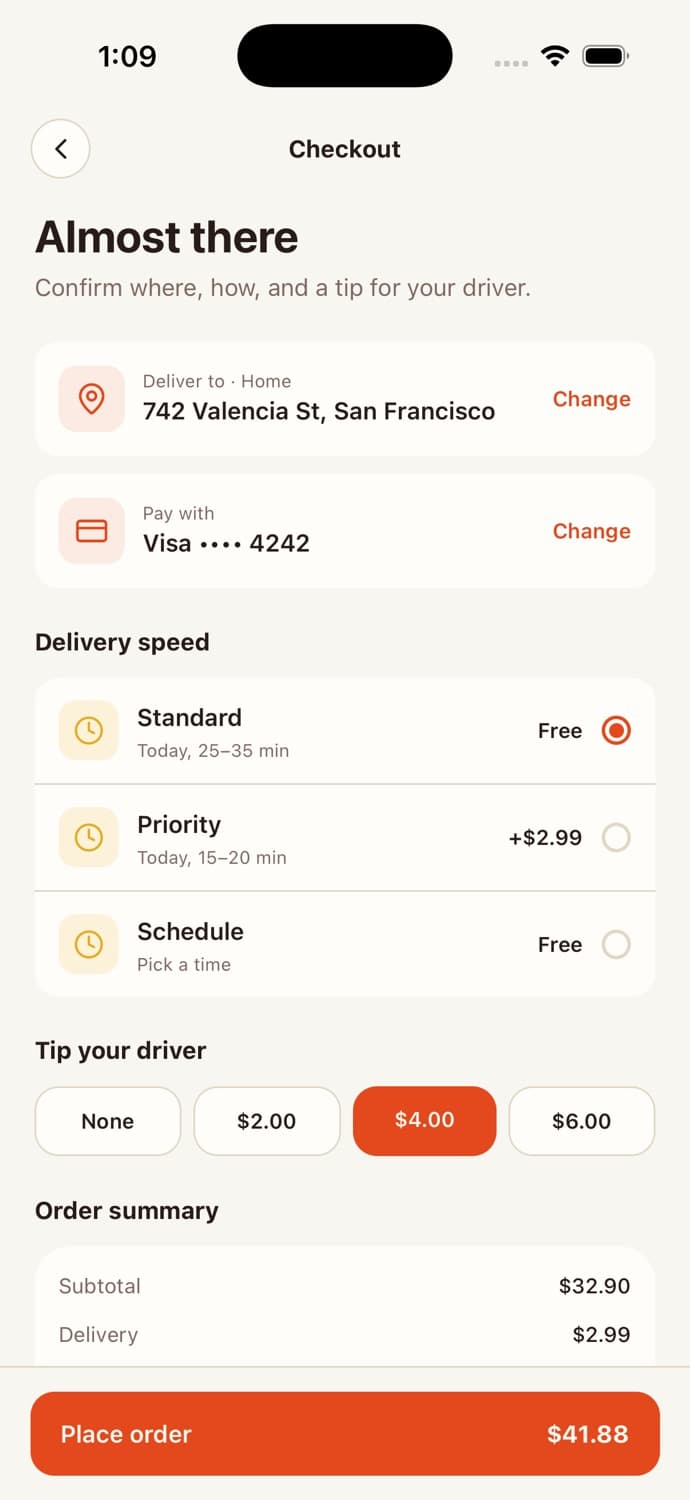
Cart + checkout flow
Item quantity controls, promo codes, delivery speed, driver tip, full totals breakdown.
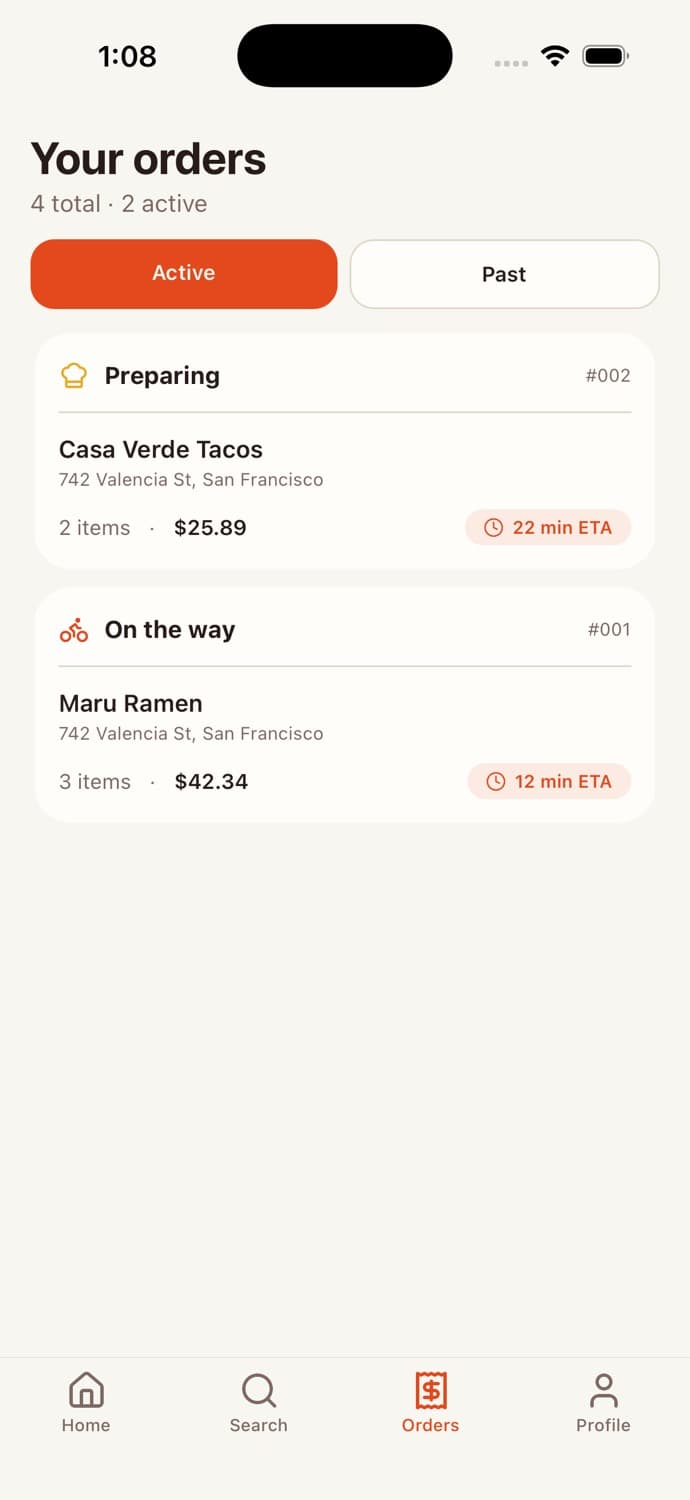
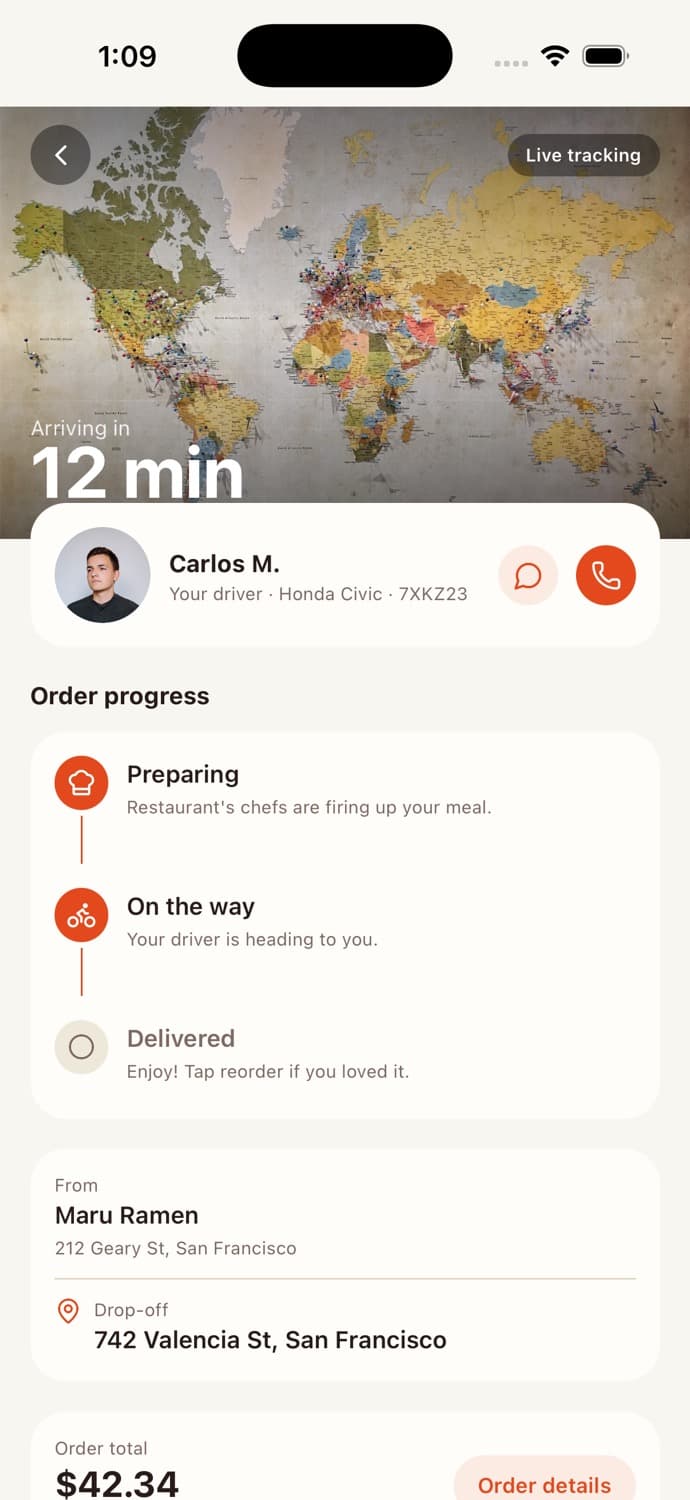
Live order tracking
3-step pipeline (Preparing → On the way → Delivered), driver card with call/message actions.
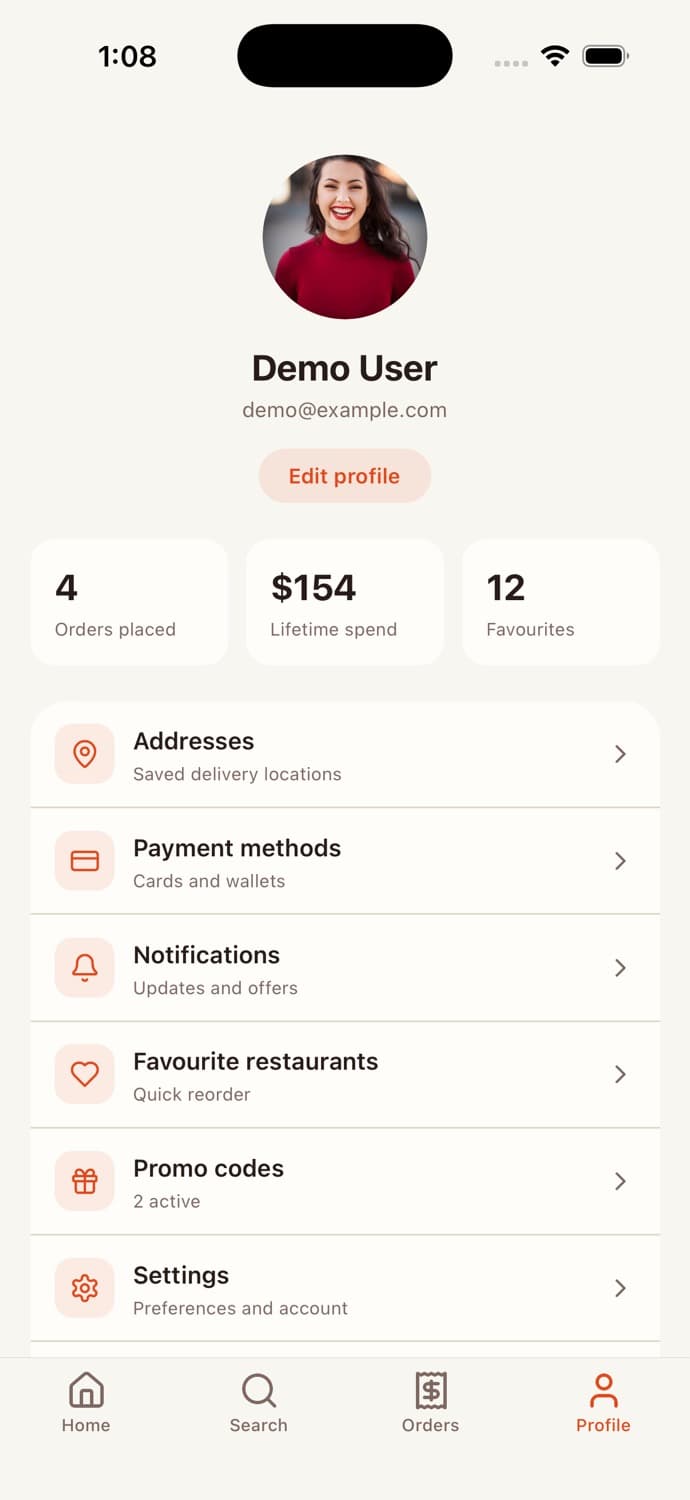
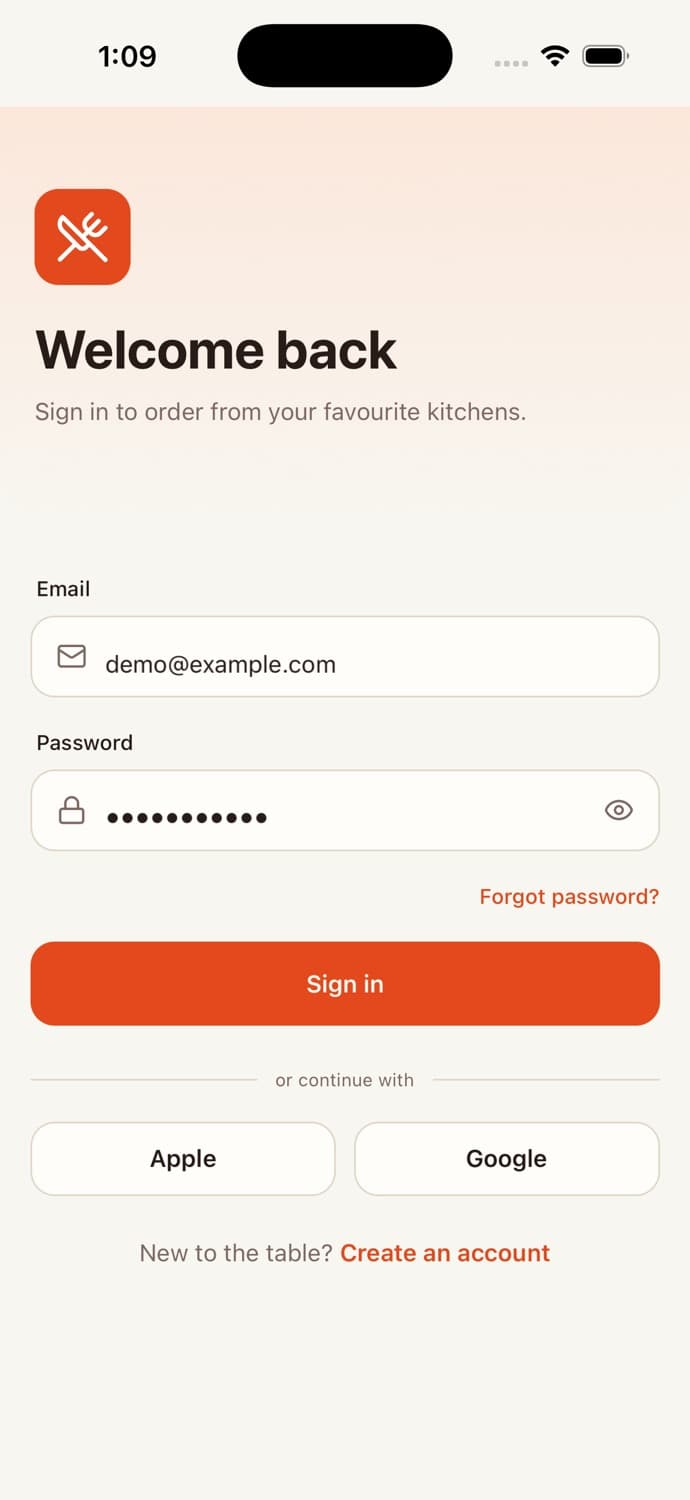
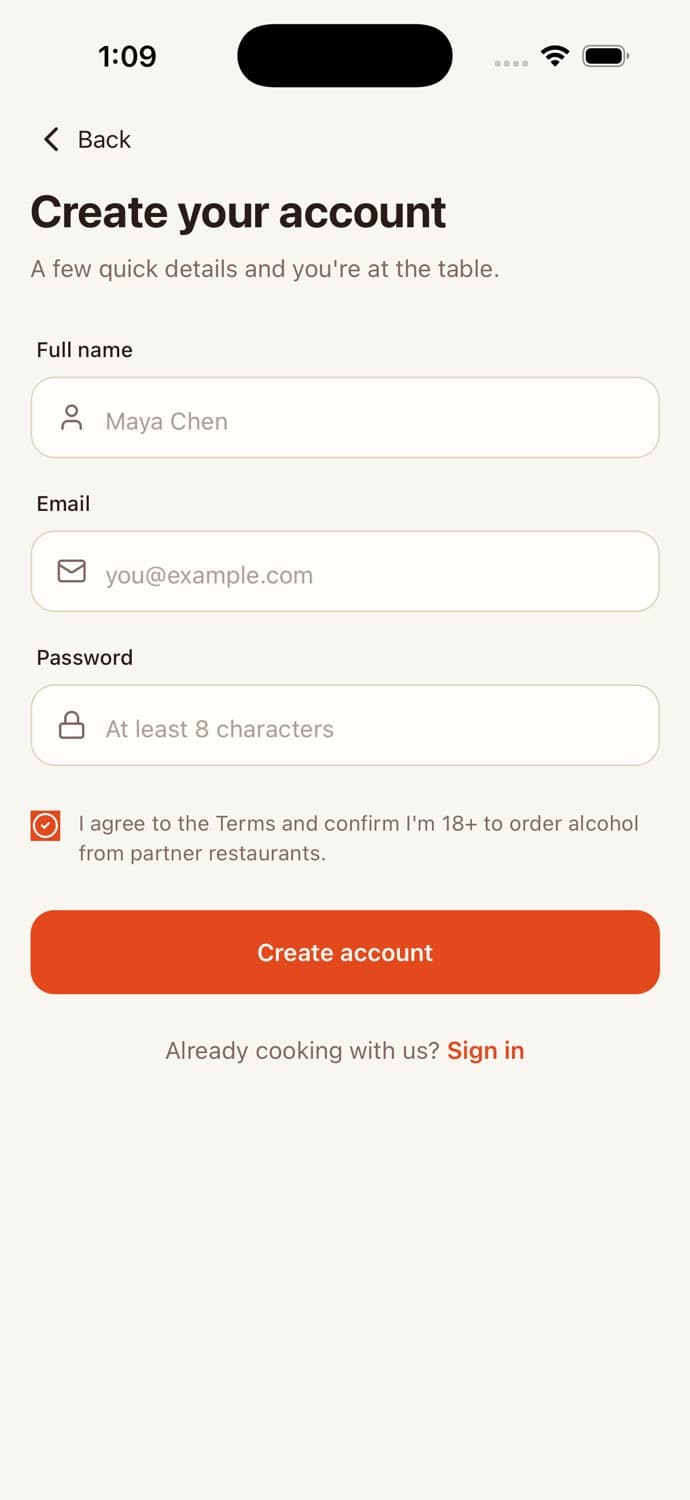
Auth + saved profile
Login/signup with Apple/Google CTAs, profile dashboard, sign out.
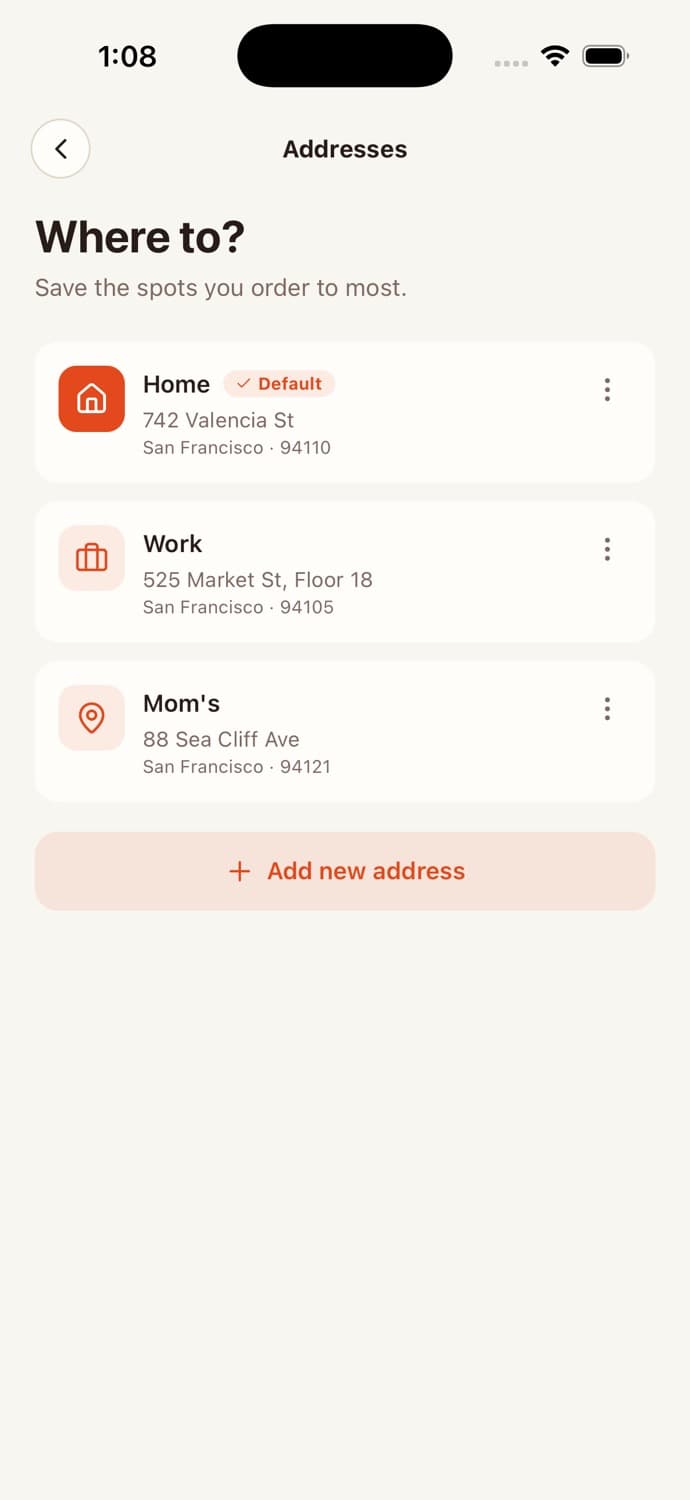
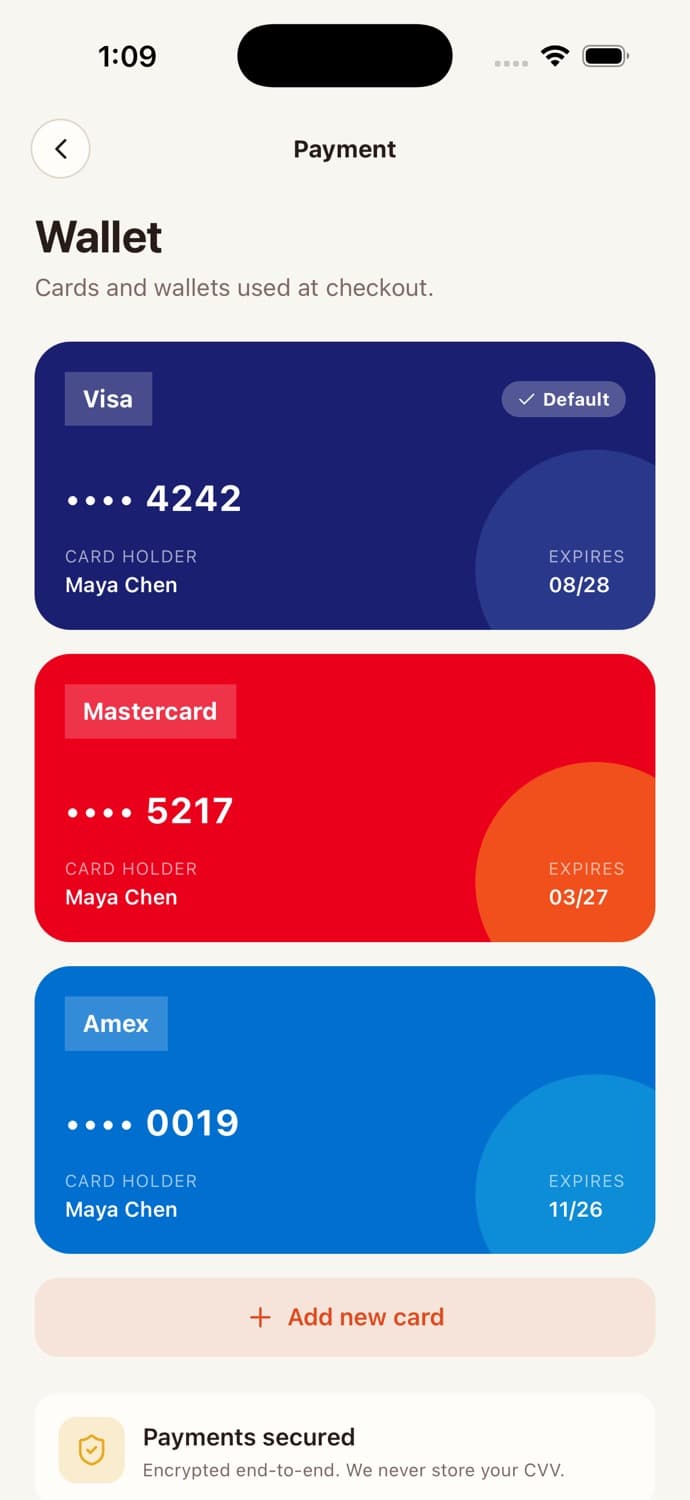
Addresses + payment methods
Multiple labelled addresses, branded card UI, Apple/Google Pay placeholders.
The audit we ship
with every release.
We don’t say “secure” and hope. Every release goes through a written checklist, and we ship the checklist with the code. Here’s what gets verified before a build leaves our hands.
- No API keys in client bundlescanned
- RLS policy on every tableall tables
- Provider secrets in edge functions only
- Webhook signatures verified
- Rate limiting on auth + critical endpoints
- PII fields encrypted at rest
- File uploads in private buckets
- Chat moderation on incoming messages
- OWASP mobile top-10 reviewed
- Dependencies pinned + npm audit clean
~310 engineering
hours, already paid for.
A senior React Native engineer at $120/hr writing this from scratch — and getting security right — costs ~$37,000.
From repo to App Store in four steps.
- 01
Download & Install
Clone the repository and install dependencies with a single command.
- 02
Customize
Update colors, fonts, and assets to match your brand.
- 03
Connect Backend
Add your backend credentials in the environment config.
- 04
Deploy
Build and submit to the App Store and Google Play.
Built by engineers.
Shipped by teams.
Feedback from engineers and teams shipping production apps on AppLighter templates.
Had a working MVP in front of beta users within a week. The entire backend was already wired up, so I just focused on customizing the UI and plugging in my API keys. Weeks of work, done.

A client needed a proof-of-concept for an AI product by Friday. We grabbed the template Monday morning, swapped in their branding, and demoed a fully working app in 3 days. They signed the contract that week.

We went from idea to App Store submission in under 3 weeks. The screens, navigation, and components were all there. We just connected our backend and started onboarding users. Saved us at least 2 months of design and frontend work.

One purchase. Yours forever.
Pick the license that matches how you ship.
Questions about the Food Delivery template
What is included?
Is this compatible with Expo?
Can I customize the branding?
Do you provide support?
Ship your food delivery app
in days.
Production screens. Real backend. Security-audited. Your agent will thank you.