Chat & Messaging
React Native template
A full-stack messaging app with 1:1 and group chats, stories, voice/video calls, and contact management. Built on Expo and React Native with a Supabase backend powering messages, presence, and user accounts.
 React Native•
 Expo•
Expo• TypeScript
Production screens.
Light and dark.
Each flow vetted by senior designers. Each interaction motion-tuned with Reanimated. No AI-looking gradients.
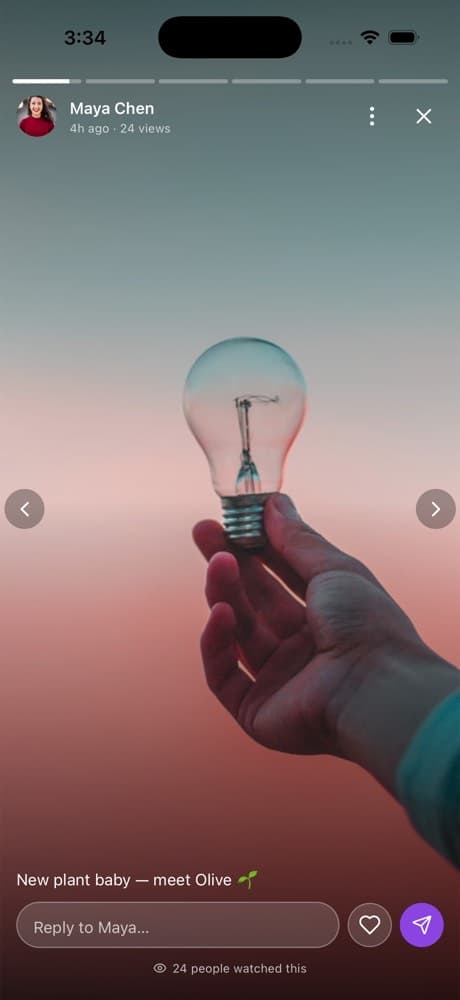
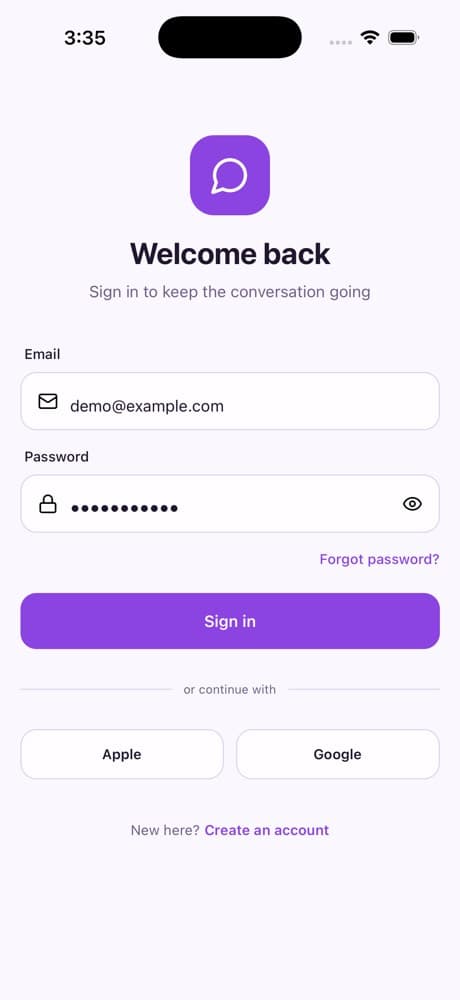
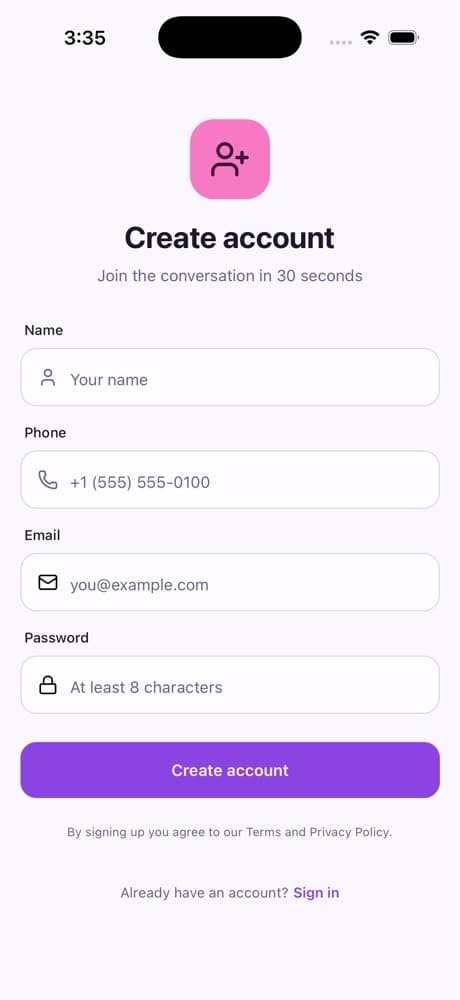
Three production layers.
One repository.
React Native + Expo
- →Screens designed light & dark
- →NativeWind + Reanimated motion
- →Expo Router file-based nav
- →Push notifications wired
- →EAS build ready
Supabase DB
- →Supabase default · Drizzle/Neon adapters
- →Auth + storage + realtime + edge
- →RLS on every table
- →Schema + migrations + seed
- →Typed contracts at every boundary
BYOK AI + provider plug-ins
- →Provider-agnostic AI layer
- →Streaming + tool use + retries
- →Stripe SDK ready (where relevant)
- →Token accounting helpers
- →No keys in client bundle
Hand the repo to
your agent.
Ship features in hours.
The architecture is mapped in CLAUDE.md, AGENTS.md, and .cursorrules so any agent — Claude Code, Codex, OpenCode, Cursor — knows where things live.
- ✓Slash commands shipped: /add-screen, /swap-backend, /audit-security
- ✓Payment + map + auth + AI providers behind abstractions
- ✓Domain logic documented as state machines and diagrams
- ✓Every API call has a typed contract and a test
Chat & Messaging,
fully wired.
Auth flows
Email + password sign-in and sign-up screens wired to useAuth() with optimistic React Query cache invalidation.
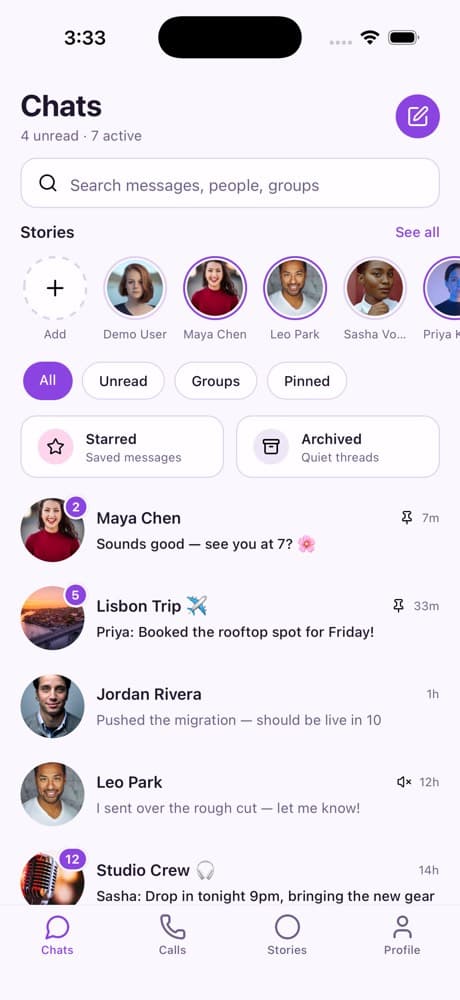
Conversation list
Sorted by pin + recency, with unread badges, mute/pin/archive states, and filter pills for All / Unread / Groups / Pinned.
Chat detail
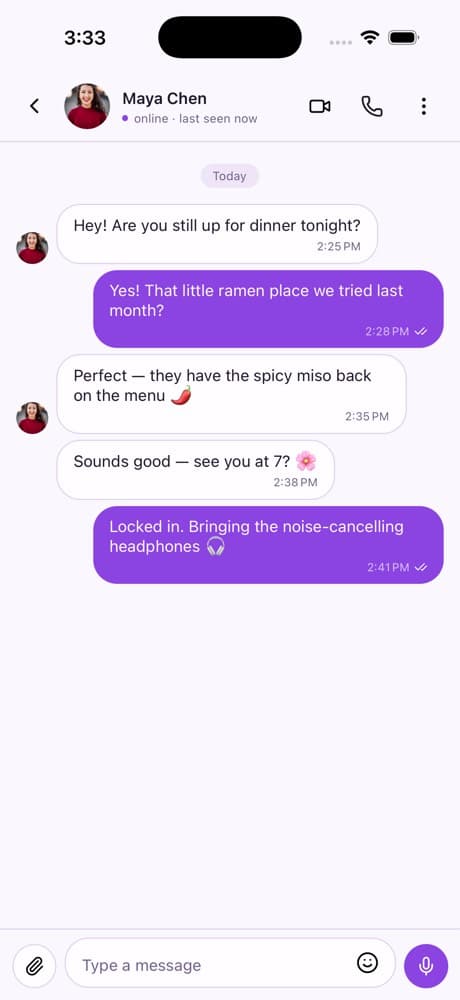
Threaded messages with avatars, sender bubbles, read receipts, send mutation that updates last_message on the conversation, and a swappable text/voice composer.
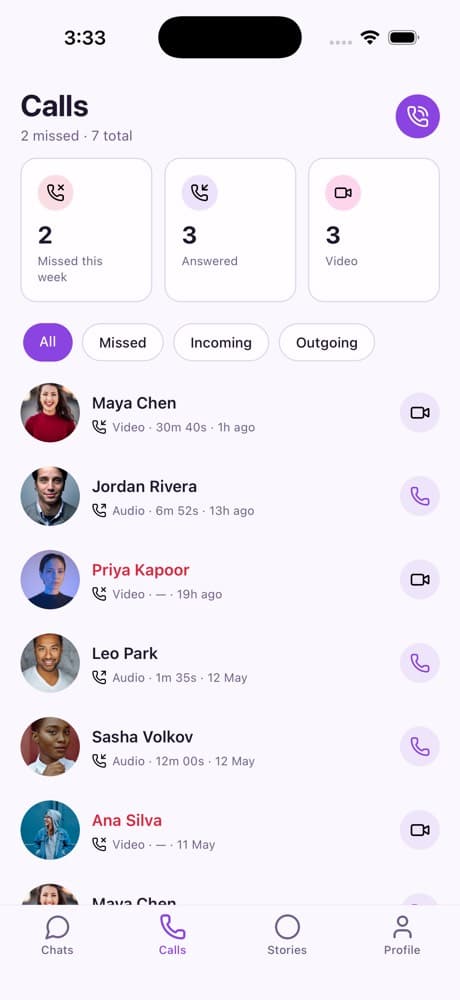
Call history
Audio + video log with incoming / outgoing / missed states, per-contact stats, and one-tap call-back.
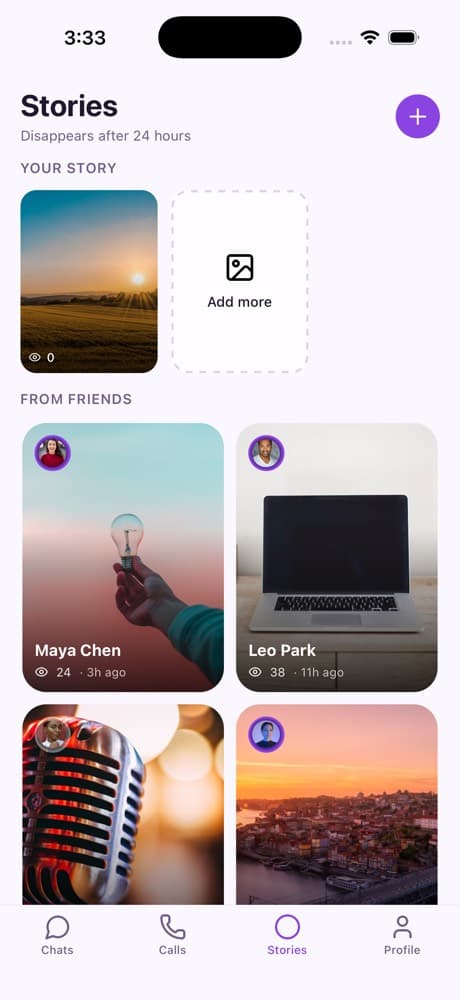
Stories
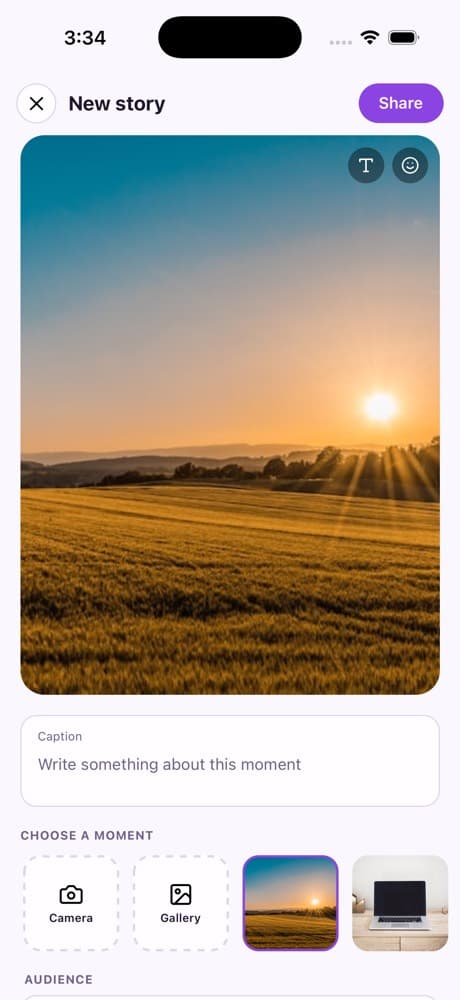
24-hour ephemeral story feed with progress bars, view counts, gradient overlays, a viewer with prev/next paddles, and an audience-aware composer.
Contacts + groups
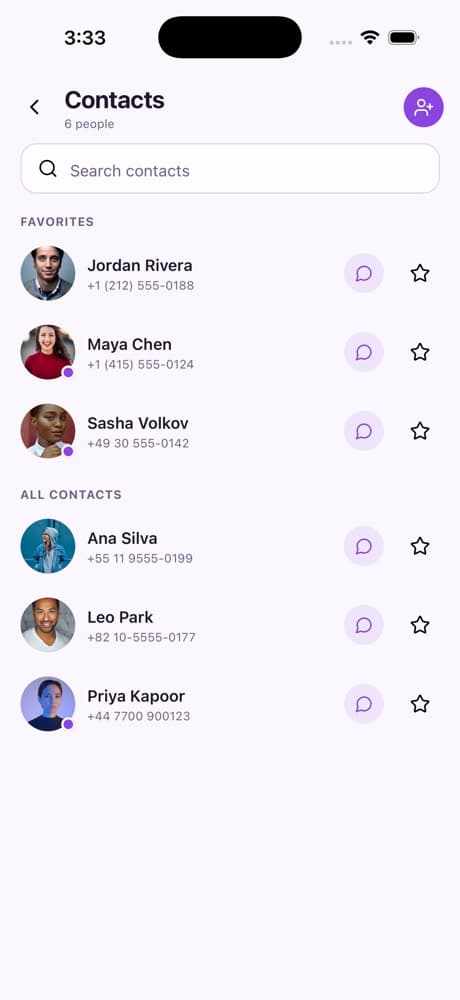
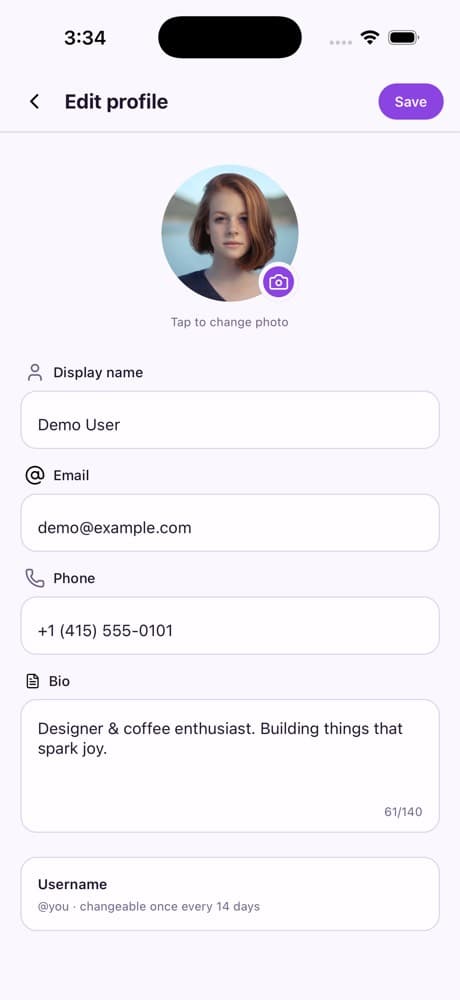
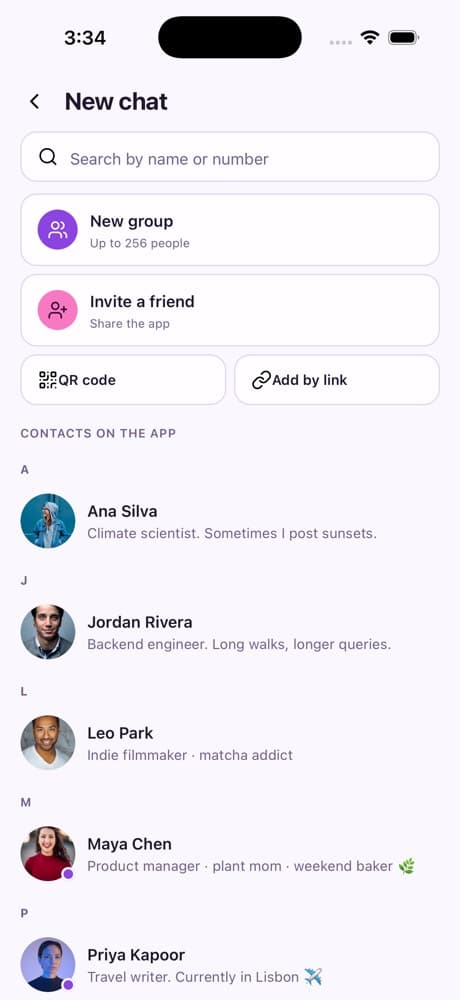
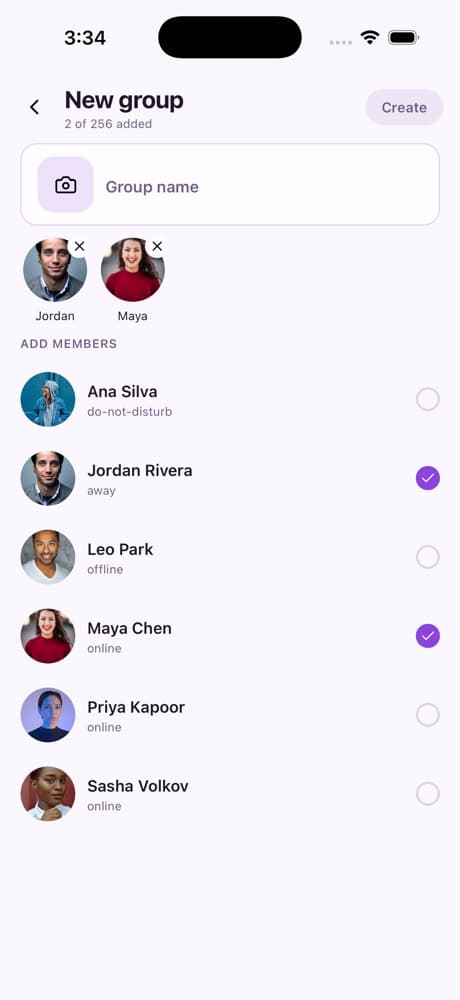
Alphabetised contacts with favorites, new-chat picker, and a group-creation flow with multi-select chips and a Create CTA.
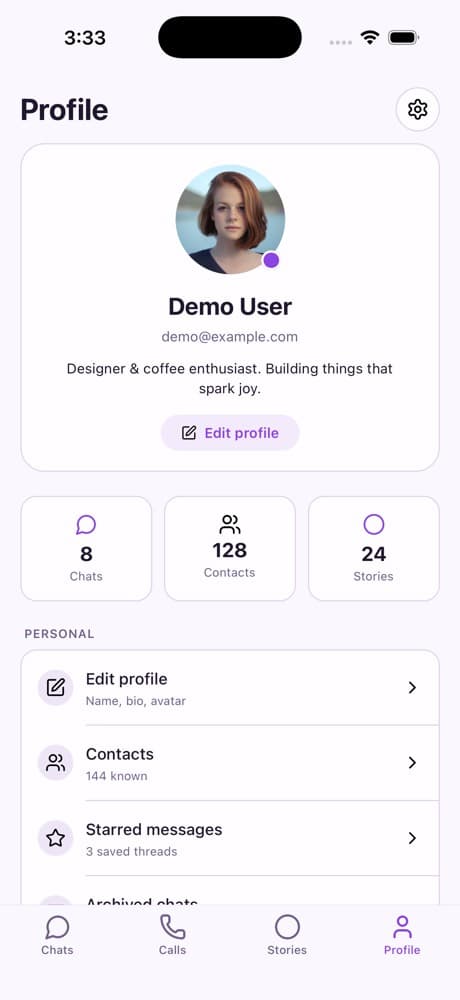
Archive + starred
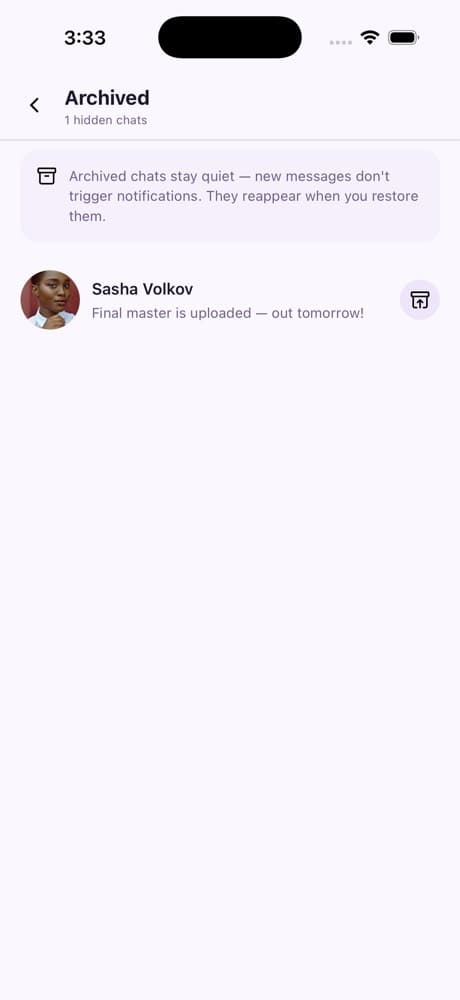
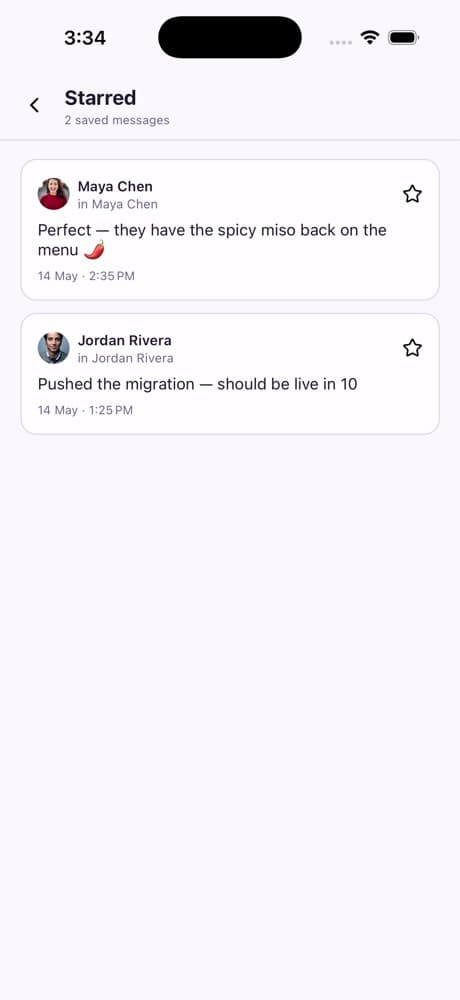
Two-bucket inbox: archived chats stay quiet, starred messages surface across conversations with one-tap unstar.
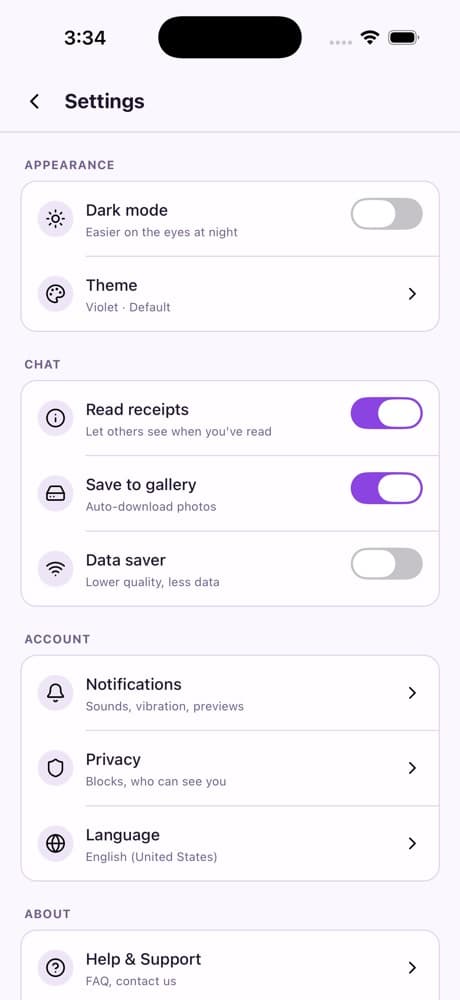
Settings tree
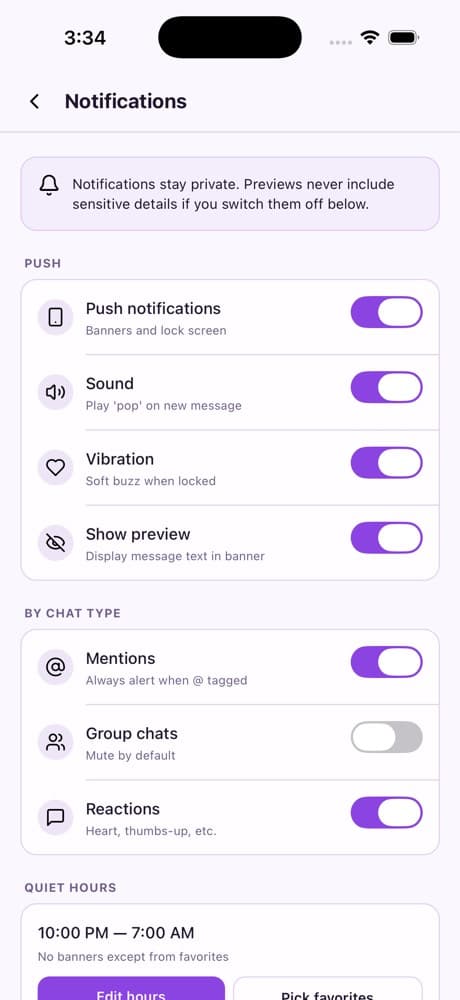
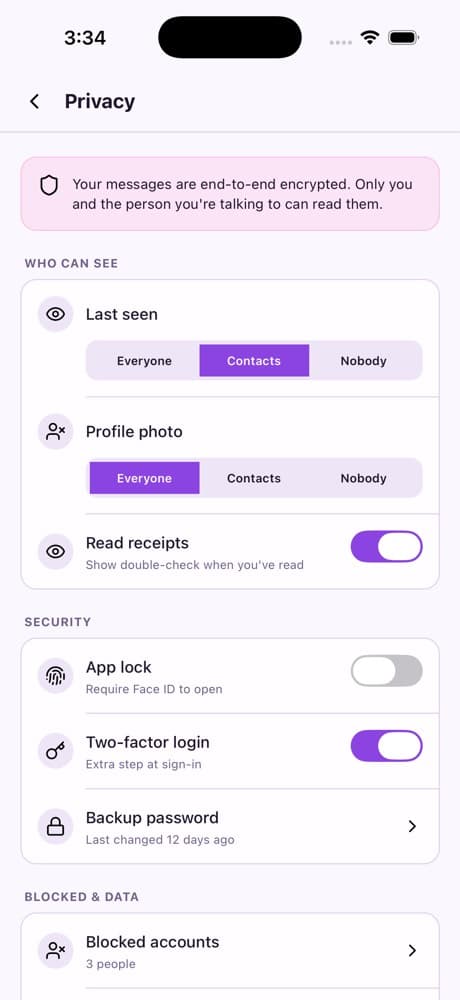
Notifications, privacy with last-seen / read-receipt / profile-photo visibility segments, app lock + 2FA toggles, theme switcher, and quiet hours.
The audit we ship
with every release.
We don’t say “secure” and hope. Every release goes through a written checklist, and we ship the checklist with the code. Here’s what gets verified before a build leaves our hands.
- No API keys in client bundlescanned
- RLS policy on every tableall tables
- Provider secrets in edge functions only
- Webhook signatures verified
- Rate limiting on auth + critical endpoints
- PII fields encrypted at rest
- File uploads in private buckets
- Chat moderation on incoming messages
- OWASP mobile top-10 reviewed
- Dependencies pinned + npm audit clean
~310 engineering
hours, already paid for.
A senior React Native engineer at $120/hr writing this from scratch — and getting security right — costs ~$37,000.
From repo to App Store in four steps.
- 01
Download & Install
Clone the repository and install dependencies with a single command.
- 02
Customize
Update colors, fonts, and assets to match your brand.
- 03
Connect Backend
Add your backend credentials in the environment config.
- 04
Deploy
Build and submit to the App Store and Google Play.
Built by engineers.
Shipped by teams.
Feedback from engineers and teams shipping production apps on AppLighter templates.
Had a working MVP in front of beta users within a week. The entire backend was already wired up, so I just focused on customizing the UI and plugging in my API keys. Weeks of work, done.

A client needed a proof-of-concept for an AI product by Friday. We grabbed the template Monday morning, swapped in their branding, and demoed a fully working app in 3 days. They signed the contract that week.

We went from idea to App Store submission in under 3 weeks. The screens, navigation, and components were all there. We just connected our backend and started onboarding users. Saved us at least 2 months of design and frontend work.

One purchase. Yours forever.
Pick the license that matches how you ship.
Questions about the Chat & Messaging template
What is included?
Is this compatible with Expo?
Can I customize the branding?
Do you provide support?
Ship your chat & messaging app
in days.
Production screens. Real backend. Security-audited. Your agent will thank you.